


Dedicated Media Keys for Streamers: Improve Workflow Fast
Dedicated media keys give streamers one-touch control to mute, switch scenes, clip highlights, and adjust audio — cutting task time and boosting consistency 🎛️⚡
Read moreDedicated multimedia keys speed up editing, streaming, and daily tasks by triggering actions, controlling audio, and launching apps with one press. Learn setup tips, mapping tricks, and best uses 🚀⌨️
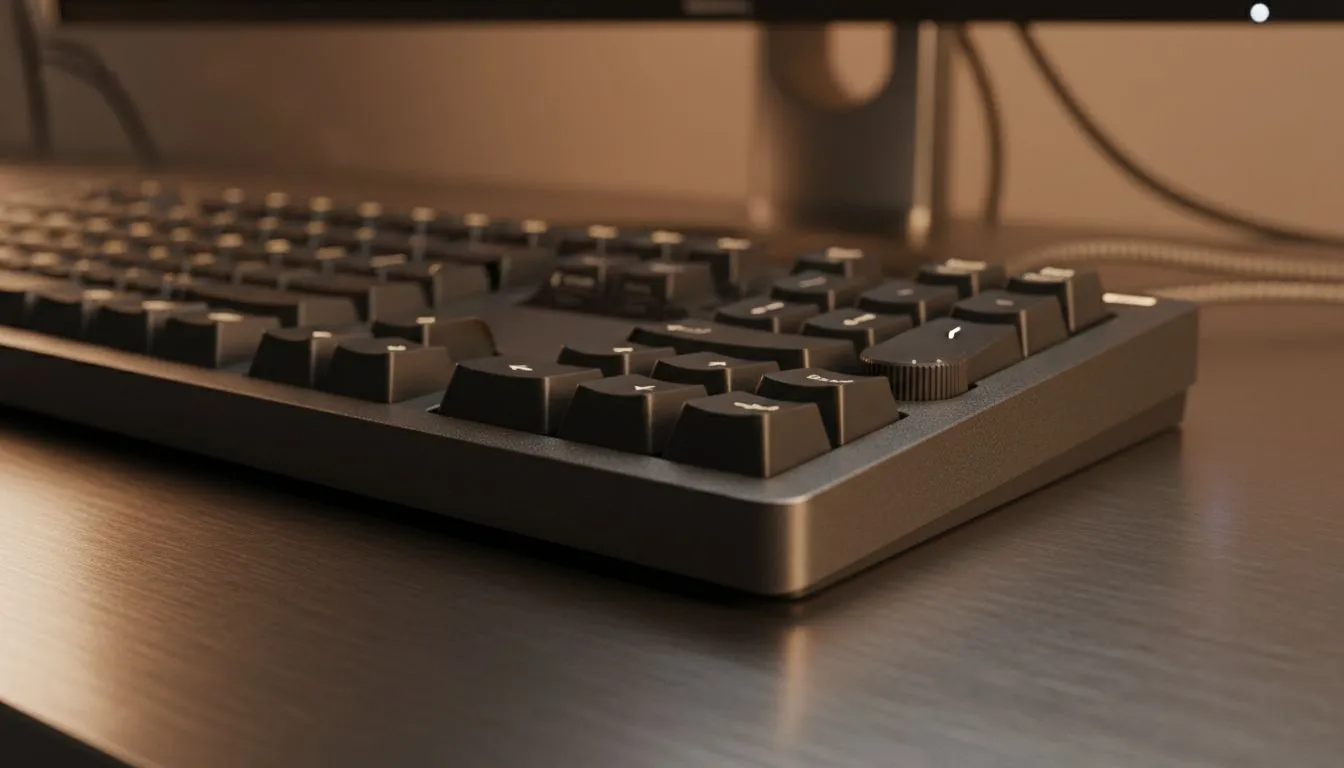
If you edit videos, stream, or juggle music and chat, a few extra keys can save minutes every hour. Dedicated multimedia keys give instant control over volume, playback, and custom macros — no hunting menus, no lost clips. Want to test one without breaking the bank? Start by browsing Evetech's options for affordable keyboards to see models with these extras.
Multimedia keys are more than play and pause. With proper mapping, they trigger app switches, mute your mic, or launch macros. For streamers in Johannesburg and Cape Town, that means fewer oops moments and smoother broadcasts. If you prefer brand-focused shopping, check Evetech’s Razer collection to compare layouts and features.
Many compact boards drop these keys; full-size and dedicated multimedia layouts are worth it for creators. Curious about different manufacturers? See how Glorious layouts balance minimalism and function on Evetech’s Glorious page. ✨
Remap the extra keys to system-level shortcuts so they work across apps. On Windows, use the keyboard software or apps like AutoHotkey to bind a single key to a sequence — perfect for toggling OBS scenes or muting Discord instantly.
Latency and battery life matter. If you push hotkeys constantly, wired keyboards are reliable. Want clutter-free desks? Wireless models keep the rig tidy and still offer dedicated controls. Compare Evetech’s wireless options if desk aesthetics are your priority, or view wired choices if you value rock-solid response. Both pages list models with dedicated keys so you can match feel and function.
A keyboard with dedicated multimedia keys plays best with a mouse that matches your workflow. Look through Evetech’s gaming mouse category for ergonomic matches, or find current best mouse deals to pair with your keyboard purchase. If you prefer wireless mice to match a wireless keyboard, Evetech’s wireless mouse range will help. If you need low-latency performance, browse wired mice. Don’t forget accessories like mouse pads and grips to round out your desktop — Evetech’s mouse accessories page has practical picks. 🚀
A Cape Town VJ I worked with cut stream setup time from 10 minutes to 90 seconds just by remapping three multimedia keys: scene switch, record, and mute. That tiny change reduced stress and let them start on time — audiences notice consistency. You can do the same in under an hour.
Ready to compare models and prices? Browse Evetech’s cheapest gaming keyboards to see baseline options, then narrow by brand or connectivity using these targeted lists:
Ready to Find Your Perfect Match? The Mac vs Windows debate is complex, but for maximum power, choice, and value in South Africa, Windows is hard to beat. Explore our massive range of laptop specials and find the perfect machine to conquer your world.
Dedicated multimedia keys are keyboard buttons that control audio, playback, and app shortcuts, speeding tasks for content creators and multimedia workflows.
By replacing multi-step commands with single presses, multimedia keys speed editing, switching apps and audio control, boosting workflow productivity.
Yes. Many keyboards let you map keys to macros or editing shortcuts, ideal for programmable multimedia keys for video editing.
Absolutely — multimedia keys for streamers let you mute mics, switch scenes and control playback without interrupting your broadcast.
Most keyboards support Windows and macOS via drivers or customizable software; check compatibility and mapping features before buying.
Look for programmable layouts, solid key travel and dedicated media clusters — the best keyboards with multimedia keys include mechanical and hybrid models.
Use your keyboard's software or OS hotkey settings to assign multimedia keys to apps or macros, enabling app-specific shortcuts.
Dedicated media keys give streamers one-touch control to mute, switch scenes, clip highlights, and adjust audio — cutting task time and boosting consistency 🎛️⚡
Read more
PBT vs ABS keycaps: Clear, local guide for South African gamers—compare feel, sound, durability and where to buy. Find the best material for your budget and playstyle 🎮🇿🇦
Read more
- Multi-Function Digital Dial: define benefits - Show gamer setups and macros - Offer buying and setup tips Multi-Function Digital Dial puts programmable control at your fingertips for faster actions and smoother streaming. 🎮⚙️
Read more
- Explain benefits; - Show the science; - Compare options; - Recommend picks. Magnetic wrist rest for gaming cuts wrist strain and boosts comfort during long sessions 🕹️✨
Read more
best gaming keyboard South Africa: Learn how to pick a low-latency mechanical keyboard, choose switches, layout and budget for competitive play 🎮⚡
Read more
Best wireless keyboard and mouse combo for small desks — curated, space-saving picks that boost comfort and productivity in tight setups. Find low-profile layouts, compact mice, and reliable range to fit your compact workstation. 🖱️⌨️
Read more
Discover webcams that automatically adjust light and color for crystal-clear video calls 🎥✨. Boost your streaming quality today!
Read more
Discover webcams that blend into your workflow 🎯 Capture moments while you work, stream, or create. Upgrade your setup with smart, multitasking tech!
Read more Dedicated media keys give streamers one-touch control to mute, switch scenes, clip highlights, and adjust audio — cutting task time and boosting consistency 🎛️⚡
Read more PBT vs ABS keycaps: Clear, local guide for South African gamers—compare feel, sound, durability and where to buy. Find the best material for your budget and playstyle 🎮🇿🇦
Read more - Multi-Function Digital Dial: define benefits - Show gamer setups and macros - Offer buying and setup tips Multi-Function Digital Dial puts programmable control at your fingertips for faster actions and smoother streaming. 🎮⚙️
Read more - Explain benefits; - Show the science; - Compare options; - Recommend picks. Magnetic wrist rest for gaming cuts wrist strain and boosts comfort during long sessions 🕹️✨
Read more