

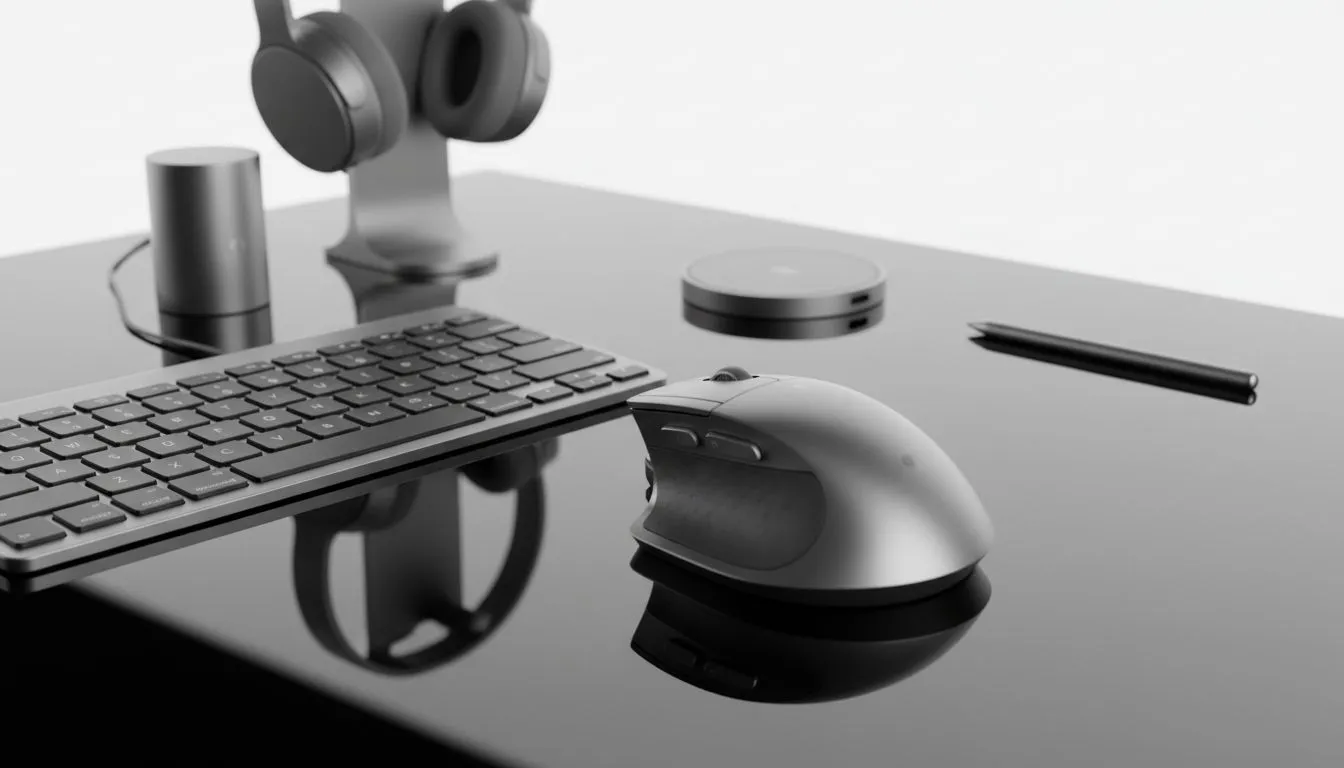
Desk Accessories to Match Tech: Why your setup matters now
South African gamers, content creators, and remote workers—your desk says a lot. In the next minute you’ll learn simple swaps and smart buys that upgrade ergonomics, cable clutter, and the look of your battlestation without breaking the bank. Think tidy RGB, proper monitor height, and a matching aesthetic that actually helps you work and play better. 🔧✨
Desk Accessories to Match Tech: Quick wins for every budget
Start with three small moves: raise your monitor, hide cables, and add a dedicated USB hub. A monitor arm or riser instantly improves posture and frees desk space. Evetech stocks a wide range of monitor accessories if you want to browse options and compare mounts or stands: https://www.evetech.co.za/PC-Components/buy-monitor-accessories-368.
For compact setups, a multiport USB hub or slim docking station keeps peripherals tidy. If you favour matching colours and finishes, check brand-specific options like Orico for coordinated hubs and docking gear. Find Orico monitor accessories and more here: https://www.evetech.co.za/PC-Components/buy-monitor-accessories-368?brands=Orico.
Budget-conscious builders can still get premium looks. There are monitor mounts and cable management kits under R3,338 that still look and feel high-end. Shop budget monitor accessories here: https://www.evetech.co.za/PC-Components/buy-monitor-accessories-368?max-price=3338.
Desk Accessories to Match Tech: Picks for South African gamers
If your rig lives and breathes RGB, balance it with neutral desk accessories—matte black or aluminium finishes work well. WINX offers sleek accessories that pair with gaming monitors and mid-tower builds. See WINX-compatible options on Evetech: https://www.evetech.co.za/PC-Components/buy-monitor-accessories-368?brands=WINX.
Prioritise these items:
- Monitor arm or riser for head-level alignment.
- Desk mat sized to catch mouse + keyboard.
- Cable channels or under-desk trays.
- A small, powered USB hub for controllers and phones.
Every pick supports longer sessions and cleaner streams. For product specifics and compatibility, always check the Evetech product pages linked above.
Productivity Pro Tip ⚡
On Windows, use the PowerToys FancyZones utility to create custom snap layouts for your windows. It's a lifesaver for managing multiple apps on an ultrawide monitor, letting you organise your timeline, preview window, and asset folders perfectly for video editing.
Desk Accessories to Match Tech: Setup tips and micro‑stories
Quick story: a Cape Town streamer replaced a cluttered shelf with a monitor arm and a slim dock. Streams looked cleaner, and viewer retention improved—simply because overlays and face-cam were more consistent. Small changes influence perception.
Practical tips:
- Match metals or finishes across arm, keyboard tray, and lamp.
- Use Velcro straps and labelled zip ties for neat cable runs.
- Place hubs within reach but off the main mouse area.
- Measure desk depth before buying a large mat or arm. Measure twice; buy once.
Desk Accessories to Match Tech: Final thoughts before you buy
Make choices that serve comfort first, then style. Quality monitor accessories and organisers extend the life of your gear. If you want to compare mounts, hubs, or brand options side by side, the Evetech monitor accessories category is the best place to start: https://www.evetech.co.za/PC-Components/buy-monitor-accessories-368.
Ready to Find Your Perfect Match? The Mac vs Windows debate is complex, but for maximum power, choice, and value in South Africa, Windows is hard to beat. Explore our massive range of laptop specials and find the perfect machine to conquer your world.








