




Magnetic vs Clamp Phone Mounts: Which Car Mount Is Best for You?
Choosing between magnetic vs clamp phone mounts for your car? Discover the pros, cons, and stability features to ensure your device stays secure on every drive. 📱🚗
Read moreDisplayPort cable for GPU buyers: check version, bandwidth, certification, length, and connector quality to ensure 4K/144Hz or 8K performance. ✅🔍
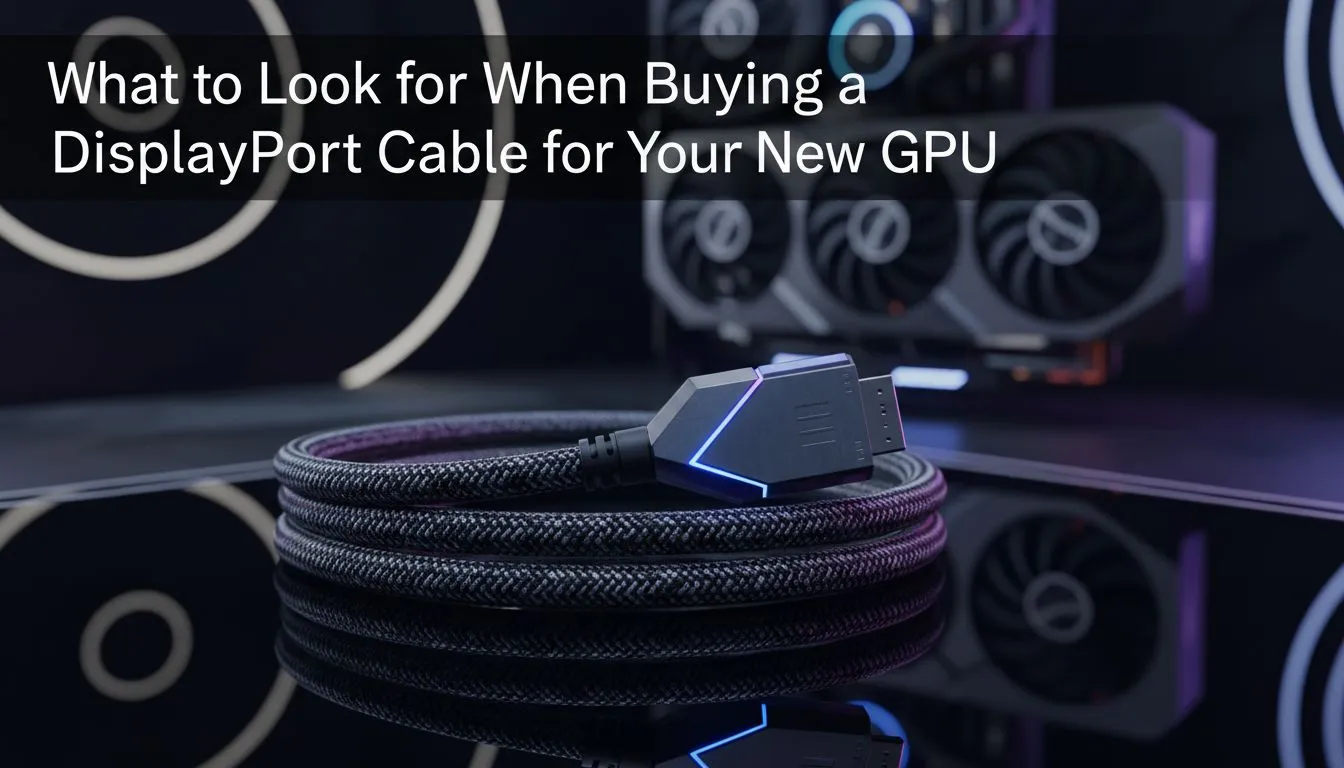
Intro: South African gamers, building a rig or upgrading your GPU? Choosing the right DisplayPort cable matters more than you think. A poor cable can bottleneck framerates, limit refresh rates, or blur HDR. Read sharp, buy smart, and avoid returns — this guide gives practical checks, local buying tips and quick fixes to get your display performing like it should. 🔧✨
Your GPU and monitor can only perform as well as the weakest link — often the cable. A quality DisplayPort cable ensures your GPU can push high refresh rates and HDR without artefacts. If you want peace of mind, look for reputable sellers and clear specs. For example, Evetech stocks specialised cables and extensions that make upgrades painless; check the Gamemax 12VHPWR ARGB extension for build and compatibility details.https://www.evetech.co.za/gamemax-12vhpwr-cable-b-argb-extension/best-deal/24244 🔌
Want a clean build with premium sleeved cables? Evetech lists NZXT individually sleeved options that pair well with tidy cable management and airflow-focused builds.https://www.evetech.co.za/PC-Components/nzxt-individually-sleeved-premium-cables-93
Keep cable runs under 3 metres for passive DisplayPort cables when possible. Use active or certified high-bandwidth cables for longer runs, and always test a new cable with your monitor's native resolution and refresh rate before finalising your setup.
Buy local stock to avoid long shipping waits. Evetech’s product pages include compatibility notes and return policies, which helps when you’re pairing high-end GPUs and ultrawide monitors. Check stock lead times and whether the seller lists specs like max MHz or DP version — that information prevents surprises. If you're shopping deals, compare total cost in ZAR and factor in warranty and return shipping.
Micro-story: I once upgraded a friend’s RX 6000 rig and he blamed the GPU for flicker. Swap to a certified cable fixed it in five minutes. Bottom line: cable checks save hours.
Ready to Find Your Perfect Match? The Mac vs Windows debate is complex, but for maximum power, choice, and value in South Africa, Windows is hard to beat. Explore our massive range of laptop specials and find the perfect machine to conquer your world.
For 4K at 144Hz use DisplayPort 1.4 with DSC or DisplayPort 2.0. Look for a 'DisplayPort 1.4 cable for GPU' with sufficient bandwidth.
Yes. A low-spec cable can cap resolution or refresh rate. Choose a certified cable with the bandwidth your GPU and monitor require.
Active cables boost signal for long runs or high bandwidth like DP2.0. Passive cables work for short runs and lower bandwidth needs.
Passive DP cables usually maintain high-bandwidth signals up to ~2–3m. For longer lengths use active or fiber DisplayPort cables.
Yes. VESA-certified cables validate bandwidth and compatibility, reducing risk of dropped frames or limited refresh rates.
You can, but adapters often limit bandwidth and features like Adaptive Sync. Native DisplayPort cable is best for full GPU capabilities.
For 8K choose DisplayPort 2.0 or a DP1.4 cable that supports DSC and verified 8K performance. Check bandwidth and certification first.
Choosing between magnetic vs clamp phone mounts for your car? Discover the pros, cons, and stability features to ensure your device stays secure on every drive. 📱🚗
Read more
Are compact magnetic phone mounts worth it for South African commuters on a budget? 🚗 Discover if these affordable gadgets offer the stability you need for daily drives and long road trips. Stay connected safely without breaking the bank! 📱
Read more
Discover why magnetic phone car mounts are the top choice for South African drivers. 📱 Learn how to choose the perfect vent mount for your vehicle and ensure a secure, hands-free experience on every road trip. 🚗
Read more
Discover how SecureGrip vent clip mounts provide superior stability for your smartphone. Learn the mechanics behind the clamp and why it matters for your daily drive. 📱🚗
Read more
Stop struggling with bulky mounts. We break down the essential compact car phone holder features that ensure stability, safety, and ease of use for your daily commute. 🚗💨 Find your perfect fit.
Read more
Discover how 360 rotatable phone mounts transform your viewing experience. We break down design mechanics and rotation range benefits to help you choose the perfect setup for your car, desk, or studio. 📱✨
Read more
RTX 5090 Elden Ring at 1080p guidance depends on settings, CPU balance, VRAM, cooling, and game updates. Treat FPS wording as a test target, not a guaranteed result for SA builds.
Cheapest GPU that runs Hollow Knight at 1440p should be shortlisted around the job it must do. South African buyers should compare GPU tier, VRAM, cooling, and PSU headroom, warranty path, and upgrade room before treating any pick as best.

RTX 4080 too expensive? Cheaper SA alternatives should solve the exact workload without overbuying. Compare nearby options by GPU tier, VRAM, cooling, and PSU headroom, local warranty path, and total build balance before moving to a product page.

Recommended build for Hollow Knight Silksong at R100 000 SA buyer's guide frames a dream-class PC around more than one game. Balance flagship graphics, premium CPU, 32GB or more RAM, fast SSDs, quiet cooling and power quality.

Windows 11 Ethernet unidentified network needs a cable, router and PC comparison before a reset. Test a second device and run the network troubleshooter. Save adapter drivers and custom settings before using network reset as the final step.

Steam processing Vulkan shaders is graphics preparation rather than a normal game download. On Linux, compare progress and repeat launches before deleting caches. A driver or game change can alter the work, so gather evidence before paying for a new GPU.

Steam discounts and events are moving towards personalised recommendations in early 2027. A firm start date is still pending. The change concerns promotional visibility, so compare the actual rand price and game requirements before making a purchase.

Windows 11 Bluetooth toggle missing can mean the radio is not being detected or enabled. Start with a complete power-off, then check the adapter and drivers. Pairing a new mouse cannot repair an absent Bluetooth control, so isolate the PC first.

Windows 11 spatial sound greyed out needs an output-device check before a headset purchase. Select the intended playback device and look for Windows Sonic for Headphones. Speaker, HDMI and headphone routes can expose different spatial sound options.

NACON Revolution 5 Unlimited adds a control screen, TMR sticks and charging dock. The controller targets PS5 and PC use, with a dedicated PC mode. Match your games and connection route before treating its premium features as a reason to replace a working pad.

GeForce NOW October 2026 games include 25 planned additions, with six in the first week. Store release dates do not guarantee instant cloud access. Check the exact game, store version, regional service and connection before changing your PC budget.

DGX Spark 64GB is a new local-AI configuration scheduled for 23 October. Its smaller unified memory pool changes workload planning. Compare model size, context and concurrency with the existing 128GB system before requesting a South African quote.