

Surviving the Lands Between ⚔️
Dying to Malenia is frustrating enough. You do not need frame drops adding to your pain. You are probably hunting for the best Elden Ring settings on RTX 5060 Ti hardware right now. Finding that sweet spot between breathtaking visuals and a locked 60 FPS is crucial. Let us optimise your setup for maximum performance.
Why the RTX 5060 Ti Rules 🛡️
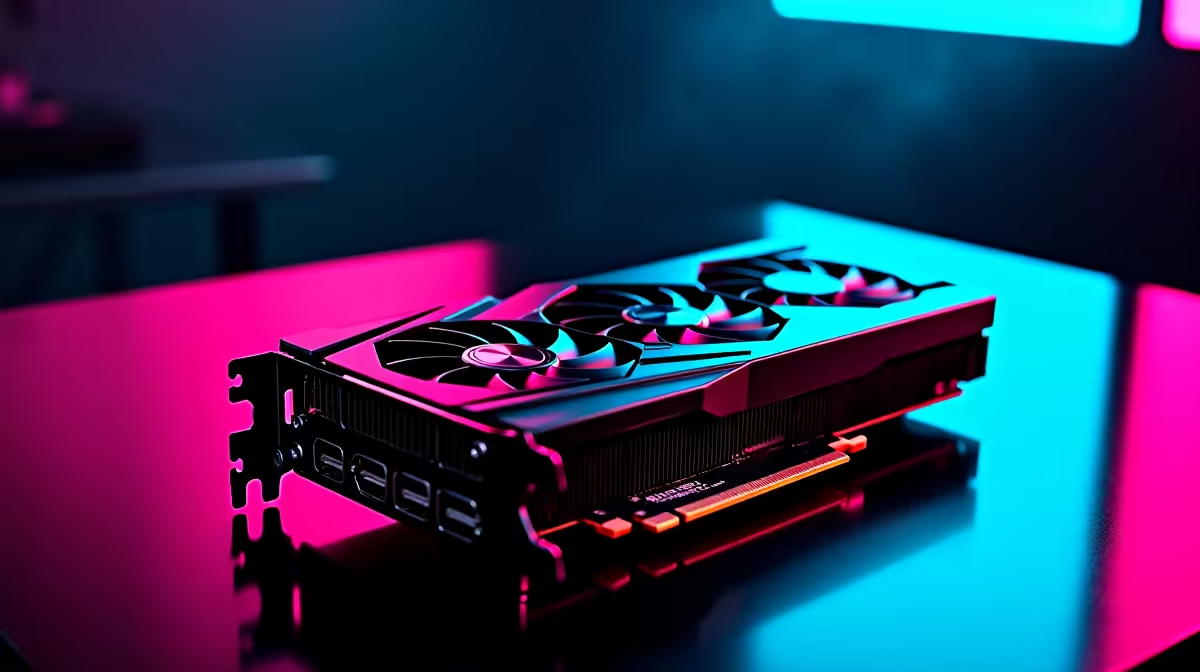
Nvidia packed this new generation with incredible features. The RTX 5060 Ti brings serious horsepower to 1440p gaming. It handles heavy textures and complex lighting with ease. If you want to upgrade your current rig, browsing the latest graphics cards is a smart move. You want to make sure your hard-earned ZAR goes as far as possible.
Building the Perfect Tarnished Rig
A powerful GPU needs a solid foundation. Bottlenecks will ruin your experience... especially in demanding areas like Limgrave. Pairing your new card with a strong CPU and fast RAM is essential.
If you prefer a hassle-free setup, exploring pre-built PC deals saves you time. You plug it in and start playing immediately. Alternatively, you can grab one of the top gaming PC deals to ensure your system is perfectly balanced for modern AAA titles.
Taking the Erdtree on the Go 🚀
Maybe load shedding has you rethinking a desktop setup. Portable power has come a long way. You can easily find notebooks for sale in South Africa that rival desktop performance. A high-end gaming laptop lets you farm runes during stage 6 power cuts without missing a single beat.
Best Elden Ring Settings on RTX 5060 Ti
Let us get into the exact tweaks you need. Elden Ring is capped at 60 FPS by default. Our goal is to keep it locked there while pushing the graphics to their limit. Here are the optimal settings for 1440p resolution.
Graphics Tweaks for Smooth Gameplay
- Texture Quality: Maximum
- Antialiasing: High
- Shadow Quality: High (Maximum drains too much performance)
- Volumetric Quality: High
- Ray Tracing: Medium (or Off for pure competitive smoothness)
Before you tweak anything, check out our latest specials for monitor upgrades. A stunning 1440p display brings these settings to life beautifully.
Performance Pro Tip ⚡
Elden Ring does not support DLSS natively without community mods. Use the Nvidia Control Panel to force "Prefer Maximum Performance" under Power Management Mode. This keeps your RTX 5060 Ti clock speeds high during intense boss fights.
Ready to Claim the Elden Throne? Surviving the Lands Between requires serious hardware. For maximum power and the best ZAR value in South Africa, Evetech is your ultimate destination. Explore our massive range of gaming specials and find the perfect machine to conquer your world.











