

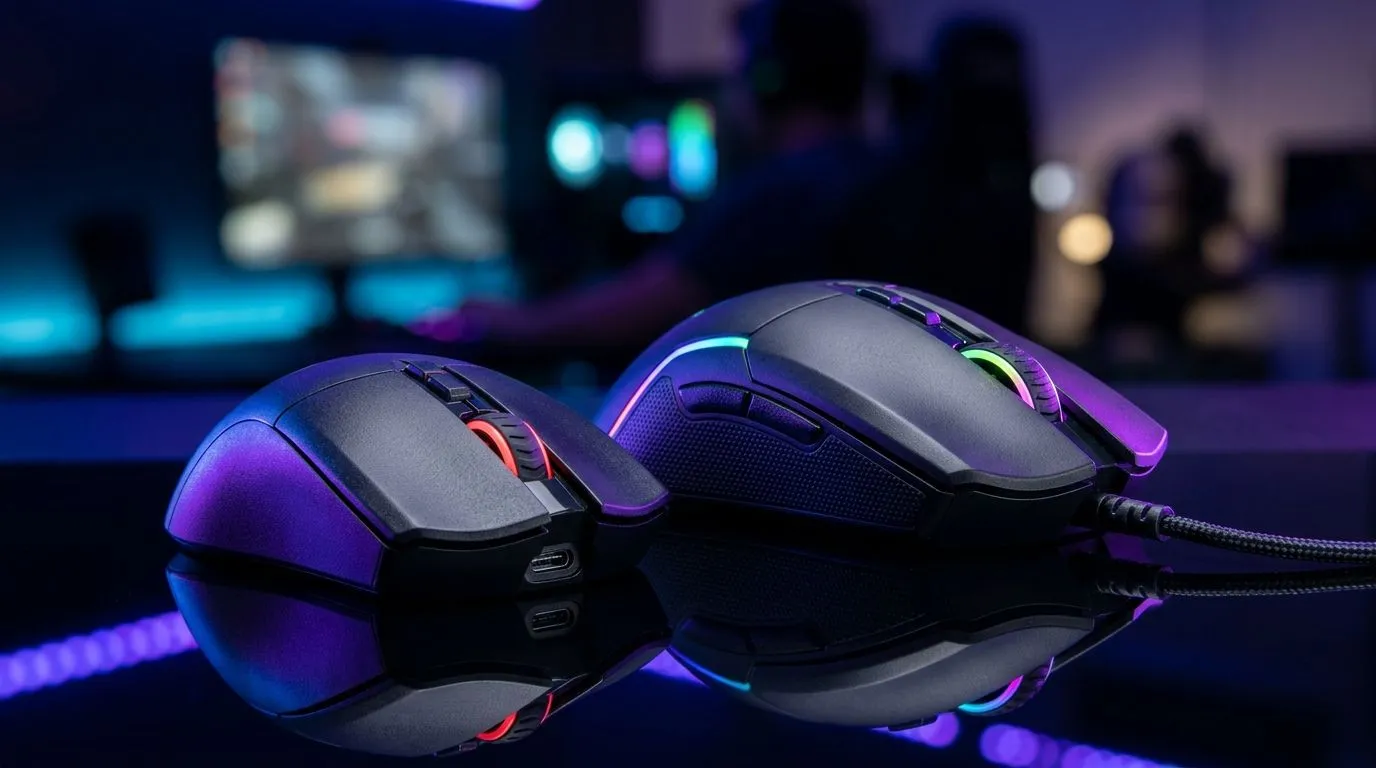
Entry-Level vs Mid-Range Gaming Mice: Where Your Rands Go (And How Not to Waste Them)
South African gamers and tech buyers know the feeling. Your budget is real, your queue is realer… and you don’t want to buy a “maybe” mouse that makes you miss shots. 🎯
So, should you go entry-level, or stretch into mid-range? The short answer: it depends on how you play, what you touch every day, and what you expect from your hands after long sessions. Comfort, tracking, and control matter more than RGB ever will.
In this guide, we’ll break down Entry-Level vs Mid-Range Gaming Mice: Where Your Rands Go so your next purchase actually fits your aim, your desk, and your wallet. 💸
Entry-Level Gaming Mice: What You’re Paying For (and What You’re Not)
Entry-level gaming mice usually cover the basics well: reliable movement, a decent sensor, and programmable buttons. But the trade-offs often show up in the “small stuff” that becomes big over time.
Common entry-level limitations:
- Heavier weight or less consistent glide (your micro-aim suffers)
- Higher click latency or less refined button feel over months
- Fewer ergonomic adjustments (your grip stays “forced”)
- More basic software (or none, depending on model)
If you’re coming from a school/work mouse or you’re mostly doing casual FPS or story games, entry-level can be a smart first step. You’ll improve quickly just by upgrading from low-cost office defaults.
Quick checklist before you buy an entry-level mouse
Look for:
- A sensor that won’t stutter on your mousepad type (cloth, hybrid, hard)
- Enough buttons for your playstyle (FPS usually benefits from at least 4–6)
- A shape that matches your grip (palm, claw, fingertip)
Fit over specs: the easiest “upgrade” most people skip
If your wrist is lifted or your fingers cramp, aim will feel inconsistent. Entry-level may still be the right call if you prioritise fit and basic control.
Mid-Range Gaming Mice: Where the Real Improvements Start 🚀
Mid-range gaming mice are where you start paying for repeatable performance. The gains are often subtle at first… then obvious mid-match.
You typically see improvements in:
- More consistent tracking across different surfaces
- Better switches and more satisfying click response
- Smoother feet and better sensor tuning
- More comfortable shell geometry for longer sessions
- More robust software profiles (where available)
That’s why many players feel mid-range mice “stick” in their hands. It’s not just speed. It’s control.
Which mid-range upgrades matter most for South African players?
In SA, you may deal with:
- Different desk surfaces depending on your setup
- Variable electricity and downtime… so “set and forget” matters
- Limited budgets, so resale and longevity matter
So focus on features that reduce annoyance:
- Reliable wireless options (if you need it)
- Durable build quality
- Ergonomic comfort for daily use
Entry-Level vs Mid-Range Gaming Mice: The Decision Framework
Let’s make this practical. Use this framework and you’ll avoid buying twice.
If your aim feels inconsistent…
Consider mid-range, especially if:
- Your mouse sometimes “skates” or feels unpredictable
- You’re switching DPI mid-fight because it doesn’t feel right
- You notice button misclicks during fast movement
If you’re upgrading for the first time…
Entry-level is totally fine if you:
- Choose a comfortable shape
- Map core controls (reload, crouch, ability) to your thumb buttons
- Pair it with a mousepad that matches the sensor’s tracking style
If you play competitive FPS for hours…
Mid-range usually earns its keep. Your hands will tell you. Fast flicks and steady tracking depend on repeatable control.
Productivity Pro Tip 🔧
On Windows, use the PowerToys utility FancyZones to create a consistent left-right layout for aim trainers, Discord, and game. When your setup is stable, you can train longer without constantly resizing windows, and you’ll make faster progress with your new mouse. It’s simple, but it helps more than you’d expect.
Where to Buy: Entry-Level and Mid-Range Options on Evetech ✨
Want to compare your next move without hunting across the entire web? Here are solid starting points from Evetech’s range:
- Browse a curated selection of gaming mice, ideal for stepping up from general-use gear: Gaming Mouse models
- If you’re shopping for value right now, check the deals that can stretch your budget further in ZAR: Best gaming mouse deals
- Prefer wireless? Start with this range: Wireless mouse options
- Going wired for consistent, low-latency feel? Explore: Wired mouse options
And once you’ve chosen your mouse, don’t forget the supporting cast:
- Mouse feet, grips, and other helpful upgrades can make your mouse feel better fast: Gaming mouse accessories
Entry-Level vs Mid-Range Gaming Mice: Small Purchases That Make a Big Difference
Here’s the truth nobody tells you early enough: the mouse is only one part of the aim equation.
Try these upgrades in order:
- A proper mousepad (surface consistency beats random cloth textures)
- Dial in DPI to match your desk space (don’t copy pro settings blindly)
- Adjust button placement if the mouse allows it (or use grip tape strategically)
If you’re still unsure, start with fit. If the mouse feels right in your hand, you’ll train longer. Training longer wins matches.
Ready to commit to your next mouse?
If you’re weighing Entry-Level vs Mid-Range Gaming Mice: Where Your Rands Go, use the decision points above, then pick the option that matches your grip and your game time. One good purchase now beats two rushed buys later. 😉
Ready to Find Your Perfect Match? The Mac vs Windows debate is complex, but for maximum power, choice, and value in South Africa, Windows is hard to beat. Explore our massive range of laptop specials and find the perfect machine to conquer your world.











