

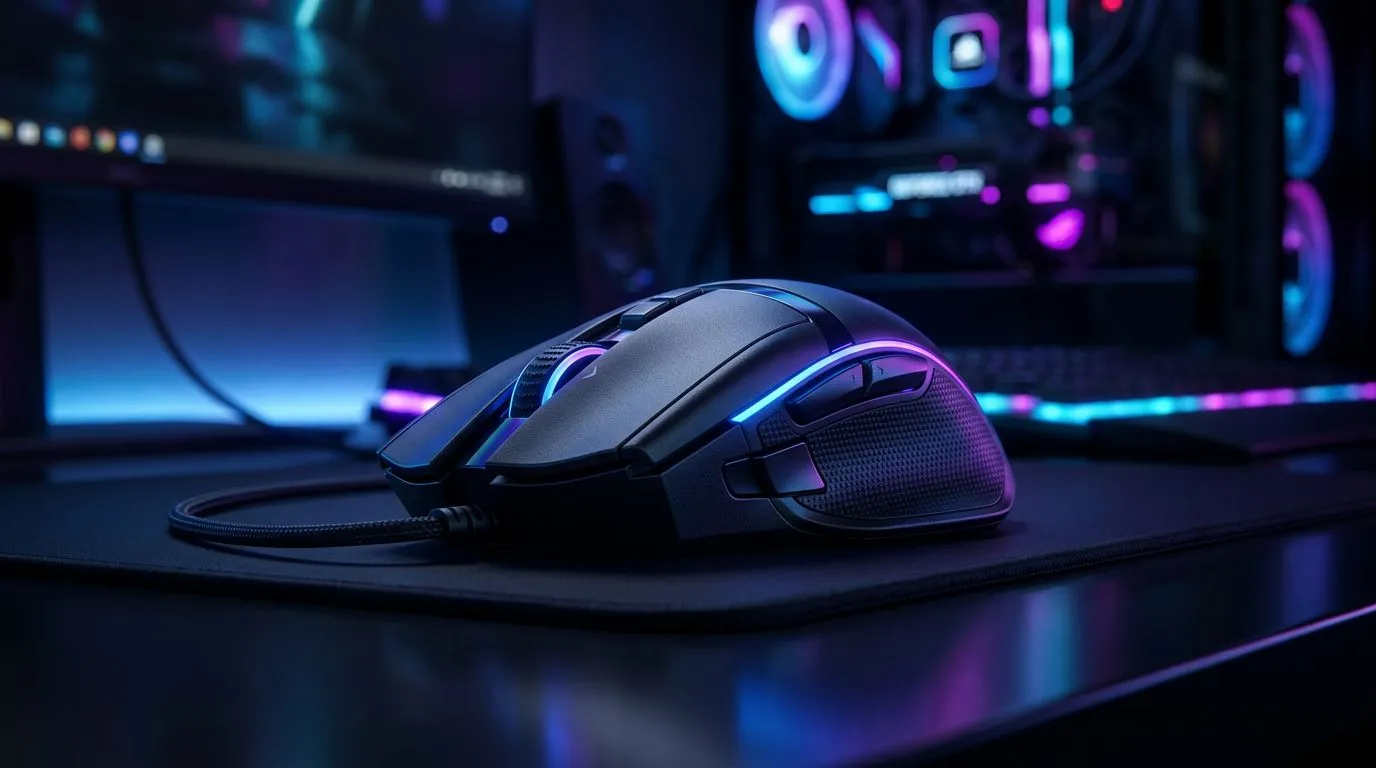
Ergonomic Gaming Mouse: Beat Wrist Strain Fast 🔧⚡
Long frag sessions and content‑creation marathons are part of the South African gamer life. If your wrist starts protesting after an hour, an ergonomic gaming mouse can make the difference between pain and peak play. This guide gives clear, locally relevant tips, quick setup fixes, and where to shop right now in South Africa.
Ergonomic Gaming Mouse: Why shape and fit matter
Comfort is not fluff. A mouse that fits your hand reduces awkward wrist angles and repetitive strain. Look for pronounced thumb rests, a high arch for palm support, and buttons that require minimal reach. Evetech’s dedicated gaming mouse range shows the variety of shapes and sizes available — worth testing to match your grip style (palm, claw, fingertip) browse our gaming mice range for options and specs.
Quick anecdote: A Cape Town streamer I spoke with swapped from a small ambidextrous mouse to a right‑handed ergonomic model and went from frequent twinges to comfortable four‑hour streams. Small changes add up.
Ergonomic Gaming Mouse: Choosing wired vs wireless and how it affects comfort
Wireless removes cable drag and can improve feel for some players. Others prefer wired models for consistent weight distribution and no battery worries. Both styles are available on Evetech — check wireless picks here and wired options here. Match weight, sensor quality, and button placement to your playstyle.
For gamers on a budget or deal hunters, Evetech’s deals page lists rotating discounts and ZAR prices so you can compare value without leaving the page: best mouse deals.
Ergonomic Gaming Mouse: Setup, calibration and small habits that help
Proper mouse height and desk setup are as important as the model. Keep your forearm roughly parallel to the desk; a slightly raised wrist rest can help. Calibrate DPI and polling rate so you don’t over‑grip. Replace worn mouse feet and keep glide smooth to reduce micro‑adjustments.
For accessories that protect your wrist and improve tracking, Evetech’s accessory section has pads, lifts and replacement skates: mouse accessories.
Comfort Check ⚡
a 5‑minute comfort test: play a casual match, then note any wrist tension. If you feel strain, try a larger or more arched shape. Small changes in grip and mouse tilt reduce strain far more than raw DPI.
Ergonomic Gaming Mouse: Quick buying checklist
- Try before you buy when possible; hand shape matters more than specs.
- Prioritise shape, thumb support, and low button travel over marginal DPI numbers.
- Choose wireless for cable freedom; wired for predictability.
- Use a lightweight mouse if you have a fast flick style; heavier mice suit steady aiming.
Want a practical next step? Try a 14‑day comfort trial mindset: test a mouse for a few longer sessions, then decide.
Ready to Find Your Perfect Match? The Mac vs Windows debate is complex, but for maximum power, choice, and value in South Africa, Windows is hard to beat. Explore our massive range of laptop specials and find the perfect machine to conquer your world.











