


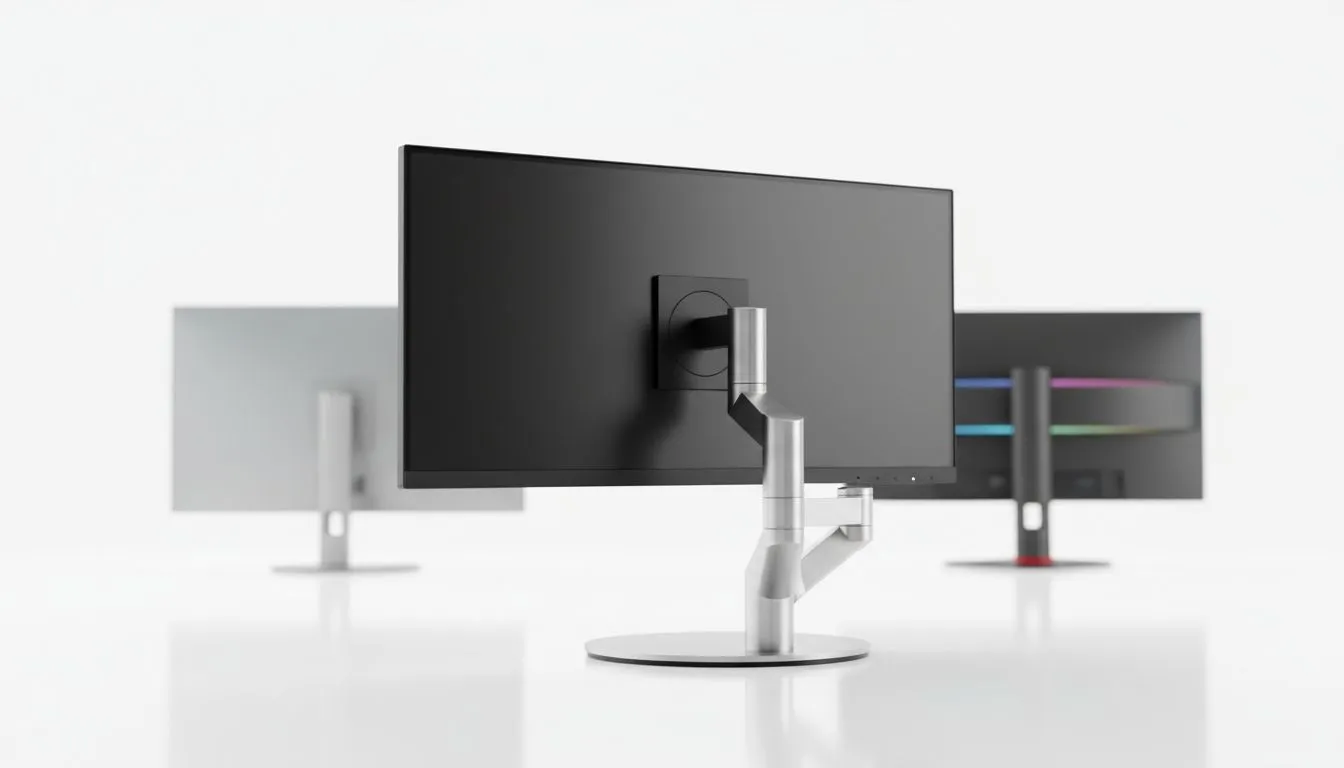
You are three hours into a Counter-Strike 2 session. Your neck is stiff. Your shoulders feel like lead. Is your screen position the real problem? Choosing between a fixed stand vs adjustable monitor isn't just about desk space... it is about your health and performance. In South Africa, where we spend hours grinding or working, the right setup makes all the difference for your long-term comfort.
Ergonomics and the Fixed Stand vs Adjustable Monitor Debate
Ergonomics is often overlooked until the pain starts. A monitor that sits too low forces you to hunch, leading to "tech neck" and reduced focus. When comparing a fixed stand vs adjustable monitor, the primary factor is versatility. An adjustable stand allows you to customise your viewing angle, ensuring your spine remains neutral. This is vital for maintaining peak performance during competitive matches where every millisecond of focus counts. ✨
Why Fixed Stands Still Have a Place
A fixed stand is the "plug and play" option for many users. These stands are often more affordable and take up less depth on your desk. You will frequently find them paired with flat monitors designed for budget-conscious office setups or entry-level gaming. While they offer great stability, they lack flexibility. If your desk height isn't perfect, you might end up stacking old textbooks under the base to reach eye level... but it works if you are on a strict budget.
Comparing the Fixed Stand vs Adjustable Monitor for Productivity
For serious professionals and content creators, an adjustable stand is a vital investment. These allow for height, tilt, and swivel adjustments. This is especially useful for IPS panel monitors where you want the perfect viewing angle to maintain those vibrant, accurate colours. If you prefer an immersive experience, curved monitors often come with these premium stands. Finding that exact "sweet spot" ensures the edges of the curve are perfectly equidistant from your eyes.
Matching Your Stand to Your Panel Technology
Beyond the stand, consider how the screen handles motion. Most modern PC monitors come with advanced features to stop screen tearing. You can choose displays with Adaptive Sync for general compatibility across different hardware. NVIDIA users should look for G-Sync (NVIDIA) support for the smoothest experience. Meanwhile, AMD fans will benefit from FreeSync (AMD) technology. A good stand ensures you see every frame clearly without slouching. 🚀
Ergonomic Pro Tip ⚡
Your eyes should be level with the top third of your screen. This reduces neck strain. If your stand is fixed, consider a monitor arm or a sturdy riser. This small change can prevent long-term posture issues during those marathon gaming sessions in Jozi or Cape Town.
Final Verdict: Fixed Stand vs Adjustable Monitor 🔧
If you have a dedicated ergonomic chair and a height-adjustable desk, a fixed stand might suffice. However, for most South African gamers, the versatility of an adjustable monitor is worth the extra ZAR. It allows your setup to grow with you. Whether you are switching from a high-intensity shooter to a relaxed movie night, being able to tilt your screen makes life easier. Don't compromise on your comfort... your back will thank you later.
Ready to Find Your Perfect Match? The fixed stand vs adjustable monitor debate is about your comfort, but for maximum performance and value in South Africa, Evetech has you covered. Explore our massive range of monitor specials and find the perfect screen to conquer your world.











