

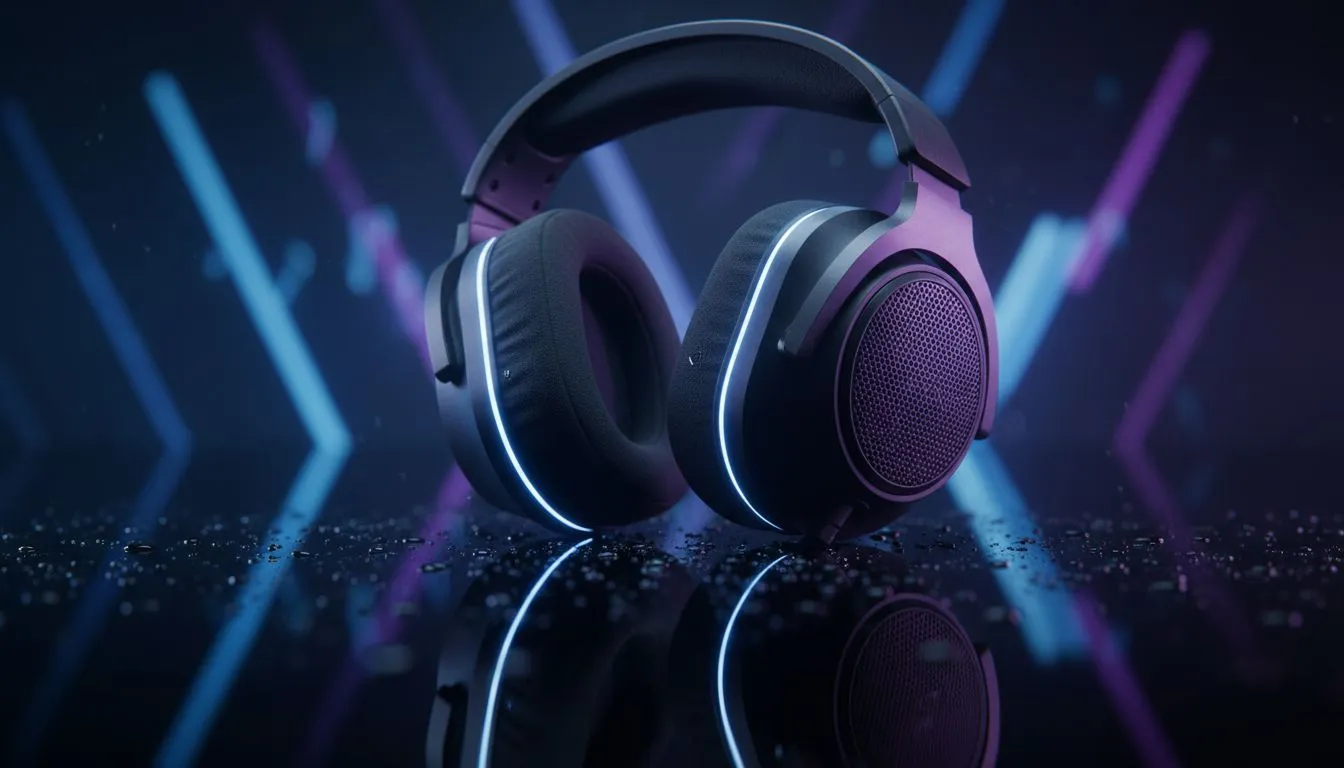
Gaming headset maintenance: quick wins for South African gamers 🔧
Whether you’re grinding ranked matches in Pretoria or building a streaming setup in Cape Town, good gaming headset maintenance keeps audio sharp and pockets fuller. A few minutes each week prevents sweat corrosion, frayed cables and muffled mics. Read on for practical care tips you can do between matches — no specialised tools needed. ✨
Gaming headset maintenance: cleaning and safe storage
Start with detachable parts. Remove ear cushions and mic booms if your model allows, then wipe foam and leatherette with a slightly damp microfiber cloth and mild soap. Avoid soaking. Let pads air dry away from direct sun or heaters. For non‑detachable pads, clean gently along seams to avoid tearing.
Looking for replacement pads or upgrades? Evetech stocks a broad selection of headphone cushions and accessories to suit most brands — browse their headphone and headsets category for compatible options and spare parts: https://www.evetech.co.za/components/headphone-headsets-100
Store headsets on a stand or in a padded case to prevent crushing and dust build-up. For wireless sets, remove batteries if you store them for months.
Gaming headset maintenance: cables, connectors and electronics
Treat cables like fragile peripherals — wrap loosely in a figure‑eight, avoid tight knots and don’t yank at the plug. If your headset has a detachable cable, unplug it when you store the headset. Compressed air can clear USB and 3.5 mm jacks safely; keep liquids away from ports.
If you own wireless headsets, charge them regularly but don’t leave them at 100% for weeks. Firmware updates can fix audio glitches; check the manufacturer’s support pages for update steps. For product pages and firmware support on Razer models, see their headset category at Evetech: https://www.evetech.co.za/PC-Components/razer-headphones-headsets-105
Gaming headset maintenance: cushions, mic care and minor repairs
Microphones take the brunt of breath and sweat. Wipe the boom with an alcohol‑free wipe and test mute toggles monthly. If foam around the mic is damaged, replace it rather than risk muffled voice pickup.
Thinking about a premium replacement or shopping for an upgrade after years of use? The Razer Barracuda X Chroma is a popular wireless option with detachable components that make maintenance easier; check the current deal and specs here: https://www.evetech.co.za/razer-barracuda-x-chroma-wireless-headset-phantom-white/best-deal/24367 🚀
Care Pro Tip ⚡
Keep a small pouch of sanitary wipes and a pair of spare ear cushions in your gaming drawer. Wipe sweaty parts after each session and rotate cushions monthly to extend their life.
Gaming headset maintenance: schedule and simple troubleshooting
Make a short checklist: quick wipe after use, monthly deep clean, quarterly cable inspection and annual pad replacement if needed. If sound becomes distorted, try a different cable or port first. That simple swap often tells you whether it’s the headset or the source device.
A quick story: one Durban streamer saved hundreds of rand by replacing only the pads and cable after two years of heavy use. Small parts, small spend, big life extension.
Final notes and local context
Headset longevity depends on care, usage and the environment. Dusty rooms, salty sea air and daily sweaty sessions speed wear. Regular gentle maintenance costs little and preserves soundstage and mic clarity — so you can focus on the gameplay.
Ready to Find Your Perfect Match? The Mac vs Windows debate is complex, but for maximum power, choice, and value in South Africa, Windows is hard to beat. Explore our massive range of laptop specials and find the perfect machine to conquer your world.











