

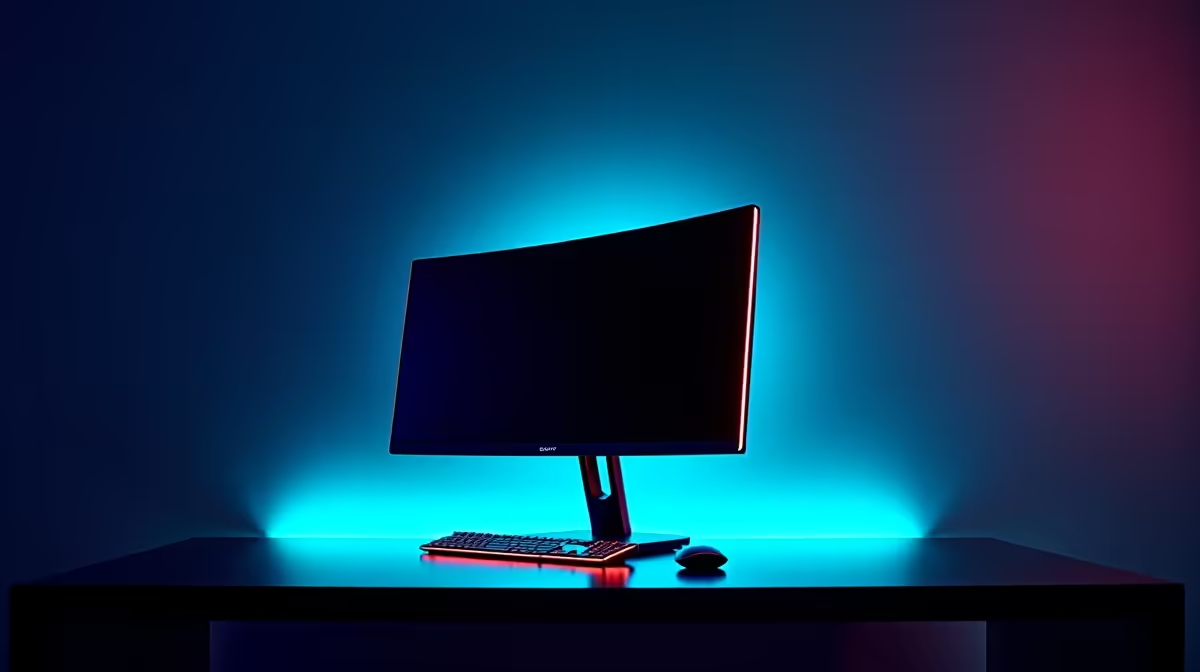
Tired of that snake pit of cables behind your desk? The power brick for your laptop, the HDMI for your display, the USB hub for your peripherals... it's a mess. What if you could replace most of that clutter with a single, powerful cable? A gaming monitor with USB-C charging does exactly that, delivering stunning visuals, charging your laptop, and handling data all at once. It’s the clean, minimalist setup every South African gamer dreams of. 🔌
Why a USB-C Gaming Monitor is a Total Win
So, what’s the big deal with one little port? It’s not just about tidiness; it’s about powerful, streamlined convenience. A modern gaming monitor with USB-C charging combines three crucial functions into one connection.
First, it carries a high-quality video signal using a feature called DisplayPort Alt Mode. This means you get the same crisp, tear-free visuals you'd expect from a dedicated DisplayPort cable, supporting high refresh rates and resolutions perfect for gaming.
Second, it delivers power directly to your connected device, like a laptop or a Steam Deck. This is called Power Delivery (PD). Instead of needing a separate power adapter for your laptop, the monitor handles the charging, freeing up a plug point and banishing another brick from under your desk.
Finally, that same USB-C port acts as an upstream connection for the monitor's built-in USB hub. You can plug your mouse, keyboard, and headset directly into the monitor, and they’ll all connect to your laptop through that single cable. It’s the ultimate one-cable docking station, built right into your screen. For anyone looking for a clean setup, browsing the best PC monitor deals for a USB-C model is a fantastic starting point.
Our Top Picks: USB-C Gaming Monitors Tested for SA Gamers
We’ve seen a lot of screens, and a few stand out for their perfect blend of gaming performance and USB-C convenience. While specific stock changes, these archetypes represent what you should be looking for across our full range of PC monitors.
The Esports Champion: Dell Alienware AW2723DF
For competitive players, speed is everything. A monitor like the Alienware AW2723DF delivers a blistering 240Hz refresh rate (overclockable to 280Hz) on a crisp QHD (2560x1440) Fast IPS panel. While its USB-C port doesn't support video, it’s part of a comprehensive hub that shows how premium gaming displays integrate connectivity. When hunting for your own esports screen, prioritise refresh rate and response time above all else. You can browse all our gaming monitors to find one with the perfect spec combination for your needs.
The Immersive Storyteller: Samsung Odyssey G5 (Curved)
If you live for sprawling open-world RPGs and cinematic adventures, immersion is key. A gaming monitor with USB-C charging and a dramatic curve, like those in the Samsung Odyssey range, pulls you right into the action. The 1000R curve on many of these models matches the human eye, reducing strain and filling your peripheral vision. Combining this with a high-contrast VA panel and a single-cable connection for your laptop creates a truly captivating gaming nook. The deep blacks and vibrant colours make exploring virtual worlds unforgettable, and you can find similar options among our curved monitors.
The Content Creator's Hybrid: Dell UltraSharp U2723QE
What if your battle station is also your workstation? For streamers, video editors, and designers, colour accuracy and resolution are paramount. A display like a Dell UltraSharp offers phenomenal colour coverage (98% DCI-P3) on a beautiful 4K IPS Black panel. Crucially, it also provides up to 90W of Power Delivery via USB-C. This means it can charge even powerful creative laptops while you work and game, all through one cable. It's the perfect hybrid solution, and you can explore similar high-resolution 4K monitors that offer both productivity and gaming prowess. ✨
Check Your Watts! ⚡
Not all USB-C ports are created equal. Pay close attention to the 'Power Delivery' (PD) rating, measured in watts (W). A 65W monitor is great for ultrabooks like a Dell XPS 13, but a power-hungry gaming laptop might need 90W or more to charge effectively while under load. Always check your laptop's charger to see what wattage it requires!
More Than Just a Monitor: It's a Command Centre
The beauty of a USB-C gaming monitor setup is its versatility. By day, it's a hyper-efficient work-from-home hub. Connect your work laptop with one cable and you're ready to go. By night, unplug the work laptop and plug in your gaming machine or console. Your peripherals stay connected to the monitor, ready for action. It simplifies everything. This setup even works wonders with smaller, on-the-go devices, which are becoming more popular than ever, just like dedicated portable monitors.
To complete your streamlined desk, consider a good monitor arm to free up even more space and a wireless headset to cut the last few cords. You can find everything you need, from VESA mounts to cleaning kits, in our monitor accessories section. 🚀
Ready to Ditch the Clutter? A gaming monitor with USB-C charging isn't just a display; it's a command centre. Simplify your setup, power your gear, and get lost in the game. Explore our incredible range of PC monitors and find the perfect hub for your battle station today.











