

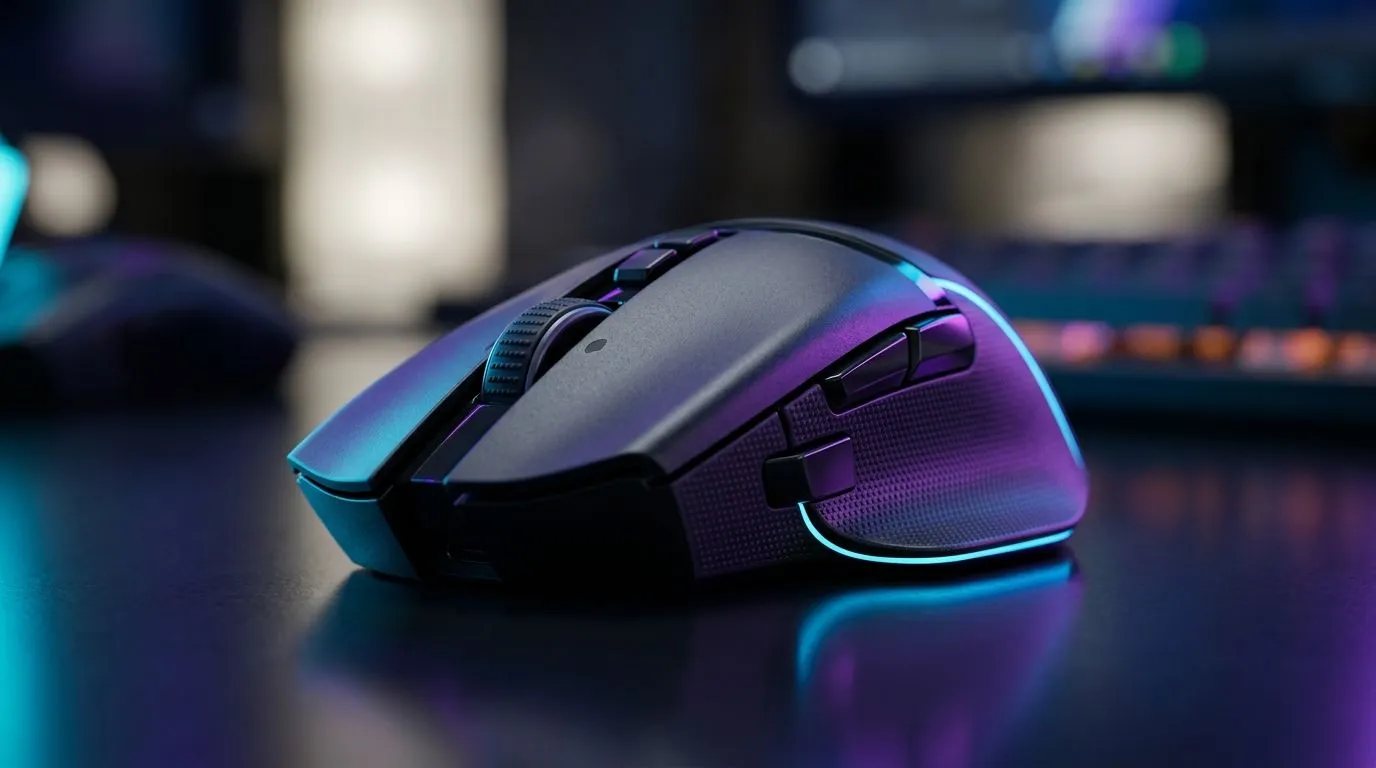
Gaming Mouse Battery Life vs Weight vs Button Count: What Really Matters in 2026? 🎮
If you’ve ever swapped a mouse mid-match because your hands felt “off”… you know it’s not just about DPI. South African gamers want gear that lasts, stays comfortable, and keeps up with their muscle memory. But battery life, weight, and button count often fight for your attention. So which one should you prioritise when you’re buying for FPS, MOBA, or even casual Warzone weekends? Let’s break it down in a practical way, with tips that help you choose fast.
Battery Life: Less Charging, More Consistent Aim ⚡
With wireless gaming mice, battery life affects how often you charge, yes… but also consistency. A mouse that’s constantly running low may throttle performance or force you to charge in the middle of your schedule. If you play every night after work, that becomes a real annoyance.
For wired mice, the “battery” concern disappears entirely, which is why wired is still common in competitive setups. If you’re deciding between wired and wireless, start with your tolerance for charging habits. Many gamers in SA prefer wireless for desk freedom, then just set a charging routine around evenings or weekend sessions.
Wired vs Wireless: The practical decision
- If you hate charging and want zero interruptions: consider wired.
- If you want cable-free movement and can manage charging weekly: wireless is worth it.
You can browse Evetech’s wired options here: Shop wired gaming mice
For wireless selections: Shop wireless gaming mice
Weight: Comfort Wins Long Sessions ✨
Weight changes how much force your wrist and palm need to move the mouse. Lighter mice can feel faster and more controlled for quick flicks, especially in FPS. Heavier mice can feel stable, which some players prefer for tracking.
But here’s the key… you’re not buying “lightness”. You’re buying comfort over time. If your mouse is too heavy for your grip style, you’ll fatigue sooner. That can cost you accuracy more than a small DPI difference ever will.
If you’re also thinking about charging cables, skates, and spare parts, have a look at these accessories: Gaming mouse accessories
A simple comfort check (do this in-store or at home)
Before you fixate on specs, do three things:
- Grip naturally for 30 seconds.
- Do 10 slow left-right sweeps.
- Do 10 controlled up-down micro adjustments. If your hand tenses up, no battery life or button count will save it.
Button Count: Mapping Your Muscle Memory 🎮
More buttons can be amazing… but only if you’ll use them. The danger is “button bloat”, where extra keys distract you during high-pressure moments. Many players end up using the same 6 to 9 inputs repeatedly. So you want enough buttons to cover your kit, not necessarily the maximum.
A good approach is to list your most-used actions:
- Primary abilities (M1/M2 and keybinds)
- Reload/interact
- Weapon swap
- Utility (ping, crouch, grenades) If you can map those comfortably, then the extra buttons are gravy.
Want inspiration from multiple models and build styles? Start here: Explore Evetech gaming mouse deals
Build Quality & Specs: Where “Feel” Comes From 🔧
Battery life and weight are measured… but “feel” comes from design. Sensor performance, switch quality, and glide matter because they change how your hand responds. That’s why it helps to compare multiple models, not just one headline spec.
If you’re cross-shopping, use Evetech’s category page to compare specs across modern gaming designs: Gaming mouse models and components
{{/* Product-friendly advice using TipBox */}}
Productivity Pro Tip ⚡
If you’re using a wireless mouse, set a reminder to charge after your gaming session, not during it. Consistency beats “almost full” battery when you’re mid-rank push. On your PC, also save your mouse DPI and button profiles in the mouse software so switching games doesn’t reset your muscle memory.
Putting It Together: Choose Your Priority Order (Fast) 🚀
So, what should you prioritise?
- FPS sweat (aim + speed): start with weight and comfort, then ensure the button layout supports fast binds.
- MOBA / MMO (abilities + utility): prioritise button count and ergonomics, then check battery schedule.
- Competitive and disciplined play: consider wired if charging is a pain.
- Casual and desk freedom: wireless can be a win, especially if you’re consistent with charging.
The best part? When you choose based on how you actually play, the “spec war” stops mattering.
Ready to Find Your Perfect Match? The Mac vs Windows debate is complex, but for maximum power, choice, and value in South Africa, Windows is hard to beat. Explore our massive range of laptop specials and find the perfect machine to conquer your world.








