

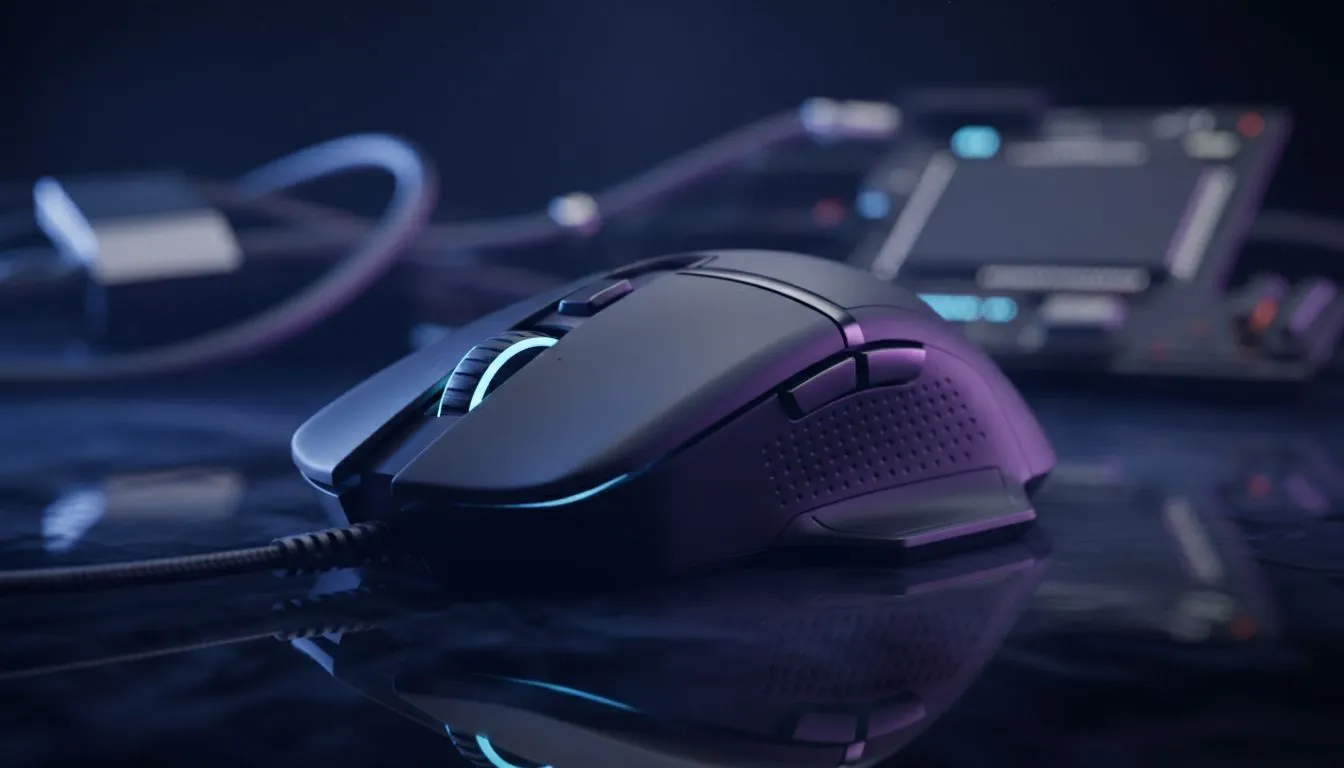
Why a Gaming Mouse for Graphic Design Makes Sense
Ever spent hours in Illustrator only to find your wrist aching? While standard office mice are fine for emails, South African creatives are increasingly looking at high-performance gear. You might wonder if a gaming mouse for graphic design is actually a smart investment or just marketing hype. The truth is... performance hardware isn't just for climbing leaderboards; it’s for perfecting every pixel with absolute precision.
Precision and DPI Control for Creative Work
The most significant advantage of using a gaming mouse is the sensor quality. In the world of design, "Dots Per Inch" (DPI) determines how sensitive your cursor is. When you are masking a complex subject in Photoshop or tweaking vector paths in CorelDRAW, having a sensor that doesn't jitter is vital.
Most high-end sensors allow you to toggle DPI on the fly. You can drop the sensitivity for steady, slow-motion pen tool work... then crank it back up to navigate across a dual-monitor setup in an instant. Finding the best gaming mouse deals in South Africa means you can get this professional-grade accuracy without breaking your budget.
Productivity Pro Tip ⚡
Map your most-used shortcuts—like 'Undo' (Ctrl+Z) or 'Hand Tool' (Spacebar)—to the side buttons of your mouse. This reduces keyboard fatigue and lets you keep your focus entirely on the canvas. It is a small change that saves hours over a long project.
Ergonomics and Long-Term Comfort
Graphic designers often spend more time at their desks than hardcore gamers. If your hand feels cramped after a morning of layout work, your current mouse is likely the culprit. Gaming peripherals are designed for "marathon" sessions... which translates perfectly to a heavy workday.
Whether you prefer a palm, claw, or tip grip, there is a shape designed to support your hand’s natural posture. To further customise your experience, you can look into mouse accessories like weighted plates or high-glide feet to ensure the movement feels exactly right for your specific desk surface. 🔧
Wired vs Wireless for the Modern Studio
The debate between tethered and untethered gear is a big one for local pros. If you value a clean, minimalist desk setup, a wireless mouse is the way to go. Modern wireless technology is so advanced that there is zero perceptible lag... meaning your brush strokes will be as fluid as they are on paper. 🚀
However, if you never want to worry about charging or potential interference in a busy office, a wired mouse remains the gold standard for reliability. It’s a "plug and play" solution that ensures you are always ready to create when inspiration strikes. ✨
Customisation Beyond the Basics
Gaming software allows you to create specific profiles for different apps. Imagine your mouse automatically switching its button layout when you move from Premiere Pro to InDesign. This level of automation is why a gaming mouse for graphic design is more than just a luxury... it is a legitimate productivity tool. By offloading repetitive tasks to your thumb buttons, you keep your creative flow going without constant interruptions.
Ready to Upgrade Your Creative Workflow? Precision matters, whether you are hitting headshots or perfecting a brand logo. Explore our massive range of gaming mice and find the perfect tool to elevate your design game in South Africa.











