

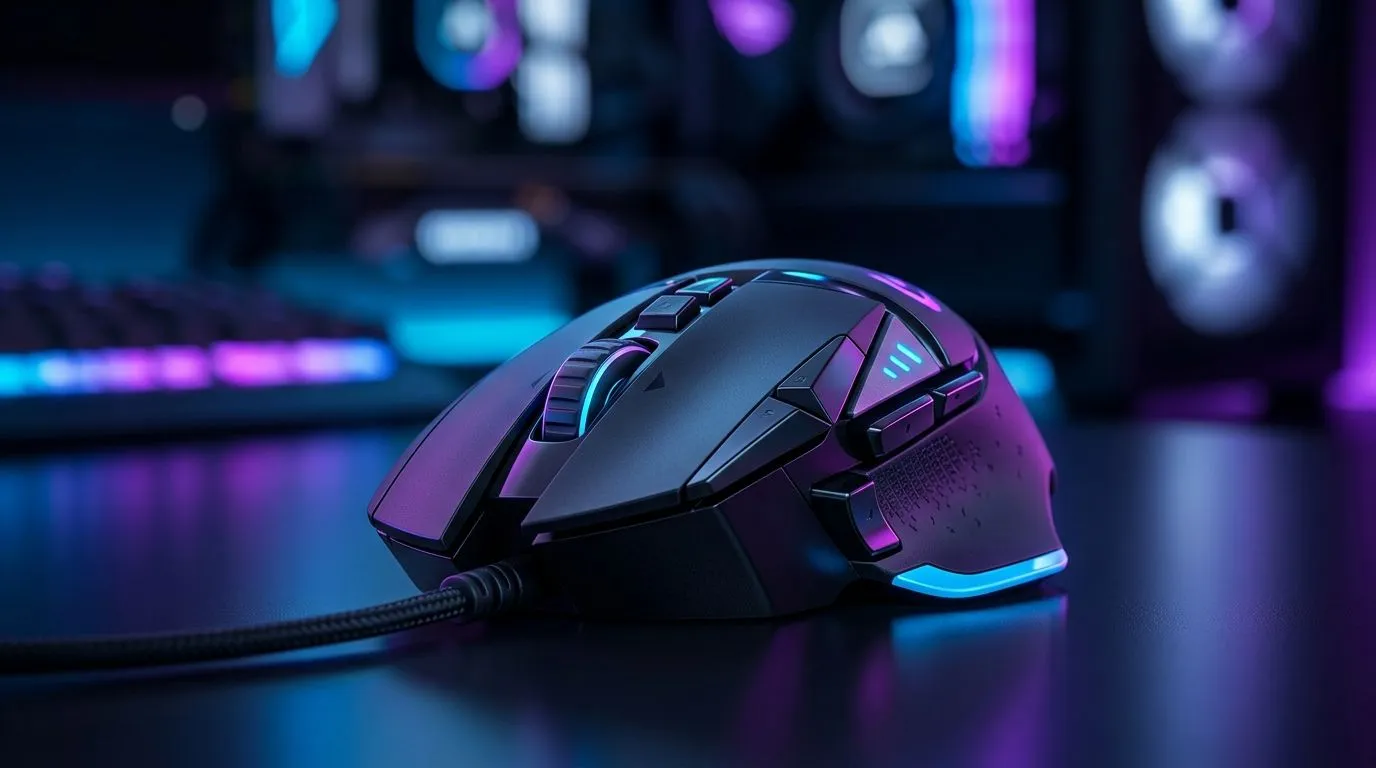
Gaming Mouse Price Guide: How Much Should You Spend in South Africa? (Without Overpaying) 🎮
If you’ve ever opened your bank app mid-scroll and thought, “Do I really need a R2,000 mouse?”… you’re not alone. In South Africa, gaming mice range from budget workhorses to premium beasts with RGB and ultra-low latency claims. The trick is matching your mouse budget to your playstyle, grip, and sensor needs... not just the hype. Let’s break down a practical Gaming Mouse Price Guide: How Much Should You Spend in South Africa? so you can buy once, play properly, and still have petrol money. 🚀
Gaming Mouse Price Guide: What Actually Drives the Cost? 🔧
A mouse price is usually influenced by a few factors:
Sensor and tracking reliability
Better sensors generally mean smoother tracking, especially when you flick or drag quickly in FPS titles. If your sensor can’t keep up, even the “best” DPI settings won’t save your aim.
Switch durability and click feel
Higher-end mice often use switches rated for more clicks, plus tighter manufacturing tolerances. That matters if you play high-APM games or you’re the type who clicks like you mean it.
Weight, shape, and your grip
Weight and ergonomics can matter more than brand names. Lightweight mice can feel snappier for quick movements. But if you struggle with control, a balanced or slightly heavier build might suit you better.
Wireless features (when the price jumps)
Wireless tech can add cost. If you’re going wireless, it’s worth paying attention to stability and charging habits. For South African buyers, the reality is often… “Will I actually keep it charged?” ⚡
Shopping Pro Tip ⚡
of buying purely by RGB, decide first: wired for maximum reliability, or wireless for desk freedom. Then pick your budget. If you’re unsure, check reputable deal pages before you commit, because the best pricing often shows up in bundles and seasonal specials.
Gaming Mouse Price Guide: Budget Ranges That Make Sense in South Africa (ZAR) 💸
Below is a realistic way to think about your spend. Prices change often, so consider these as targets to guide your search, not fixed costs.
Entry level (good for learning): ± R300 to R800
This band is where you start if you play casually or you’re upgrading from a generic office mouse. Look for:
- Comfortable shape for your hand size
- At least a basic set of programmable buttons
- Consistent click feel for daily use
If you want to browse options, start with Evetech’s gaming mouse selection here:
Gaming mouse models on Evetech
Mid-range (the “sweet spot”): ± R800 to R1,500
This is where many players land for a solid balance:
- Better sensor performance consistency
- More predictable switches
- Usually improved software (or at least more reliable button mapping)
If you’re hunting value pricing, deals matter more in this range than in any other. Check:
Best gaming mouse deals on Evetech
Higher end (for competitive habits): ± R1,500 to R3,000+
Here you’re often paying for:
- Higher build quality
- Better wireless (if wireless)
- Fine-tuned sensor and responsiveness
If you’re chasing a specific wireless setup, compare your options on Evetech here:
Wireless gaming mice to buy (Evetech)
Gaming Mouse Price Guide: Wired vs Wireless in ZAR (What to choose) ⚡
Your choice should match how you play.
Wired: when reliability beats convenience
Wired mice typically offer simpler setups and consistent performance. If you’re sensitive to lag, or you hate charging routines, wired is usually the safer competitive pick.
Browse wired options here:
Buy wired mouse on Evetech
Wireless: when you want freedom (and will manage power)
Wireless can feel fantastic on a desk, especially if you stream, edit, or switch tasks between gaming and productivity.
If you’re going wireless, don’t forget the “lifestyle tax”:
- Charging schedule
- Keeping a cable for emergencies (smart, not stubborn)
Gaming Mouse Price Guide: Don’t ignore accessories (they affect real comfort) ✨
Your mouse isn’t isolated. A good mat, clean mouse feet, and the right grip setup can improve tracking and comfort faster than upgrading from mid-range to premium.
If your current setup feels “almost right”, consider accessories and extras here:
Mouse accessories on Evetech
Aim-Improving Tip ✨
If your tracking feels inconsistent, check your mouse feet and surface contact. Worn feet or a dirty mat can cause micro-stutters that feel like “bad aim”. Cleaning the sensor area and wiping the pad is an underrated fix before you spend more.
Gaming Mouse Price Guide: Quick Buyer Checklist Before You Pay 🎮
Before checkout, ask yourself:
- Grip style: palm, claw, or fingertip… does the shape actually suit you?
- Hand size: can you reach your main buttons comfortably without tension?
- Weight preference: do you want quick movement or stable control?
- Wired or wireless: do you want simplicity or freedom?
- Buttons you’ll use: don’t pay for extra buttons you’ll never map.
A tiny personal story… I once watched a friend buy a pricey mouse for the RGB, then struggle because the shape forced an uncomfortable wrist angle. The mouse looked amazing. The aim didn’t. Comfort helped more than the sensor spreadsheet. 😅
Ready to Find Your Perfect Match? The Mac vs Windows debate is complex, but for maximum power, choice, and value in South Africa, Windows is hard to beat. Explore our massive range of laptop specials and find the perfect machine to conquer your world.











