


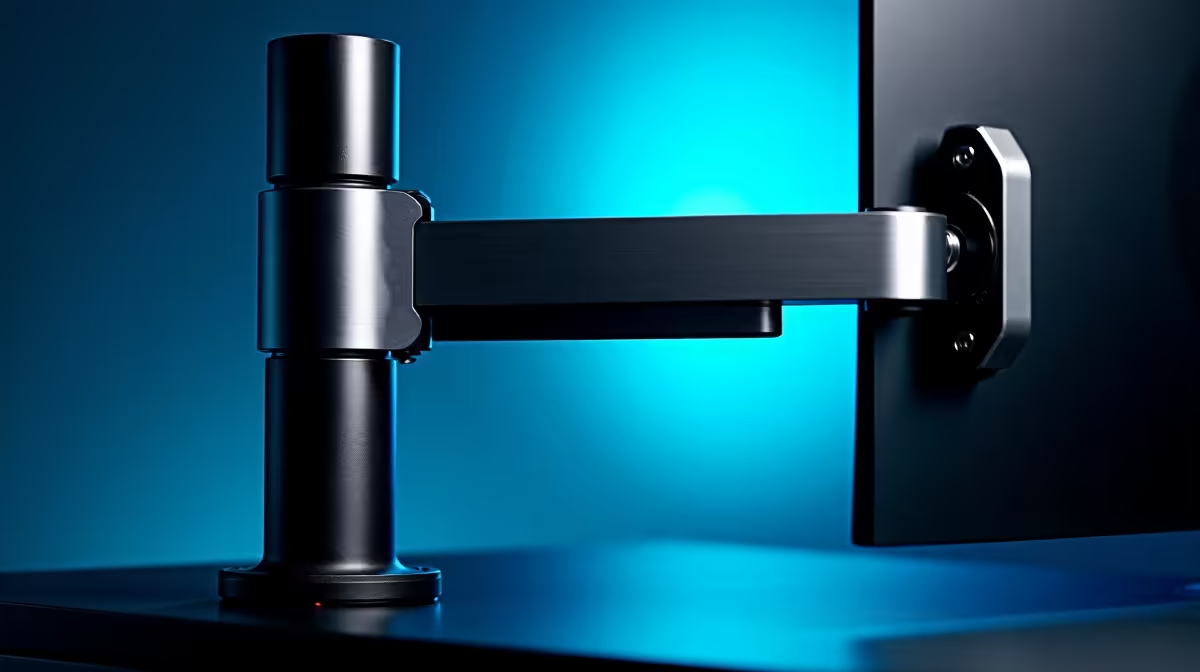
So, you’ve scored a brilliant new monitor, but your desk space is shrinking faster than your K/D ratio on a bad day. You've seen those clean, floating setups online and a gas spring arm looks like the perfect upgrade. But before you spend your hard-earned Rands, the big question hits: will just any arm fit your specific screen? 🤔
Let's dive into the details of monitor arm compatibility and make sure your next upgrade is a perfect fit.
The VESA Standard: The Core of Monitor Arm Compatibility
The short answer to whether any arm fits any monitor is… no. But the reason is simpler than you might think, and it all comes down to a universal standard called VESA.
Developed by the Video Electronics Standards Association, the VESA mount standard dictates the distance between the four screw holes on the back of most PC monitors. This ensures that a VESA-compliant arm will physically bolt onto a VESA-compliant screen.
The most common patterns for desktop monitors are:
- 75 x 75 mm
- 100 x 100 mm
Almost every gas spring arm you'll find supports both of these popular sizes. If your monitor has a square pattern of four screw holes on the back, you're very likely in business.
Quick VESA Check 🔧
No manual? No problem. Grab a credit card or bank card… it’s about 85mm long. Hold it up to the screw holes on the back of your monitor. If they're slightly closer than the card’s length, you’ve got a 75mm pattern. If they're a bit wider, it’s 100mm. Easy!
Beyond VESA: Why Weight and Size Matter
Just because the holes line up doesn't mean you've guaranteed perfect monitor arm compatibility. Two other critical factors come into play: weight and screen size.
Monitor Weight Capacity
Every gas spring arm has a minimum and maximum weight limit. The gas spring mechanism is calibrated to work within this range.
- Too light? The monitor might not stay down, constantly drifting upwards.
- Too heavy? The arm will sag, droop, or fail to hold the position you want. This is a common issue with heavier 4K and 5K monitors or large ultrawides.
Always check your monitor's weight (without its original stand) and compare it against the arm's specifications.
Screen Size Recommendation
Manufacturers also list a maximum screen size (e.g., "up to 32 inches"). This isn't just about weight… it's about leverage and stability. A massive screen on an arm designed for smaller displays can feel wobbly and difficult to position accurately, which is the last thing you want with premium gaming monitors.
Special Cases: Curved Monitors and Non-VESA Screens
Got a unique display? Here’s what you need to know.
The immersive nature of curved monitors means their centre of gravity is further forward than a flat panel's. For this reason, it's wise to choose a heavy-duty arm that can handle the extra torque, even if the monitor is within the weight limit.
It's also worth noting that not every screen is designed for mounting. Many ultra-slim or portable monitors skip VESA holes altogether to save space and weight. If there are no mounting holes on the back, a standard arm simply won't work without a special adapter kit. ✅
Checking these three things—VESA pattern, weight, and size—will ensure your monitor arm compatibility is sorted. If your current screen isn't compatible, it might just be the perfect excuse to check out some of the best PC monitor deals and build that dream setup from the ground up.
Ready to Elevate Your Setup? ✨ Now that you know exactly what to look for, you can shop with confidence. Browse Evetech's wide range of monitor accessories and find the perfect arm to reclaim your desk space and optimise your view.











