

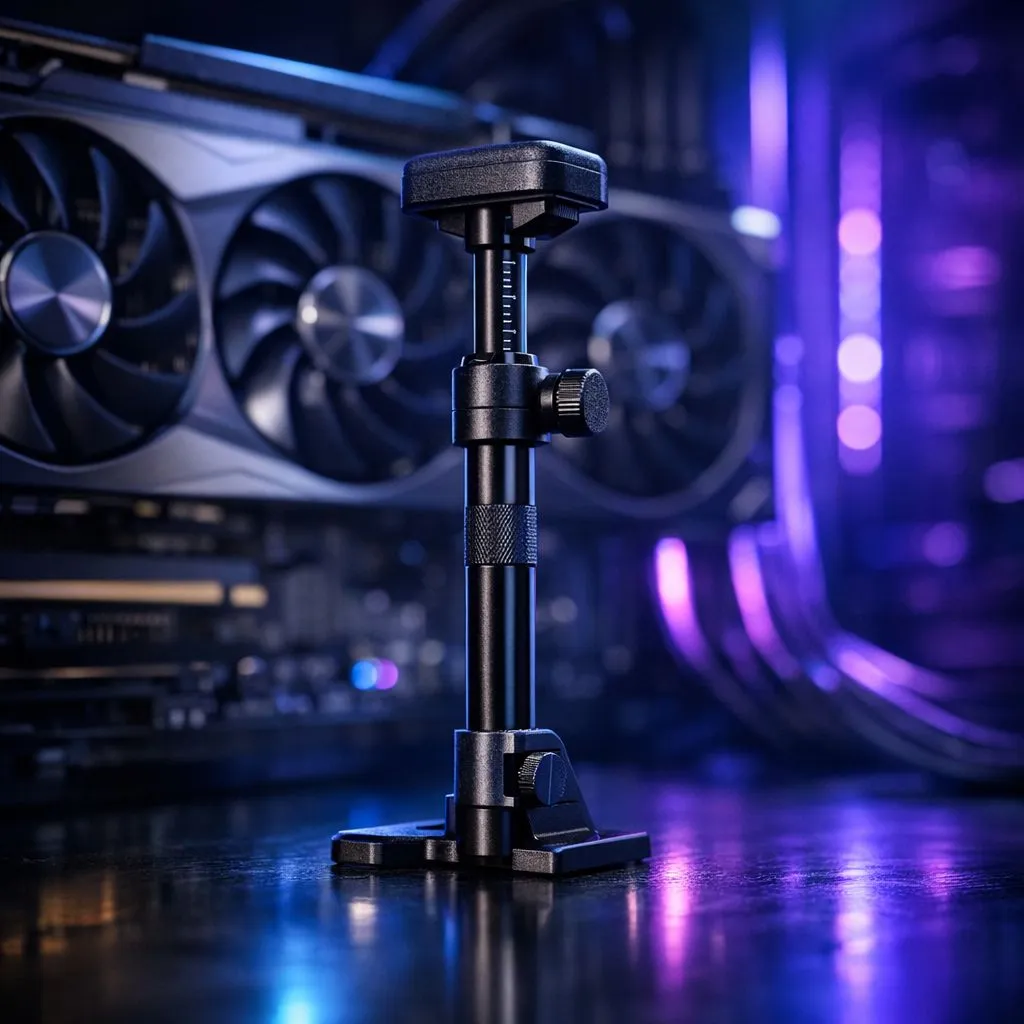
Why your heavy graphics card needs extra help
Ever stared through your tempered glass side panel and noticed your expensive graphics card looking a bit... lopsided? You aren't imagining it. Modern GPUs are heavy. Without a proper GPU support bracket, that high-end card puts massive strain on your motherboard. In South Africa, where we invest heavily in our rigs, protecting that hardware is a top priority. Let's look at how to prevent GPU sag with adjustable braces. 🔧
The hidden dangers of a drooping GPU
Modern graphics cards are engineering marvels, but they have become incredibly bulky. A flagship RTX 4090 can easily weigh more than two kilograms. This weight pulls directly on the PCIe slot and the PCB of the card itself. Over time, this constant downward force leads to permanent warping or even cracked solder joints... failures that are rarely covered by standard warranties.
By choosing to prevent GPU sag with adjustable braces, you are doing more than just fixing the aesthetics. You are ensuring that the cooling fans stay perfectly aligned and that the thermal pads maintain firm contact with the VRAM. A sagging card can actually pull away from its own heatsink over several months, leading to higher temperatures and thermal throttling.
Installation Pro Tip ⚡
When installing your bracket, ensure the PC is lying flat on its side. This allows the GPU to sit naturally in its slot before you lock the brace into position. It prevents you from accidentally propping the card up too high, which can be just as damaging as letting it sag.
Choosing the right support for your build
Not every brace fits every build. If you are currently browsing our wide range of computer cases, you need to consider the internal layout. Some brackets screw directly into the expansion slots of the chassis, while others are standalone pillars that sit on the bottom of the case.
For those who prefer a clean, minimalist aesthetic, Fractal Design PC cases offer excellent structural integrity, but even their reinforced slots benefit from a dedicated GPU support bracket. If you are building a high-airflow rig using Gamdias gaming cases, a telescopic pillar brace is often the easiest solution to hide behind the power cables.
Affordable protection for every gamer
You don't need to spend a fortune to keep your hardware safe. Even if you are picking up one of the Gamdias gaming cases under R1500, adding a simple adjustable brace is a smart move. It’s a small price to pay to ensure your R20,000+ graphics card stays level and functional for years to come. 🚀
Whether you want a stealthy black aluminium pillar or a flashy RGB-sync version, the goal is the same... stability. A level GPU just looks better, and it gives you peace of mind every time you glance at your desk.
Ready to Protect Your Hardware? Don't let gravity win the battle against your motherboard. From high-end chassis to essential cooling accessories, we have everything you need to keep your rig in peak condition. Explore our massive range of computer cases and accessories and give your GPU the support it deserves.








