


Dedicated Media Keys for Streamers: Improve Workflow Fast
Dedicated media keys give streamers one-touch control to mute, switch scenes, clip highlights, and adjust audio — cutting task time and boosting consistency 🎛️⚡
Read moreHigh-Refresh laptops dorm rooms deliver compact, quiet, high-FPS gaming for Valorant and CS2 players. We test 2025 picks, compare 144–360Hz options, battery and noise, and show dorm-friendly setups 🛏️🎮
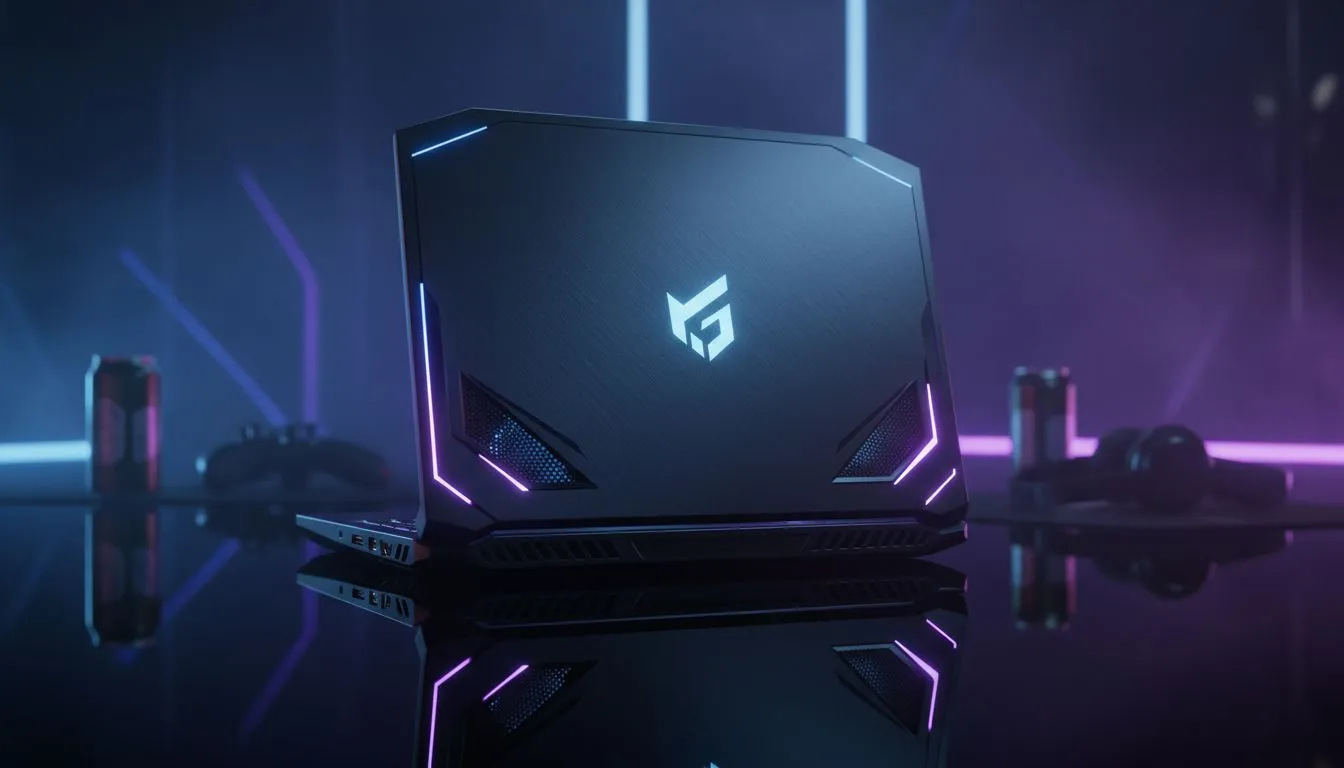
South African gamers gearing up for 2025 tournaments know the edge is real. High-refresh laptops are not just a luxury—they’re the new must-have for competitive games like Valorant and CS2. These rigs deliver buttery-smooth gameplay, letting you spot enemies faster and react quicker. In cramped dorm rooms, space is tight, so laptops with powerful displays and fast refresh rates are your best allies.
When selecting a laptop for CS2 or Valorant, aim for refresh rates of at least 144Hz. That rapid refresh translates to reduced motion blur and improved in-game clarity, vital when split-second decisions count. At Evetech, you'll find GeForce RTX gaming laptops on special offering impressive visuals and smooth frame delivery, perfect for high-stakes rounds. Check out the latest models with RTX graphics tailored to supercharge your play.
If you prefer AMD’s power combo, explore the wide range of Ryzen laptop deals. Ryzen chips combine strong multi-threading with efficiency and great integrated graphics support for lower-tier competitive laptops. These make excellent choices for gamers who want balance between price and performance. Browse those options right here.
Dorm rooms demand both power and portability. Bulky machines won’t fit comfortably on shared desks or small nightstands. Opt for laptops around 15 to 16 inches with a slim profile but packed with specs that handle CS2’s evolving graphics. Intel laptops on special deliver great CPU speed boosting game load times and responsiveness, blending portable designs with might. See the current deals on Intel-powered gear over here.
Another route is to set your budget under R20,000. It’s perfectly possible to get playable machines that hit high-refresh targets in that range too. For entry-level but solid setups, occasionally Evetech has gaming laptops under R20k that punch well above their weight.
Keep your laptop plugged in and set power mode to high performance during gaming sessions. This prevents throttling and maintains smooth 144Hz or better refresh rates.
Your environment matters too. Position your gaming laptop to avoid glare, and use a quality gaming mouse and headset for full sensory immersion. Remember, hardware is just one side of the coin—optimising settings like resolution and anti-aliasing in Valorant and CS2 can further boost FPS and reduce input lag.
If you’re eyeing the best overall deal, Evetech’s best gaming laptop deals combine specs, price, and warranty for peace of mind—perfect for students chasing esports dreams.
Gear Up with Top-Tier Laptops Today Ready to level up your dorm room setup? Shop now at Evetech for performance that leaves lag in the dust.
Look for high-refresh displays (144Hz+), efficient cooling, low noise, compact size and good price-to-performance. These balance FPS with dorm-friendly noise.
Yes for competitive play if your mouse and settings support high FPS. 240Hz gaming laptops dorm rooms offer smoother aim in Valorant and CS2.
Affordable high refresh laptops 2025 models with mid-high GPUs (RTX 4060/4060 Ti) hit 144–240Hz at 1080p in esports titles while staying wallet-friendly.
Use balanced power modes, undervolt where safe, raise the laptop for airflow, and enable quiet profiles. Cooling hacks for dorm gaming laptops cut noise significantly.
High-refresh panels consume more power at peak FPS; use battery-saving modes and lower refresh when unplugged to improve battery life tips gaming laptops dorm.
13–15 inch high-refresh laptops balance screen space with portability. Portable 165Hz laptops for CS2 are great when desk area is limited.
Prioritize a balanced GPU that sustains high FPS at 1080p while choosing at least 144Hz. A strong GPU plus 144–240Hz gaming laptops dorm rooms delivers consistent performance.
Dedicated media keys give streamers one-touch control to mute, switch scenes, clip highlights, and adjust audio — cutting task time and boosting consistency 🎛️⚡
Read more
PBT vs ABS keycaps: Clear, local guide for South African gamers—compare feel, sound, durability and where to buy. Find the best material for your budget and playstyle 🎮🇿🇦
Read more
- Multi-Function Digital Dial: define benefits - Show gamer setups and macros - Offer buying and setup tips Multi-Function Digital Dial puts programmable control at your fingertips for faster actions and smoother streaming. 🎮⚙️
Read more
- Explain benefits; - Show the science; - Compare options; - Recommend picks. Magnetic wrist rest for gaming cuts wrist strain and boosts comfort during long sessions 🕹️✨
Read more
best gaming keyboard South Africa: Learn how to pick a low-latency mechanical keyboard, choose switches, layout and budget for competitive play 🎮⚡
Read more
Best wireless keyboard and mouse combo for small desks — curated, space-saving picks that boost comfort and productivity in tight setups. Find low-profile layouts, compact mice, and reliable range to fit your compact workstation. 🖱️⌨️
Read more
Discover webcams that automatically adjust light and color for crystal-clear video calls 🎥✨. Boost your streaming quality today!
Read more
Discover webcams that blend into your workflow 🎯 Capture moments while you work, stream, or create. Upgrade your setup with smart, multitasking tech!
Read more Dedicated media keys give streamers one-touch control to mute, switch scenes, clip highlights, and adjust audio — cutting task time and boosting consistency 🎛️⚡
Read more PBT vs ABS keycaps: Clear, local guide for South African gamers—compare feel, sound, durability and where to buy. Find the best material for your budget and playstyle 🎮🇿🇦
Read more - Multi-Function Digital Dial: define benefits - Show gamer setups and macros - Offer buying and setup tips Multi-Function Digital Dial puts programmable control at your fingertips for faster actions and smoother streaming. 🎮⚙️
Read more - Explain benefits; - Show the science; - Compare options; - Recommend picks. Magnetic wrist rest for gaming cuts wrist strain and boosts comfort during long sessions 🕹️✨
Read more