

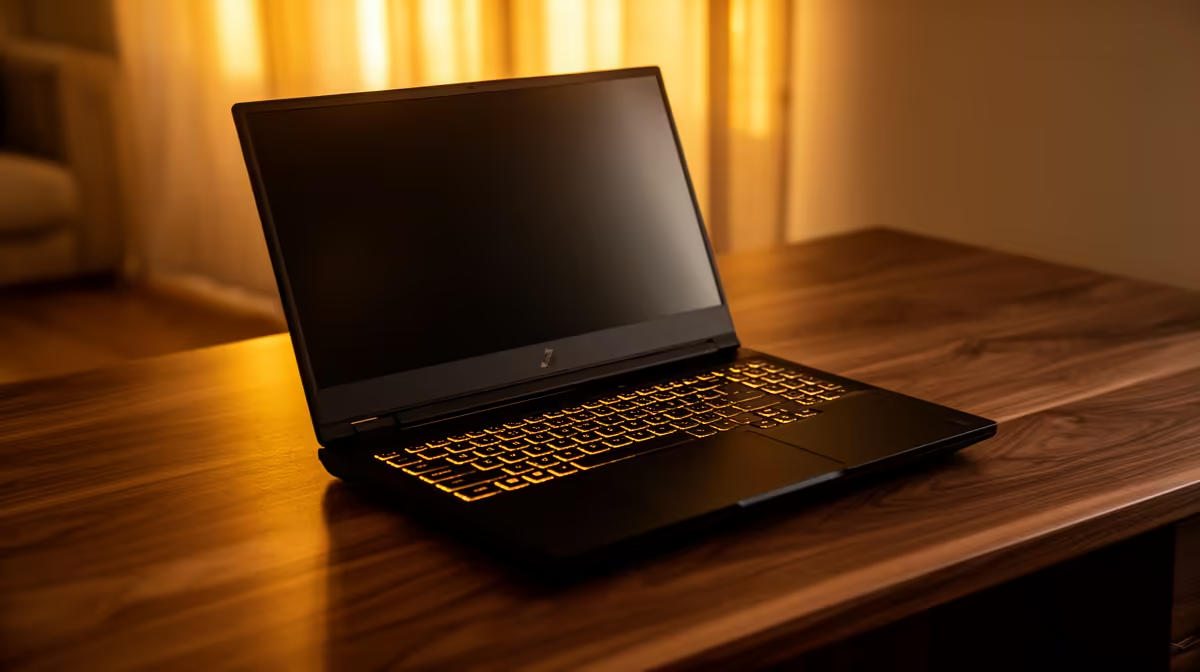
Starting Your ASUS TUF Laptop Journey in South Africa ⚡
Unboxing your new ASUS TUF laptop is exhilarating but setting it up the right way matters. South African gamers and tech enthusiasts expect peak performance out of the box. Getting your ASUS TUF laptop ready starts with some essential initial configurations to unlock smooth gameplay and reliable everyday use. This guide walks you through setup steps tailored for South Africa’s unique connectivity and power conditions, so you won’t miss a beat or FPS drop.
Essential ASUS TUF Laptop Setup Steps for South African Users
Initialise Your Laptop with Local Settings
First, power on and select South Africa as your region. This ensures timezone, language, and keyboard layout are accurate for local use. Update Windows to the latest version to patch security fixes and improve device stability. ASUS TUF laptops come with Armoury Crate software — launch it early to manage updates and optimise your gaming profile.
Connect to your preferred internet, ideally a stable fibre connection, for quicker downloads. If you need a faster all-round upgrade, check Evetech’s best gaming PC deals. You might find that a pre-built setup completes your battle station, especially when paired with an ASUS TUF laptop.
Power and Battery Optimisation in South Africa 🔧
Battery care is crucial for durability. South African power supply can occasionally fluctuate — use a surge protector to safeguard your laptop. ASUS TUF laptops have built-in hybrid power modes; select 'Optimised' in Armoury Crate to balance power consumption and performance. Avoid always keeping your laptop plugged in to prolong battery lifespan.
Boost Performance with Essential Components
While the ASUS TUF includes respectable hardware, upgrading your gaming rig with complementary parts can create a powerhouse. Consider adding external monitors or enhancing your graphics performance through external GPUs when possible. Evetech stocks a great range of graphics cards that pair well with ASUS systems for ultra-smooth visuals and frame rates.
Quick Performance Tip
Give Armoury Crate’s ‘Scenario Profiles’ a try to customise fan speeds and CPU modes—you’ll stay cool without noise annoying your crew during late-night raids.
Connecting Peripherals and Software for Maximum Efficiency
Plug in your gaming peripherals: mouse, keyboard, headset. ASUS TUF laptops support customizable RGB lighting — sync it with your gear via Armoury Crate for immersive setups. For South African users, choosing reliable drivers and avoiding unnecessary software bloat ensures the laptop stays agile.
If you’re building a full gaming setup or upgrading your existing rig, Evetech’s pre-built PC deals offer ready-to-go desktops that complement your ASUS TUF laptop beautifully, matching in both performance and budget-savvy upgrades.
Leveraging Local Deals and Specials to Maximise Value 🚀
To really get your tech stack firing on all cylinders, keep an eye on Evetech’s specials page for price drops and combos tailored to South African gamers. Whether you want extra RAM, a new SSD, or a gaming mouse, you can snag great value deals. Evetech’s selection prioritises affordability without compromising quality.
And if you’re still on the fence about which ASUS TUF model fits your needs, browse through our comprehensive notebooks for sale in South Africa — all tested for local conditions and gaming demands.
Upgrade Your Gaming Setup Today Ready to kick-start your ASUS TUF laptop journey with premium gear and unbeatable deals? Shop now at Evetech for performance that leaves lag in the dust.











