

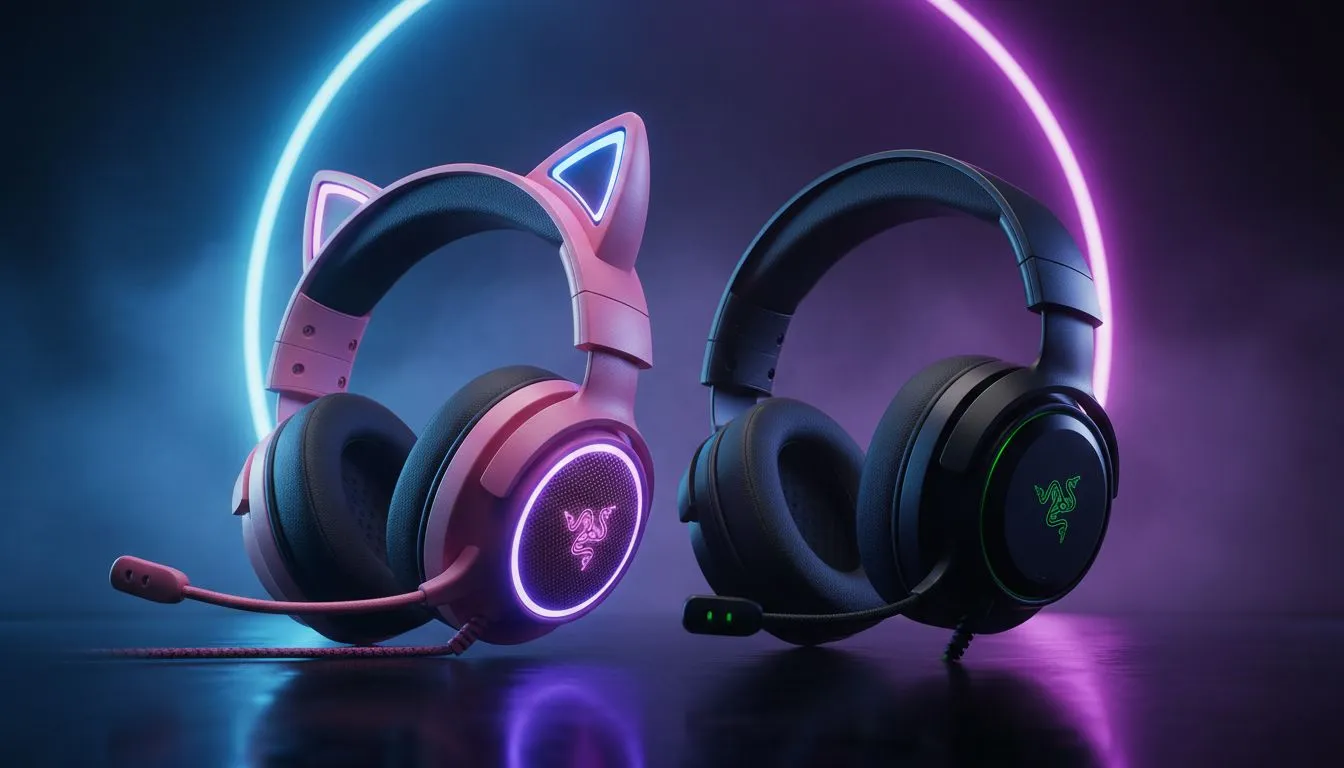
Finding the Best Footsteps for Warzone: Kraken Kitty vs BlackShark V2 X
If you are hunting for wins in Warzone, your ears are just as important as your aim. Choosing between the Kraken Kitty vs BlackShark V2 X: Best Footsteps for Warzone depends on whether you want style or pure esports performance. In South Africa, where every ping matters, picking the right gear can save your loadout from a premature trip to the Gulag. 🎧
The Kraken Kitty: Aesthetic Meets Audio
The Razer Kraken Kitty V2 is a favourite for streamers, but don't let the ears fool you. It packs serious hardware under that colourful exterior. It uses Razer’s TriForce 40mm drivers, which provide clear highs and decent bass. However, when comparing the Kraken Kitty vs BlackShark V2 X: Best Footsteps for Warzone, the Kitty leans slightly more towards a "fun" sound profile.
It is a USB-powered headset, meaning it has its own internal DAC. This ensures consistent volume levels across different PCs. If you are looking for a balance between looking great on camera and hearing a slide-cancel from around the corner, this is a solid choice. You can find the latest deals on Razer headphones and headsets to see how the Kitty fits your budget.
BlackShark V2 X: The Tactical Advantage
The BlackShark V2 X is built for one thing: winning. It uses larger 50mm TriForce drivers. These are specifically tuned to separate frequencies. This means the low-end rumble of an airstrike won't drown out the high-frequency crunch of boots on gravel.
In the battle of Kraken Kitty vs BlackShark V2 X: Best Footsteps for Warzone, the BlackShark often takes the lead for competitive play. Its passive noise cancellation is superior... it hugs your ears tighter, blocking out the noise of a loud South African summer fan or a barking dog. If you prefer a cable-free experience with similar DNA, the Razer Barracuda X Chroma is a fantastic wireless alternative for those who want to move freely.
Warzone Audio Pro Tip ⚡
To truly optimise your footstep audio, set your Warzone "Audio Mix" to "Headphone Bass Boost" or "Boost High". This emphasizes the frequencies where footsteps sit. Also, turn down the "Music Volume" to 0... it only serves to distract you during high-intensity final circles.
Comparing Spatial Awareness and Comfort
Warzone’s audio engine is notoriously difficult. To get the best results, you need a headset that handles spatial positioning well. The BlackShark V2 X supports 7.1 Surround Sound, which helps in pinpointing whether an enemy is on the roof or the floor below you in Vondel.
The Kraken Kitty is slightly heavier due to the lighting and build. For long sessions, the lightweight design of the BlackShark V2 X (around 240g) makes it almost unnoticeable. When browsing the broad range of headsets available, weight is a factor many gamers overlook until their neck starts aching after a four-hour session. 🚀
Which One Should You Buy?
If you are a content creator who wants to stand out while maintaining good audio, the Kraken Kitty is the way to go. It brings a level of flair that the BlackShark lacks. However, if you are a "sweat" looking for every possible advantage in a ranked lobby, the BlackShark V2 X is the tactical winner.
The price difference in ZAR often makes the BlackShark V2 X the more accessible entry point for pure performance. It delivers the essential features without the "pink tax" or the cost of RGB lighting. 🔧
Ready to Find Your Perfect Match? Whether you want the iconic style of the Kraken or the esports precision of the BlackShark, your next victory starts with better audio. Explore our massive range of Razer headset specials and find the perfect gear to dominate the Warzone today.











