

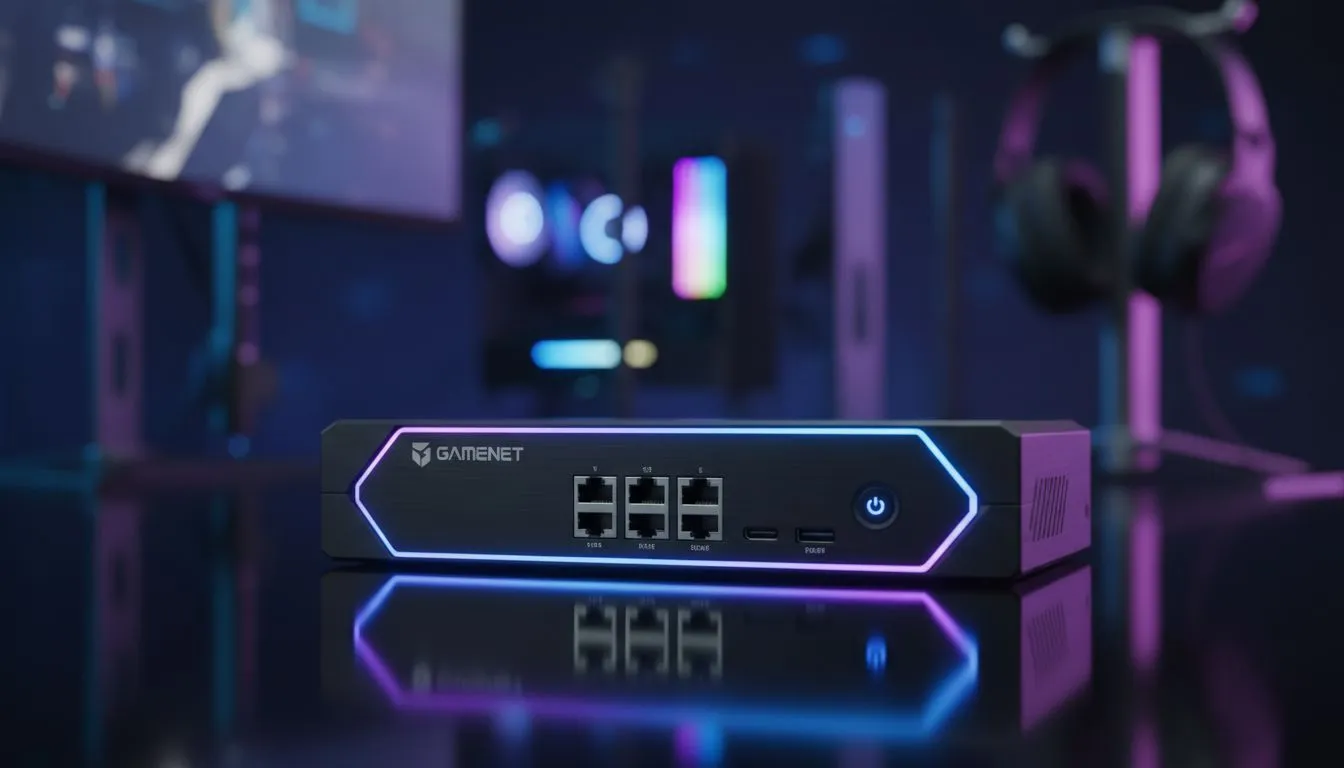
Tired of swapping cables between your work laptop and gaming rig? If you are a South African gamer balancing a career and a passion for high-refresh-rate action, you know the pain. Tangled wires and manual unplugging are relics of the past. A KVM switch for gaming is the missing piece in your setup... the bridge between productivity and play. ⚡
Why a Desktop Switch is Essential for Modern Setups
A KVM (Keyboard, Video, Mouse) switch allows you to control multiple computers using a single set of peripherals. For many of us in SA, the "work-from-home" era turned our gaming sanctuaries into home offices. Instead of cluttering your desk with two keyboards, you can use one high-quality mechanical board for both machines.
The convenience of a dedicated range of desktop switches cannot be overstated. With a simple button press, your monitor, mouse, and headset switch from your work spreadsheet to your Steam library. It keeps your cable management clean and your headspace clear.
Productivity Pro Tip ⚡
On Windows, use the PowerToys FancyZones utility to create custom snap layouts for your windows. It's a lifesaver for managing multiple apps on an ultrawide monitor, letting you organise your timeline, preview window, and asset folders perfectly for video editing.
Performance and Reliability for Competitive Play
Latency is the enemy of every gamer. When choosing a KVM switch for gaming, you need hardware that handles high bandwidth without input lag. Many standard office switches fail to support 144Hz or 4K resolutions. This results in screen flickering or dropped frames during intense matches.
To avoid these issues, look for networking gear from reputable brands like Cudy. These devices are designed to handle consistent data flow. They ensure that your mouse clicks register instantly, whether you are clicking "Send" on an email or "Fire" in a clutch round of Counter-Strike. 🚀
Finding the Best KVM Switch for Your Budget
The South African market offers various options depending on your specific needs. If you are running a dual-monitor setup with high-end GPUs, you will need a switch that supports DisplayPort 1.4 or HDMI 2.1. These specs ensure your refresh rates remain buttery smooth.
Investing in premium KVM solutions is often a better long-term strategy. Cheaper alternatives might save you a few Rands today... but they often lack the durability to handle daily switching. A solid desktop switch should feel sturdy and provide clear LED indicators to show which system is currently active. ✨
Streamline Your Workflow and Play
Ultimately, a KVM switch for gaming is about reclaiming your time. No more reaching behind the PC case. No more wearing out your USB ports. By centralising your control, you create a seamless transition between your professional life and your digital adventures. It is the ultimate quality-of-life upgrade for any serious South African setup. 🔧
Ready to Find Your Perfect Match? The struggle with cable clutter is real, but the right hardware makes all the difference for your gaming and productivity. Explore our massive range of desktop switches and find the perfect machine to conquer your world.











