

The Challenge: Taming the Hybrid-Work Cable Jungle
Meet Thabo, a freelance graphic designer from Jozi. Like many South Africans, he splits his week between his home office and a co-working space. His challenge? The constant plug-and-unplug dance. Every time he moved his laptop, he wrestled with cables for his 4K monitor, mechanical keyboard, mouse, and external SSD. It was a 5-minute ritual of frustration that cluttered his desk and killed his creative flow. He needed a one-plug solution to simplify his setup.
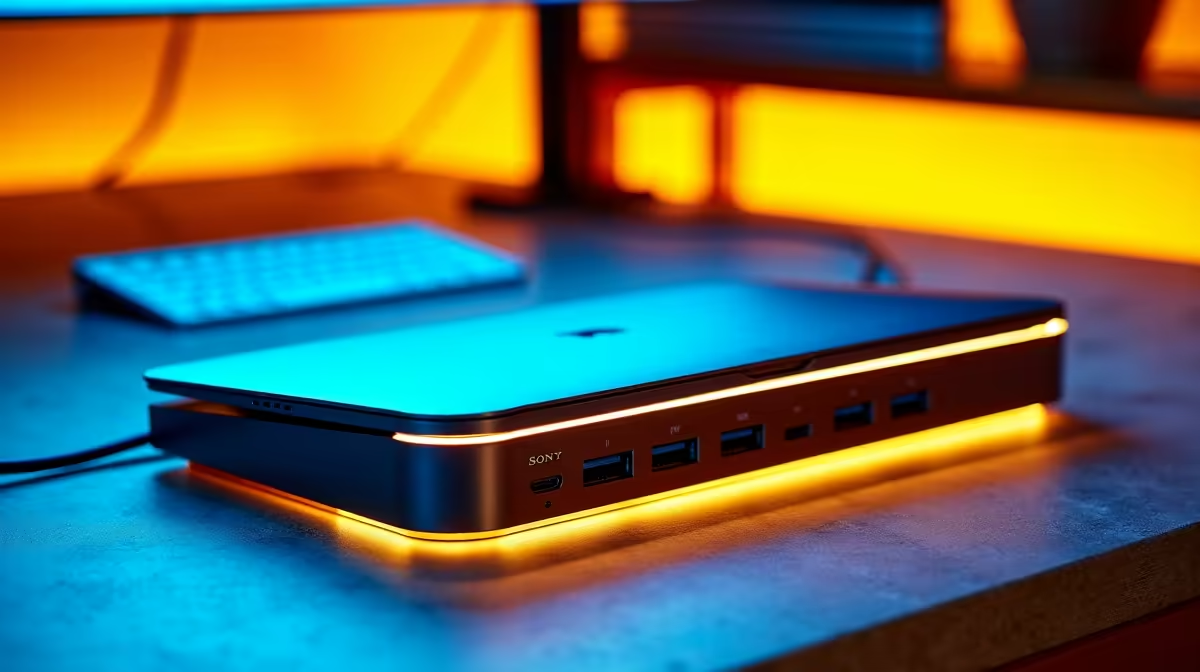
The Solution: A Single-Cable Docking Station Setup
After getting tired of the cable chaos, Thabo decided to invest in a docking station. His goal was to find something that could handle a 4K display, multiple USB devices, and charge his laptop… all through a single USB-C cable.
He explored Evetech's wide range of laptop docking stations, comparing high-end models with more budget-friendly options. While powerful choices from brands like PORT DESIGNS were tempting, he ultimately found a sweet spot with a Promate multiport hub. It offered all the connectivity he needed without the hefty price tag.
Implementation Steps
- Unbox and Position: He placed the compact dock neatly behind his monitor.
- Connect Peripherals: His monitor (HDMI), keyboard (USB-A), mouse (USB-A), and external SSD (USB-C) were all plugged directly into the dock.
- Power Up: The dock’s main USB-C cable was connected to his laptop. That’s it. One cable now rules them all. ⚡
Pro Tweak: The Power Passthrough
Thabo plugged his laptop’s original USB-C charger into the dock's Power Delivery (PD) port. Now, the single cable connecting the dock to his laptop not only transfers data and video but also keeps his machine fully charged.
The Results: A Clutter-Free, Efficient Workspace
The impact was immediate. Thabo’s productivity and desk aesthetics improved dramatically. The new setup streamlined his workflow, saving him valuable time and mental energy every single day.
| Metric | Before Docking Station | After Docking Station |
|---|---|---|
| Setup Time | ~5 minutes | < 10 seconds |
| Visible Cables | 4+ cables to laptop | 1 cable to laptop |
| Desk Clutter | High (Tangled mess) | Minimal (Clean & organised) |
| Port Usage | All laptop ports used | Only one USB-C port used |
“It’s been a total game-changer. I just grab my laptop and go. When I come back, I plug in one cable and my entire battle station is ready. No more fuss, just pure focus. My only regret is not doing it sooner.” – Thabo, Johannesburg
Ready for a One-Cable Workspace? Reclaim your desk and streamline your workflow without breaking the bank. Check out our curated selection of laptop docks under R500 and find the perfect hub for your needs.











