


Dedicated Media Keys for Streamers: Improve Workflow Fast
Dedicated media keys give streamers one-touch control to mute, switch scenes, clip highlights, and adjust audio — cutting task time and boosting consistency 🎛️⚡
Read moreChecklist: choose CPU/GPU; match display & cooling; set budget & portability. Laptop for Apex Legends: this 2026 guide gives clear specs, tiered picks and buying tips to maximise FPS and mobility. 🎮💡
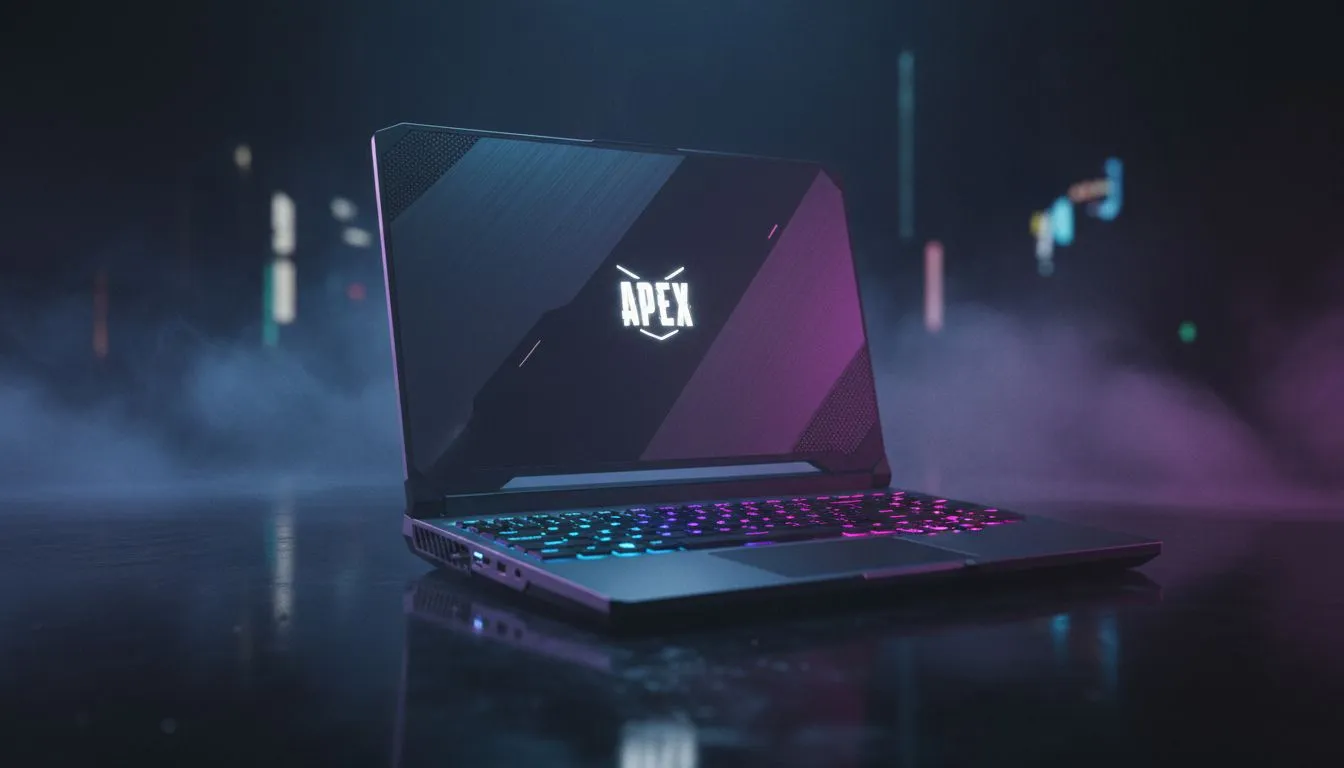
Dropping into Fragment or Storm Point in 2026 requires more than just skill. You need hardware that keeps up with the chaos of a final ring. In South Africa, finding the right balance between price and performance is vital. Whether you are chasing Predator rank or just playing for fun, your machine shouldn't be the reason you lose a 1v1 duel. ⚡
The Apex engine has evolved... demanding more from your hardware than ever before. To maintain a steady 144 FPS at 1080p, you need a modern processor. We recommend looking at the latest Intel laptops on special to ensure your frame times remain consistent. High clock speeds are the secret to avoiding stutter during Bangalore ultimates or Fuse clusters.
If you prefer Team Red, there are incredible Ryzen laptop deals that offer exceptional multi-threaded performance. These CPUs handle background tasks like Discord or streaming effortlessly. Modern Apex updates now utilise more cores... making these chips a smart choice for 2026.
Disable "Spot Shadow Detail" and "Dynamic Shadows" in the video settings. These settings hog VRAM and offer very little competitive advantage. Lowering them can boost your average frame rate by up to 15% without making the game look muddy.
Visual clarity is everything when tracking a flying Valkyrie. You need a GPU that supports the latest upscaling technologies. Checking out GeForce RTX gaming laptops on special is the best way to secure a machine with DLSS support. This technology allows you to run higher resolutions while keeping your frame rate buttery smooth. ✨
A high refresh rate screen is no longer a luxury... it is a requirement. Look for at least 144Hz or 240Hz panels to reduce input lag. You will notice the difference the moment you try to track a moving target at close range.
High-end gaming doesn't always have to break the bank in South Africa. We have curated the best gaming laptop deals to help you find a powerhouse at a fair price. Many of these machines feature the cooling solutions needed for long gaming sessions in our warm climate.
If you are just starting your journey, there are solid gaming laptops under R20k that can still hit 60+ FPS on competitive settings. These entry-level beasts are perfect for students or casual players who want to join the squad without spending a fortune. 🚀
Ready to Become the Next Champion? Don't let hardware lag hold your squad back. Whether you need an RTX powerhouse or a budget-friendly slayer, we have the right machine for you. Explore our massive range of gaming laptop specials and dominate the Apex games today.
Aim for a 6-core CPU, RTX 4060+ GPU, 144Hz+ display, 16GB RAM and SSD — core Apex Legends laptop specs for 2026 performance.
144Hz or higher reduces motion blur and improves aim; 240Hz suits esports play. Balance refresh rate with your GPU for laptops for Apex Legends.
Yes if it has a capable GPU (RTX 4060+), strong cooling and good power limits. A portable laptop for Apex Legends trades thermals for mobility.
$900–1400 gets solid 1080p/144Hz with RTX 4060; $1500+ unlocks high-refresh 1440p/240Hz options and best laptop for Apex Legends 2026 picks.
Very important — sustained FPS depends on thermal management. Pick models with dual fans, vapor chambers or big vents to keep clocks high.
Prioritise GPU for higher FPS, but use a modern 6–8 core CPU to avoid CPU bottlenecks during heavy fights.
Prefer Ethernet or USB-C/Thunderbolt for docks, extra USB-A for peripherals, and expect shorter battery life during gaming sessions.
Dedicated media keys give streamers one-touch control to mute, switch scenes, clip highlights, and adjust audio — cutting task time and boosting consistency 🎛️⚡
Read more
PBT vs ABS keycaps: Clear, local guide for South African gamers—compare feel, sound, durability and where to buy. Find the best material for your budget and playstyle 🎮🇿🇦
Read more
- Multi-Function Digital Dial: define benefits - Show gamer setups and macros - Offer buying and setup tips Multi-Function Digital Dial puts programmable control at your fingertips for faster actions and smoother streaming. 🎮⚙️
Read more
- Explain benefits; - Show the science; - Compare options; - Recommend picks. Magnetic wrist rest for gaming cuts wrist strain and boosts comfort during long sessions 🕹️✨
Read more
best gaming keyboard South Africa: Learn how to pick a low-latency mechanical keyboard, choose switches, layout and budget for competitive play 🎮⚡
Read more
Best wireless keyboard and mouse combo for small desks — curated, space-saving picks that boost comfort and productivity in tight setups. Find low-profile layouts, compact mice, and reliable range to fit your compact workstation. 🖱️⌨️
Read more
Discover webcams that automatically adjust light and color for crystal-clear video calls 🎥✨. Boost your streaming quality today!
Read more
Discover webcams that blend into your workflow 🎯 Capture moments while you work, stream, or create. Upgrade your setup with smart, multitasking tech!
Read more Dedicated media keys give streamers one-touch control to mute, switch scenes, clip highlights, and adjust audio — cutting task time and boosting consistency 🎛️⚡
Read more PBT vs ABS keycaps: Clear, local guide for South African gamers—compare feel, sound, durability and where to buy. Find the best material for your budget and playstyle 🎮🇿🇦
Read more - Multi-Function Digital Dial: define benefits - Show gamer setups and macros - Offer buying and setup tips Multi-Function Digital Dial puts programmable control at your fingertips for faster actions and smoother streaming. 🎮⚙️
Read more - Explain benefits; - Show the science; - Compare options; - Recommend picks. Magnetic wrist rest for gaming cuts wrist strain and boosts comfort during long sessions 🕹️✨
Read more