

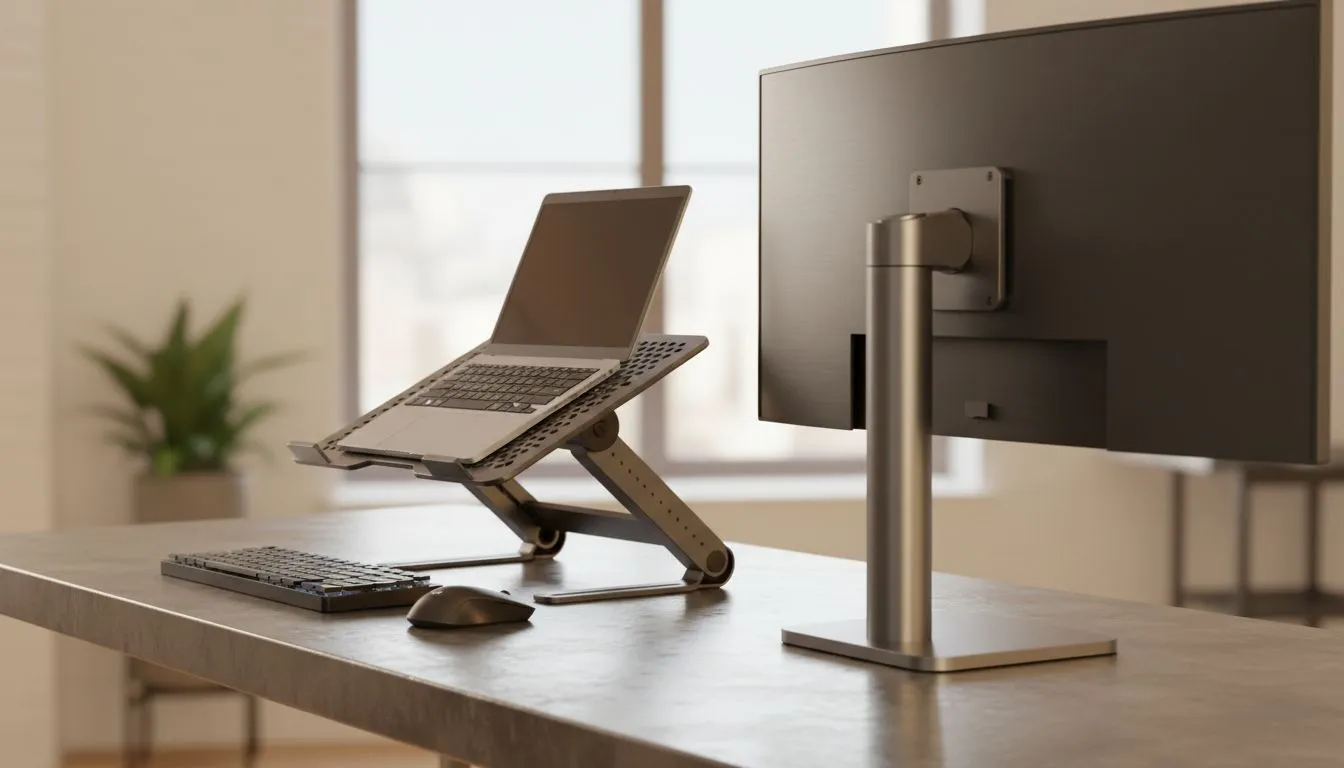
Laptop stand vs monitor stand: better eye-level ergonomics for your home office?
Ever spent eight hours hunched over a desk in Jozi, only to end the day with a stiff neck? You are definitely not alone. Achieving the perfect setup often comes down to one vital question: laptop stand vs monitor stand: better eye-level ergonomics? Getting your screen to the right height is essential for long-term health... and your performance in the server. ⚡
If you are working from a notebook, you are likely looking down at the display. This posture puts immense strain on your cervical spine. To fix this, a dedicated laptop stand is the most straightforward solution. It lifts the device so the top third of the screen aligns with your eyes. This simple change can significantly reduce fatigue during those long load-shedding-free work sessions.
Finding the right balance for your workspace
When comparing a laptop stand vs monitor stand: better eye-level ergonomics usually depends on your primary screen. Monitor stands or arms offer incredible flexibility, but they require an external display. If you prefer the portability of your laptop, brands like Promate provide excellent risers that mimic the height of a traditional monitor. These stands help you maintain a neutral neck position while keeping your desk looking clean.
Ergonomic Pro Tip ⚡
Always aim for the '90-degree rule' when setting up your station. Your elbows should be at a 90-degree angle to your desk, and your knees should be at a 90-degree angle to the floor. If your laptop stand raises your keyboard too high, remember to use an external keyboard and mouse to keep your wrists flat and comfortable.
Durability and cooling in the South African heat
Our local climate can be tough on hardware. A high-quality stand does more than just save your neck; it improves airflow. Options from Orico are specifically designed with heat dissipation in mind. By lifting the base of your machine off the desk surface, you allow the internal fans to work more efficiently. This prevents thermal throttling when you are in the middle of a high-stakes match or a heavy render. 🔧
If you are looking for something more robust, investing in premium ergonomic gear starting around R765 is a wise move. These models often feature adjustable heights and angles, allowing you to fine-tune your viewing experience. Whether you choose a laptop stand or a monitor stand, the goal remains the same: stop the slouch. Your back will thank you in ten years... and your focus will improve today. 🚀
Ready to Find Your Perfect Match? The laptop stand vs monitor stand debate is about your comfort and health. For the best selection of ergonomic gear and hardware in South Africa, Evetech has you covered. Explore our massive range of laptop specials and find the perfect machine to conquer your world.











