


Dedicated Media Keys for Streamers: Improve Workflow Fast
Dedicated media keys give streamers one-touch control to mute, switch scenes, clip highlights, and adjust audio — cutting task time and boosting consistency 🎛️⚡
Read moreLaptops under R15000: Find budget laptops that run Dota 2 at playable FPS. We test performance, list top picks, specs, and buying tips so you can game affordably 🎮💸
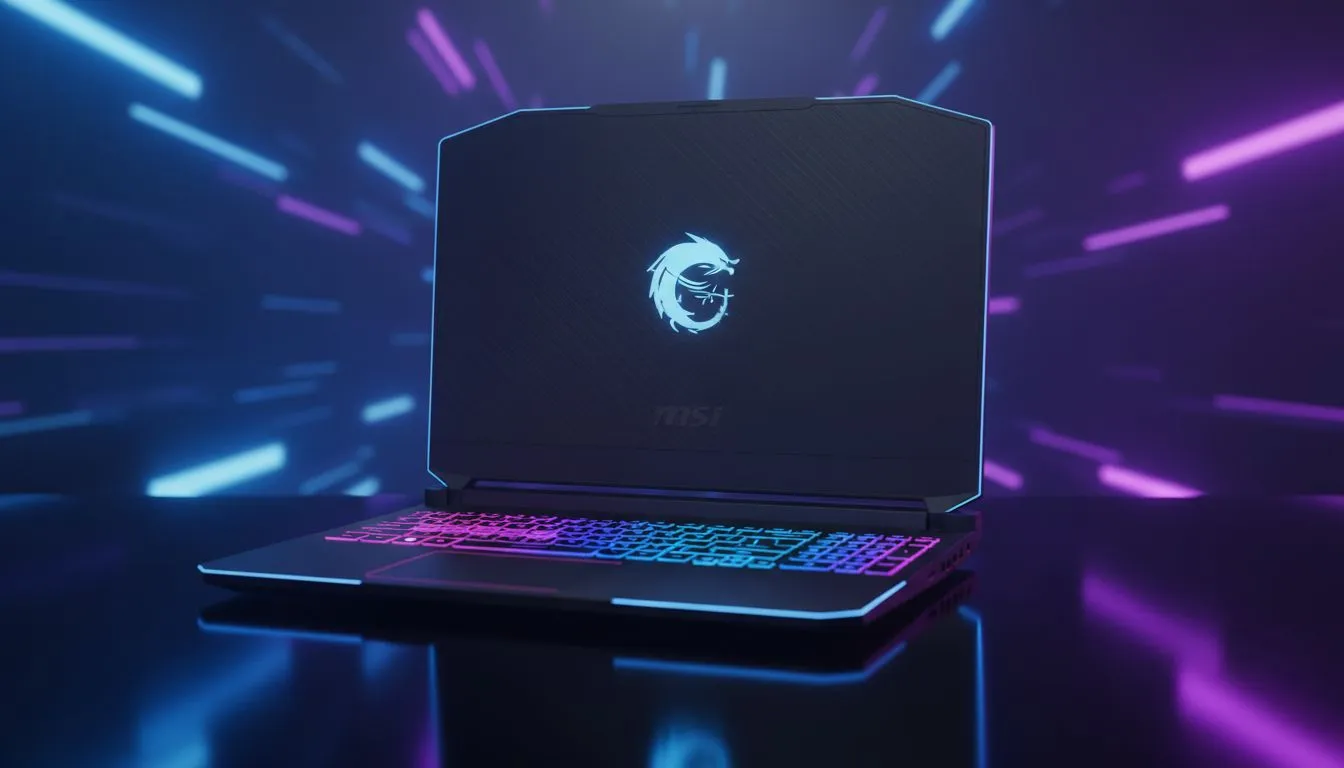
Finding the right gear for the lanes should not cost a fortune. In South Africa, we know the struggle of balancing performance with a tight budget. If you are looking for laptops under R15000 to play Dota 2 smoothly, you are in the right place. You do not need a beastly rig to climb the MMR ladder... you just need the right specs for the job. 🔧
Dota 2 is a game that rewards quick reflexes and clear visuals. While it is not the most demanding title, team fights can tank your frame rate. Choosing the right processor is the first step toward a lag-free experience. Many local players prefer the reliable performance of Team Blue. You can find several Intel laptops on special that handle high-ground sieges without breaking a sweat.
If you prefer the efficiency of AMD, there are equally powerful options available. Checking out the latest Ryzen laptop deals is a smart way to get high core counts for a lower price. These machines excel at multitasking... perfect if you like to keep Discord and a browser open while you play. ⚡
Lower your 'Effects Quality' and 'Shadows' in the Dota 2 settings. These two settings tax your hardware the most during chaotic team fights. Keeping them at medium will ensure your frame rate stays stable when the Enigma hits a five-man Black Hole.
To play Dota 2 smoothly, you should aim for at least 8GB of RAM and a dedicated GPU. Integrated graphics have improved, but a dedicated card ensures you stay above 60 FPS. We constantly update our list of the best gaming laptop deals to help you find these specific configurations. 🚀
Sometimes, spending just a little more can offer a massive jump in longevity. If your budget is flexible, browsing gaming laptops under R20k might reveal machines with better cooling systems. Better cooling means your laptop stays quiet during those long weekend grinds.
A high refresh rate screen is a luxury that quickly feels like a necessity. Seeing animations clearly helps you time your last hits and denies with more precision. Even on a budget, modern graphics cards make this possible. Keep an eye on GeForce RTX gaming laptops on special to snag a deal on a machine with DLSS support. This technology helps maintain high frame rates even when the screen is filled with spells. ✨
Dota 2 is about strategy and execution. Your hardware should support your skill... not hold it back. By choosing a machine that balances CPU power with efficient cooling, you ensure that your focus remains on the minimap.
Ready to Dominate the Lanes? Winning in Dota 2 requires skill, but having the right hardware makes the journey much smoother. Explore our massive range of laptop specials and find the perfect machine to climb the ranks today.
Yes. Many laptops under R15000 can run Dota 2 at playable settings (30–60 FPS) with the right GPU/CPU and 8GB RAM.
Focus on a dedicated GPU or strong integrated graphics, a quad-core CPU, 8GB RAM (upgradeable), and SSD storage for load times.
Refurbished units can offer better specs for the price — check warranty, battery health and GPU performance before buying.
Models with entry-level dedicated GPUs or recent Ryzen APUs usually deliver the best FPS for Dota 2 under R15000.
Both matter. Prioritize an SSD for responsiveness, then upgrade RAM to 8–16GB if the base model has insufficient memory.
Many budget laptops allow RAM and storage upgrades; CPU/GPU upgrades are usually not possible. Upgrading RAM and SSD helps most.
Expect limited battery while gaming. Choose efficient CPUs/APUs and accept plugged-in play for consistent FPS and thermals.
Dedicated media keys give streamers one-touch control to mute, switch scenes, clip highlights, and adjust audio — cutting task time and boosting consistency 🎛️⚡
Read more
PBT vs ABS keycaps: Clear, local guide for South African gamers—compare feel, sound, durability and where to buy. Find the best material for your budget and playstyle 🎮🇿🇦
Read more
- Multi-Function Digital Dial: define benefits - Show gamer setups and macros - Offer buying and setup tips Multi-Function Digital Dial puts programmable control at your fingertips for faster actions and smoother streaming. 🎮⚙️
Read more
- Explain benefits; - Show the science; - Compare options; - Recommend picks. Magnetic wrist rest for gaming cuts wrist strain and boosts comfort during long sessions 🕹️✨
Read more
best gaming keyboard South Africa: Learn how to pick a low-latency mechanical keyboard, choose switches, layout and budget for competitive play 🎮⚡
Read more
Best wireless keyboard and mouse combo for small desks — curated, space-saving picks that boost comfort and productivity in tight setups. Find low-profile layouts, compact mice, and reliable range to fit your compact workstation. 🖱️⌨️
Read more
Discover webcams that automatically adjust light and color for crystal-clear video calls 🎥✨. Boost your streaming quality today!

Discover webcams that blend into your workflow 🎯 Capture moments while you work, stream, or create. Upgrade your setup with smart, multitasking tech!
Dedicated media keys give streamers one-touch control to mute, switch scenes, clip highlights, and adjust audio — cutting task time and boosting consistency 🎛️⚡
PBT vs ABS keycaps: Clear, local guide for South African gamers—compare feel, sound, durability and where to buy. Find the best material for your budget and playstyle 🎮🇿🇦
- Multi-Function Digital Dial: define benefits - Show gamer setups and macros - Offer buying and setup tips Multi-Function Digital Dial puts programmable control at your fingertips for faster actions and smoother streaming. 🎮⚙️
- Explain benefits; - Show the science; - Compare options; - Recommend picks. Magnetic wrist rest for gaming cuts wrist strain and boosts comfort during long sessions 🕹️✨