

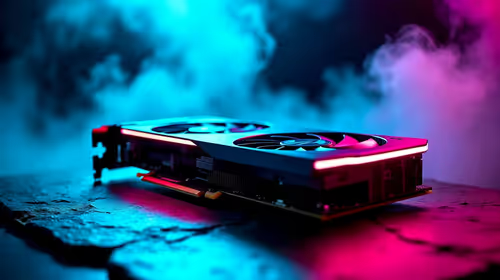
Best Aftermarket RTX 5070 Cards: AIB Partner Comparison 2026
Top Aftermarket RTX 5070 Cards: AIB Partner Comparison picks evaluated on performance, value & SA availability with current Rand pricing from Evetech.
Read moreLenovo IdeaPad Slim 3 for engineering students: quick, evidence-based verdict on performance, battery, thermals and CAD/MATLAB suitability to guide your purchase. 🔧🎓
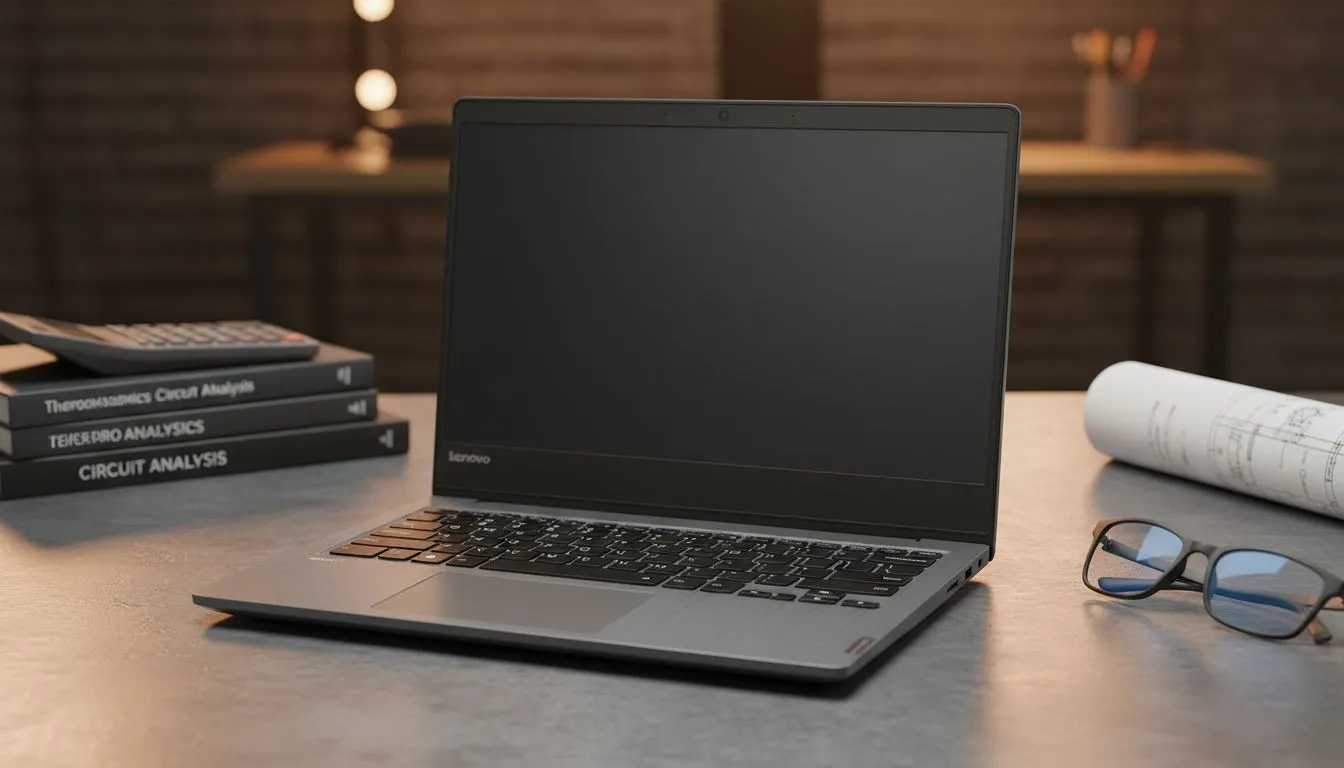
Starting your engineering degree at Wits or Tuks is a massive milestone that requires the right tools. You need a machine that handles MATLAB, coding environments, and light CAD work without stuttering. Many local students ask if the Lenovo IdeaPad Slim 3 for Engineering Students is a viable choice or just a budget compromise. Let’s look at whether this sleek machine can actually survive the rigours of a South African engineering curriculum... and your wallet. 🚀
Engineering isn't just about typing notes; it’s about running simulations and compiling code. The IdeaPad Slim 3 often features capable mid-range processors that punch above their weight. If you are looking for snappy performance, checking out the latest Intel laptops on special is a great place to start your search.
While the Slim 3 is great for general tasks, some engineering programmes thrive on multi-core efficiency. For those who prefer the red team, there are fantastic Ryzen laptop deals that offer excellent thermal management for those long nights in the library. The Lenovo IdeaPad Slim 3 for Engineering Students provides a solid foundation, but always ensure you have at least 16GB of RAM to keep those Chrome tabs and simulation tools running smoothly together.
On Windows, use the PowerToys FancyZones utility to create custom snap layouts for your windows. It's a lifesaver for managing multiple apps on a laptop screen, letting you organise your textbook PDF, your Python IDE, and your calculator perfectly without constant alt-tabbing.
Walking across a sprawling campus with a heavy bag is a recipe for back pain. The "Slim" in the name isn't just marketing... it weighs significantly less than a traditional workstation. This makes the Lenovo IdeaPad Slim 3 for Engineering Students an attractive prospect for those constantly moving between lecture halls.
However, if your specific engineering branch requires heavy 3D rendering in SolidWorks or Blender, you might need a bit more graphical "oomph". In those cases, looking at GeForce RTX gaming laptops on special might be the smarter long-term move. A dedicated GPU can save you hours of rendering time over the course of a semester. ✨
Budget is always a concern for students in South Africa. We want the best specs for our ZAR. If you find the Slim 3 doesn't quite meet the recommended specs for your specific course, you can often find better-equipped gaming laptops under R20k that offer the dedicated graphics cards and cooling systems that engineering software loves.
Ultimately, the Lenovo IdeaPad Slim 3 for Engineering Students is a fantastic entry-level to mid-range choice for civil or industrial engineering students who focus more on data and documentation. For more intensive mechanical or electrical simulations, keep an eye on the best gaming laptop deals to ensure your hardware doesn't throttle when the deadlines get tight. 🔧
Ready to Find Your Perfect Match? The Lenovo vs high-performance workstation debate is complex, but for maximum power, choice, and value in South Africa, Evetech has you covered. Explore our massive range of laptop specials and find the perfect machine to conquer your engineering degree.
Yes for basic to mid-level tasks. The Lenovo IdeaPad Slim 3 handles MATLAB, spreadsheets and light CAD when configured with Ryzen 5/i5 and 8–16GB RAM.
It can run 2D CAD and lighter 3D models; heavy assemblies or meshing need a stronger GPU. See ideapad slim 3 for cad and matlab guidance.
Battery lasts 6–9 hours in mixed use on mid configs; expect less under sustained simulations. Check lenovo slim 3 battery life engineering setups.
Yes—upgrade to 16GB RAM and an NVMe SSD for smoother multitasking and faster build times. This improves lenovo ideapad slim 3 performance for students.
Thermals are adequate for short bursts but may throttle under long heavy loads. Review lenovo ideapad slim 3 thermal performance before heavy simulation use.
For budget-conscious students it offers strong value for coursework and light CAD. For intensive CAD or CFD, consider a dedicated workstation instead.
Aim for Ryzen 5/i5, 16GB RAM and 512GB NVMe SSD; this balance improves responsiveness for coding, simulations and moderate CAD work.
Top Aftermarket RTX 5070 Cards: AIB Partner Comparison picks evaluated on performance, value & SA availability with current Rand pricing from Evetech.
Read more
Top Laptop with Core i7 + RTX 5060 Laptop: Picks picks evaluated on performance, value & SA availability with current Rand pricing from Evetech.
Read more
Top GPU for Students picks evaluated on performance, value & SA availability with current Rand pricing from Evetech.
Read more
RTX 5070 Laptop GPU Hogwarts Legacy Performance. Real-world benchmark data, FPS numbers & performance analysis. What SA gamers can actually expect.
Read more
the CPU Pairing for the RTX 3060. Optimal CPU matches ranked by performance balance & SA value. Avoid bottlenecks with the right pairing.
Read more
Top 4K Monitor for RX 9070 picks evaluated on performance, value & SA availability with current Rand pricing from Evetech.
Read more
Can RTX 4080 Super Run AI Workloads for SA Developers Detailed answer with SA data, expert analysis & practical recommendations for local buyers.

Can RTX 4090 Run AI Workloads for SA Developers Detailed answer with SA data, expert analysis & practical recommendations for local buyers.

Top Settings for Intel Arc B580 at Ultrawide 1440p picks evaluated on performance, value & SA availability with current Rand pricing from Evetech.

RX 7600 Overclocking Guide: Safe OC Settings for. Real-world benchmark data, FPS numbers & performance analysis. What SA gamers can actually expect.

RTX 4060 CS2 Low Settings at 1080p: FPS Results. Real-world benchmark data, FPS numbers & performance analysis. What SA gamers can actually expect.

Visual Artifacts: Possible GPU Issue Issue #1. Diagnosis steps, proven fixes & when to seek professional help. SA-specific support info included.

Can the RTX 4090 Handle 1440p 144Hz Gaming. Performance testing verdict with real data & practical recommendations for SA buyers.

Top ASUS GPU Under R15000 picks evaluated on performance, value & SA availability with current Rand pricing from Evetech.

GTA 6 Max Settings on RTX 5070. Tested & verified settings for best FPS and visual quality on SA hardware budgets.

Cyberpunk 2077 Max Settings on RTX 5080. Tested & verified settings for best FPS and visual quality on SA hardware budgets.

Starfield Max Settings on RTX 5070 Ti. Tested & verified settings for best FPS and visual quality on SA hardware budgets.

Top RTX 5090 Under R5000 picks evaluated on performance, value & SA availability with current Rand pricing from Evetech.