

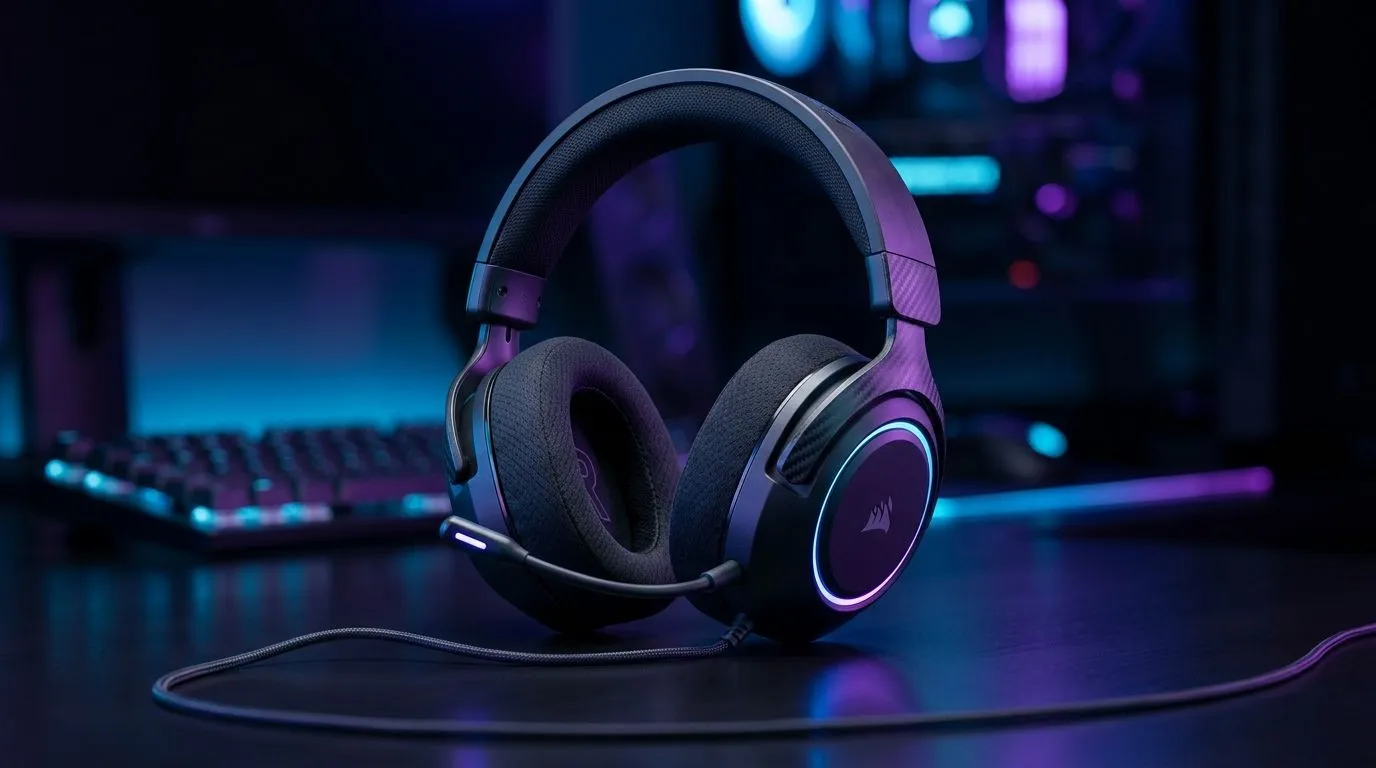
Lightweight Gaming Headset: What Makes It More Comfortable (and Why You’ll Notice After an Hour)
South African gamers know the drill… you start a ranked grind at 7pm, look up at 9pm, and suddenly your head feels like it’s been in a vice. If you’ve ever adjusted your headset mid-game, you’re not alone. A lightweight gaming headset fixes that slowly sneaking discomfort by reducing pressure points, improving balance, and keeping heat under control. Let’s break down what actually makes it more comfortable, and how to choose wisely without overspending in a South African budget.
Comfort starts with weight distribution, not just “light” numbers
A headset can be light on paper and still feel heavy because the clamping force or centre of gravity is wrong. Comfort improves when the weight sits evenly across your head and around your ears, rather than pushing down on one spot. That’s why you should look for designs that spread pressure with balanced headbands and flexible ear cups.
What to check before you buy (60-second headset audit) ✨
Before you commit, imagine wearing it for a full match:
- Clamp pressure: Too tight at the start becomes painful later. Aim for “snug”, not “locked in”.
- Ear cup fit: Full coverage helps, but only if it doesn’t crush your ears.
- Headband padding: Thicker padding can be more comfortable, but it also adds bulk. Lightweight designs should use padding intelligently.
If you’re shopping for a headset, Evetech’s listings are a good place to compare styles and series without bouncing between multiple sites. For example, you can browse their Razer headset range here: Razer headphones and headsets at Evetech.
Materials and ventilation: the difference between “fine” and “fresh”
Lightweight comfort is also about heat. Foam and synthetic pads can trap warmth, especially during long sessions in hot SA rooms. Look for ear pads that allow some airflow and materials that don’t feel sticky after an hour.
Cable vs wireless comfort (a practical SA angle) 🎧
In local homes, cable management is real. Low-hanging cables can tug, shift the headset, and add micro-discomfort. Wireless can help, especially if you move around during gameplay or have a messy desk. If you want an example of a wireless option worth considering, check out the Razer Barracuda X Chroma Wireless Headset in Phantom White.
Tuning fit fast: small adjustments that save your sessions 🔧
Even the best lightweight gaming headset can feel off if your fit is wrong. The goal is to reduce pressure while keeping audio stable.
Fit & Focus Pro Tip ⚡
On your first wear, adjust the headband so the ear cups rest flat without forcing your jaw open. Then do a “30-second check”: turn your head left and right. If you feel any shifting or pinching, loosen slightly and re-set. This prevents pressure build-up during longer ranked sessions
Micro-fit guide for different head shapes
- Narrow head: Slightly smaller headband extension helps avoid side movement.
- Wider head: Prioritise flexible ear cups and forgiving padding so the headset doesn’t squeeze.
- Glasses wearers: Thicker pads can help, but ensure the cups don’t press too hard around the temples.
Choose your comfort profile: lightweight, wireless, or both? 🚀
Comfort isn’t one-size-fits-all. Some players prefer the lightest possible wired feel, others want wireless freedom to avoid tugging. Start by identifying your “pain point”:
- If it’s heat, focus on pad material and airflow.
- If it’s pressure, focus on weight distribution and clamp force.
- If it’s movement, consider wireless or more stable cup design.
For more options across headsets, you can also browse Evetech’s broader selection here: Headphone and headset options at Evetech.
Want to upgrade without guessing? Let Evetech help you pick
Comfort is personal… but your purchase shouldn’t be random. Use product pages to compare fit style, pad design, and wireless features, then shortlist based on how long you actually play.
Ready to Find Your Perfect Match? The Mac vs Windows debate is complex, but for maximum power, choice, and value in South Africa, Windows is hard to beat. Explore our massive range of laptop specials and find the perfect machine to conquer your world.











