

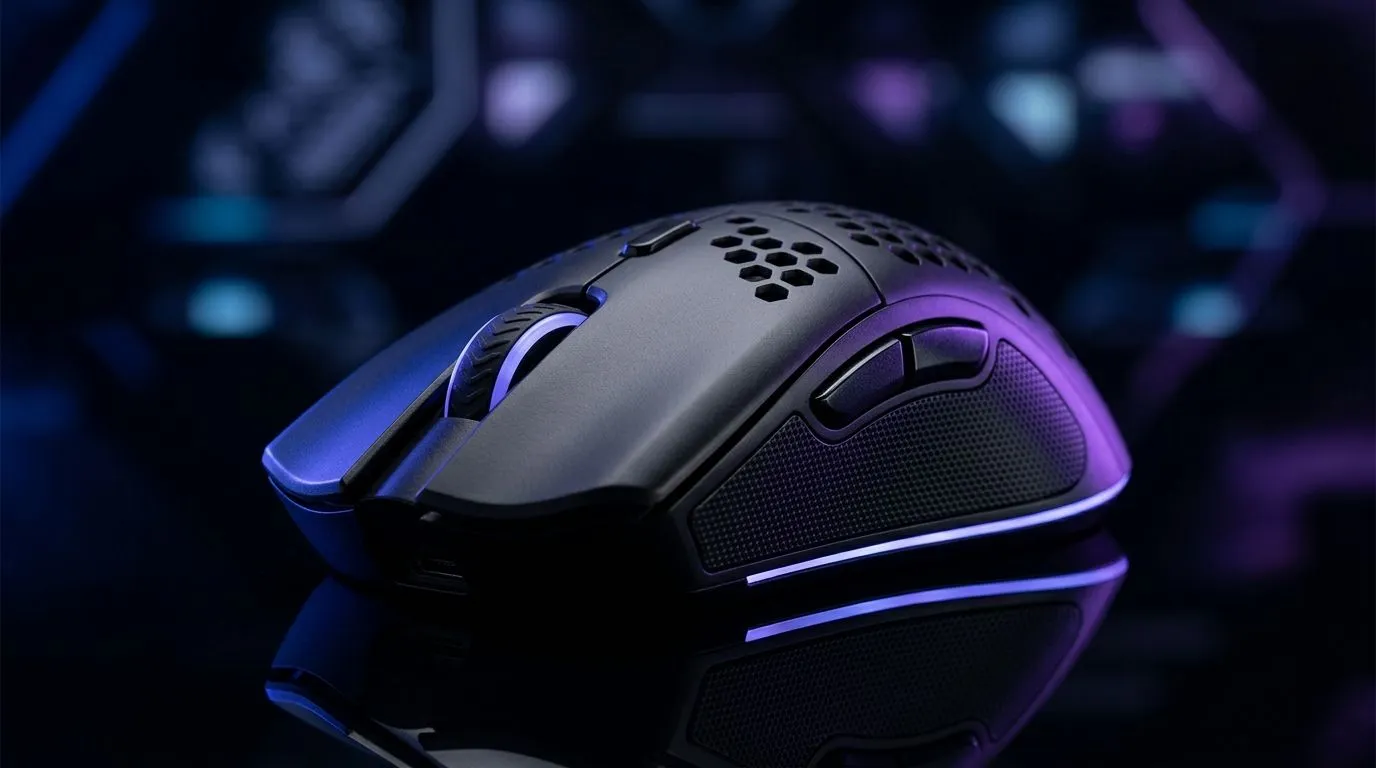
Lightweight Gaming Mouse Under R1000: Start With The Right Shape
So you want a lightweight gaming mouse under R1000… but you don’t want to sacrifice control when you’re landing headshots. In South Africa, that budget usually means choosing carefully: weight, sensor quality, and whether you’re more comfort-mouse or palm-grip type. ✨
The good news? You can absolutely find an ultralight feel for under R1000 if you know what to look for. Let’s break it down like we’re in the shop together.
Lightweight Gaming Mouse Under R1000: What Matters Most
Not all “lightweight” marketing is equal. Here’s what to prioritise first.
1) Weight and balance (the real “feel”)
Most players notice drag more than raw weight. Aim for a mouse that feels stable mid-swipe and doesn’t tip in your hand. Even small differences can matter if you do fast flicks.
If you’re unsure, measure your current mouse sessions. After 30 minutes, does your wrist feel tired, or does your hand just “rest” naturally?
2) Sensor consistency (smooth tracking beats marketing)
Your sensor should track well across common surfaces: desk mat, keyboard tray, and even slightly textured mousepads. If tracking feels jerky in-game, it usually shows up during diagonal movement.
For product categories that match your platform, check out Evetech’s options here:
3) Clicks, scroll feel, and side buttons
Budget doesn’t mean you should accept mushy clicks. Look for reliable primary clicks and a scroll wheel that doesn’t skip. Side buttons should be reachable without changing grip.
For accessory-friendly upgrades (like pads and extras that improve consistency), browse:
- Mouse accessories: https://www.evetech.co.za/buy-mouse-accessories/x/1595.aspx
Lightweight Gaming Mouse Under R1000: Wired vs Wireless (Your Decision)
Wireless is tempting for desk cleanliness and zero cable tension. But “wireless” only helps if the latency is consistent and the battery life fits your routine.
- If you play longer sessions, battery reliability matters.
- If you hate downtime, wired can feel simpler. 🔧
Explore wireless gaming mice options here:
- Wireless mice: https://www.evetech.co.za/buy-wireless-mouse/x/1597.aspx
If you’re trying to stretch your rand, deals are where budget buys shine. Start with:
- Best mouse deals: https://www.evetech.co.za/best-gaming-mouse-deals/x/054.aspx
Lightweight Gaming Mouse Under R1000: Buying Checklist (Before You Checkout)
Use this quick checklist in under 60 seconds:
- Grip style fit: fingertip, claw, or palm.
- Hand size comfort: thumb rests and side button reach.
- Cable or wireless preference: your tolerance for maintenance (charging).
- Surface compatibility: desk mat texture can change tracking.
- Weight you can control: “light” is great until it becomes twitchy.
Then compare models in the same category to keep decisions grounded:
- Gaming mouse category: https://www.evetech.co.za/components/gaming-mouse-117.aspx
Productivity Pro Tip ⚡
On PC, set your in-game sensitivity to a stable baseline, then adjust DPI in small steps only. This helps you test whether the mouse is truly smoother, instead of blaming settings for uneven tracking. If you switch mouse types (wired to wireless), repeat the DPI test so your muscle memory stays consistent.
Lightweight Gaming Mouse Under R1000: Quick Micro-Story (What Happens After)
I’ve watched friends buy a “superlight” mouse, then spend two weeks fighting settings. The real fix wasn’t magic… it was consistent calibration. Once they matched their grip and set a reliable DPI, their aim felt steadier within days.
That’s the goal: choose a lightweight gaming mouse under R1000 that matches your hand, your playstyle, and your desk setup. When those line up, you stop wrestling the gear and start playing the match. 🚀
Ready to Find Your Perfect Match? The Mac vs Windows debate is complex, but for maximum power, choice, and value in South Africa, Windows is hard to beat. Explore our massive range of laptop specials and find the perfect machine to conquer your world.











