

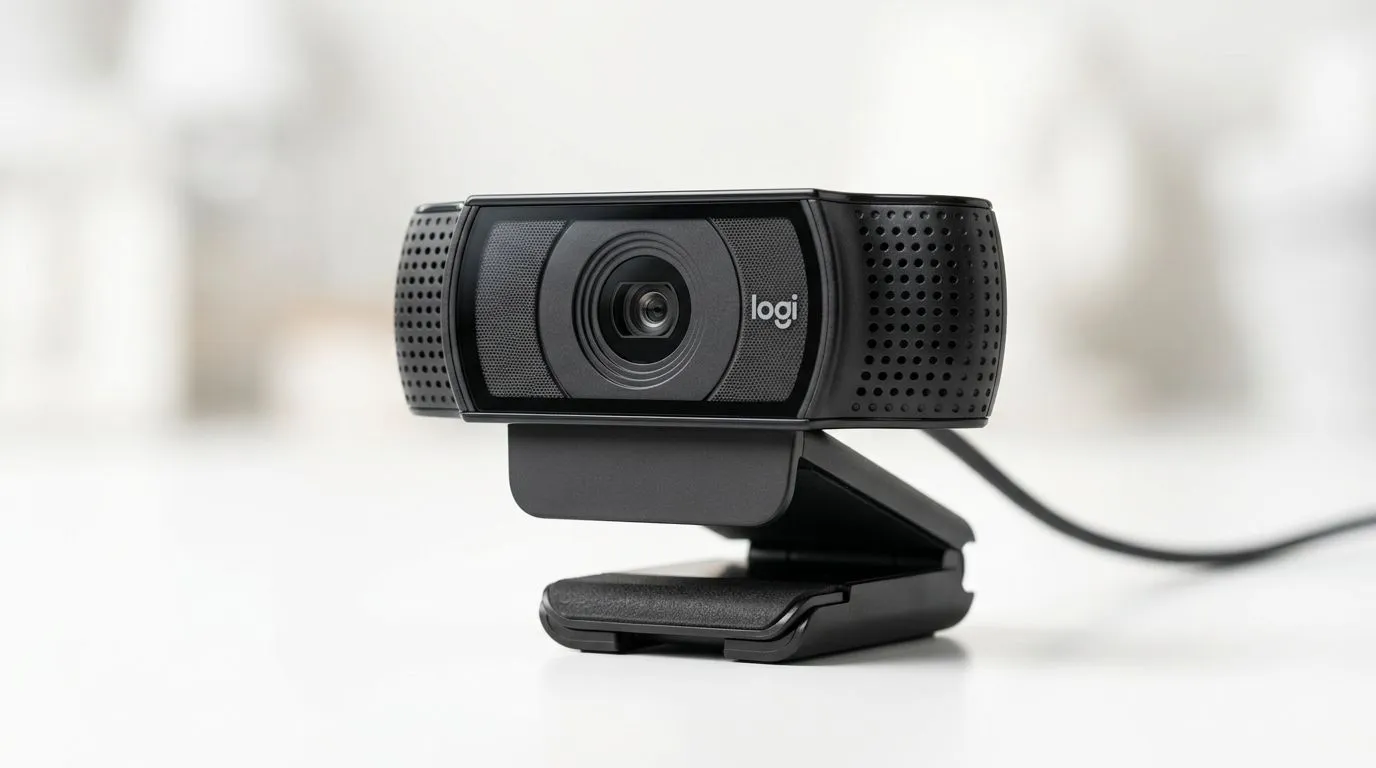
Unpacking the Logitech C922 Pro HD Stream Webcam Microphone Quality
If you’re streaming your gameplay or recording video content in South Africa, your webcam’s microphone quality can make or break the experience. The Logitech C922 Pro HD Stream Webcam is popular for its crisp visuals, but how does its microphone hold up? Let’s dive into a detailed review of the Logitech C922’s microphone quality—whether you’re chatting with mates or commentating on your latest Rocket League victory 🚀.
Why Microphone Quality Matters for Streamers and Gamers
Clear audio is just as crucial as sharp visuals for immersive content. The Logitech C922 Pro HD Stream Webcam features dual omnidirectional microphones designed to capture natural, balanced sound. This helps reduce background noise—a real bonus for South African gamers who might be battling lively home environments or network buzz.
The mic handles voice clarity well, picking up speech with minimal distortion even during intense gaming moments. For comparison, if you’re browsing webcams priced under R1000, you’ll notice many models miss the mark with muffled or tinny audio. You can explore such options at Evetech’s budget-friendly webcams to see the difference.
Logitech C922’s Audio Features: Pros & Cons
- Item
- Item
Compared to higher-tier webcams up to R3000, which often include advanced microphones or noise-cancelling tech, the C922 holds its own but isn’t flawless. For those wanting to compare webcams with higher microphone specs, Evetech’s premium webcams collection offers more choices.
Real-World Testing Experience in South African Environments
Gaming influencer Thabo from Durban tested the Logitech C922 for his Twitch streams. His takeaway? The mic captured his voice clearly over background chatter, which was impressive given his busy home setup. However, adding a pop filter and tweaking audio settings maximised his stream’s sound quality. This suggests simple tweaks can boost the Logitech mic’s performance further.
Pro Tip for Better Audio with Your Webcam
Keep your webcam’s mic at least 30 cm away from your mouth to avoid distortion. Pair it with EVETECH’s affordable soundproofing foam or a pop filter for clearer voice capture.
Choosing the Right Webcam Microphone for Your Budget
When picking a webcam for studio-quality audio and video, consider what suits your needs and budget best. If your cap is around R2000, the Logitech C922 offers a solid middle ground with dependable mic quality and 1080p streaming. Browse webcams in this range at Evetech's mid-range selection to compare specs and customer reviews.
For basic video calls or casual streaming on a tight budget, lower-priced webcams can suffice, but upgrading to the C922 or better dramatically improves voice capture quality. The right microphone can enhance audience engagement and ensure your commentary stands out … especially in close-knit South African communities.
Conclusion: Logitech C922 Microphone Quality Verdict
The Logitech C922 Pro HD Stream Webcam’s microphone quality serves most streamers and vloggers well. It strikes a good balance between price, convenience, and audio performance. With a few tweaks to placement and settings, its dual mics can deliver clear, natural voice pickup even amid background noise typical in South African homes.
For gamers and content creators weighing value and mic quality, the C922 is worth considering within the R2000 price bracket. And if you’re keen to explore a full range of webcams with detailed specs, visit Evetech’s complete webcam lineup.
Upgrade Your Streaming Setup Today Take your streams and video calls to the next level with crystal-clear voice and sharp visuals. Shop now at Evetech for performance that leaves lag in the dust.











