

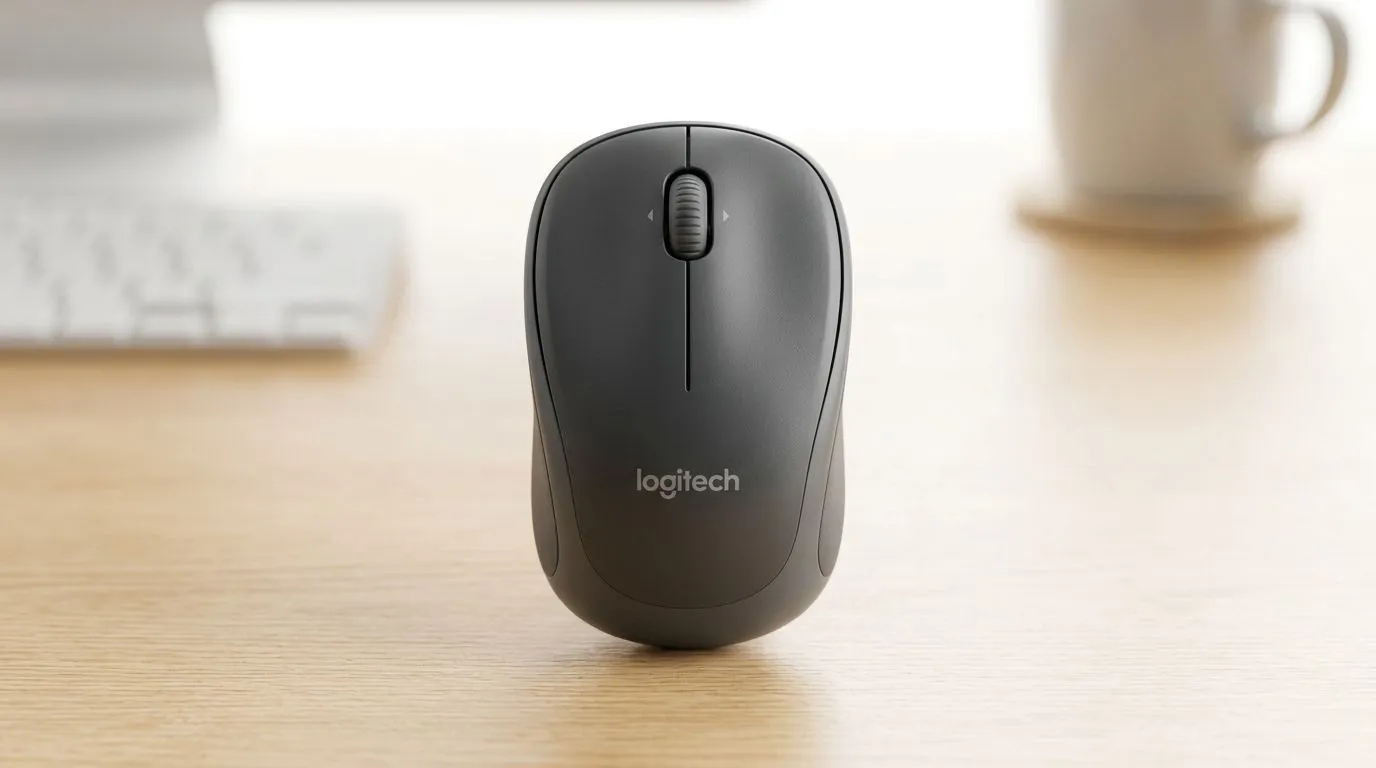
Logitech M240 Battery Life: How Long It Lasts on One AA
If your Logitech M240 is always in your hand (and not in a drawer), battery life matters. In South Africa’s load-shedding weeks, you want gear that just works… and doesn’t beg for a new AA every fortnight. The good news? With smart settings and a few habits, you can squeeze long life out of one AA and keep your desk setup running smoothly for study, work, and casual gaming. ⚡
In this Gear Review, we’ll break down what “how long it lasts” really means, how to stretch it, and when to swap before you get caught mid-session. ✨
Logitech M240 Battery Life: Typical runtime on one AA
The Logitech M240 uses a single AA battery. For users shopping locally, the most reliable “spec-level” guidance is to check the product listing or manufacturer documentation for the claimed battery life, then manage expectations based on your usage (DPI, idle behaviour, and how often you move the cursor). For official battery claims and battery-saving guidance, Logitech’s support resources are the best reference.
Because real-world runtime varies, think of it like this:
- Light use (lots of standby, fewer high-motion scrolls): longer runtime.
- More active use (frequent clicking, constant movement): shorter runtime.
- High DPI and gaming-style flicks: can drain faster than “office” movement.
If you’re deciding what to buy next, it also helps to compare options across wired vs wireless classes. Wired gear avoids battery anxiety entirely.
Logitech M240 Battery Life: How to make your AA last longer 🔧
Want better runtime without changing your whole workflow? Try these practical tweaks. They’re small, but they add up over weeks.
Productivity Pro Tip ⚡
On Windows, reduce power drain by going to Settings > System > Power & sleep, and make sure your USB power settings allow selective suspend. Even simple mouse idle time savings help stretch single-battery devices when you step away from your desk. It pairs well with keeping your mouse asleep between sessions."
Use the right motion habits (yes, really)
- Give it a moment between rounds: when you’re alt-tabbing between matches or browsing, pause movement briefly so the mouse can idle.
- Avoid unnecessary DPI hopping: if your software supports DPI changes, stick to one profile during a session.
- Swap low batteries early: when the cursor starts acting “off” or delays appear, don’t wait for full failure.
Keep the sensor clean
Dust and grime can cause more sensor correction. That means more work, more movement, and more clicks. A gentle clean (compressed air or a soft cloth for the feet and sensor area) helps.
Logitech M240 Battery Life: Wired vs wireless choices
If your main goal is predictable runtime, wired mice are a straightforward solution. No batteries. No AA drama. On the other hand, wireless is about freedom and a cleaner desk.
Here are some Evetech options to match different needs:
- Browse mouse accessories for replacement parts and practical add-ons: mouse accessories
- If you want consistency without charging: wired mouse options
- For full desk freedom: wireless mouse picks
And if you’re hunting value for your next setup, don’t ignore deals. You can often upgrade without blowing your budget.
- Check the latest: best gaming mouse deals
- Or compare a wider category list: gaming mouse components 🚀
Logitech M240 Battery Life: When you should consider upgrading
If your AA consistently dies faster than you expected, it could be normal for heavy usage… or a sign you should move to a model with better efficiency or rechargeable options. Either way, you’ll feel the difference immediately: fewer interruptions, smoother sessions, less “where did I put the batteries?” panic.
Ready to Find Your Perfect Match? The Mac vs Windows debate is complex, but for maximum power, choice, and value in South Africa, Windows is hard to beat. Explore our massive range of laptop specials and find the perfect machine to conquer your world.








