

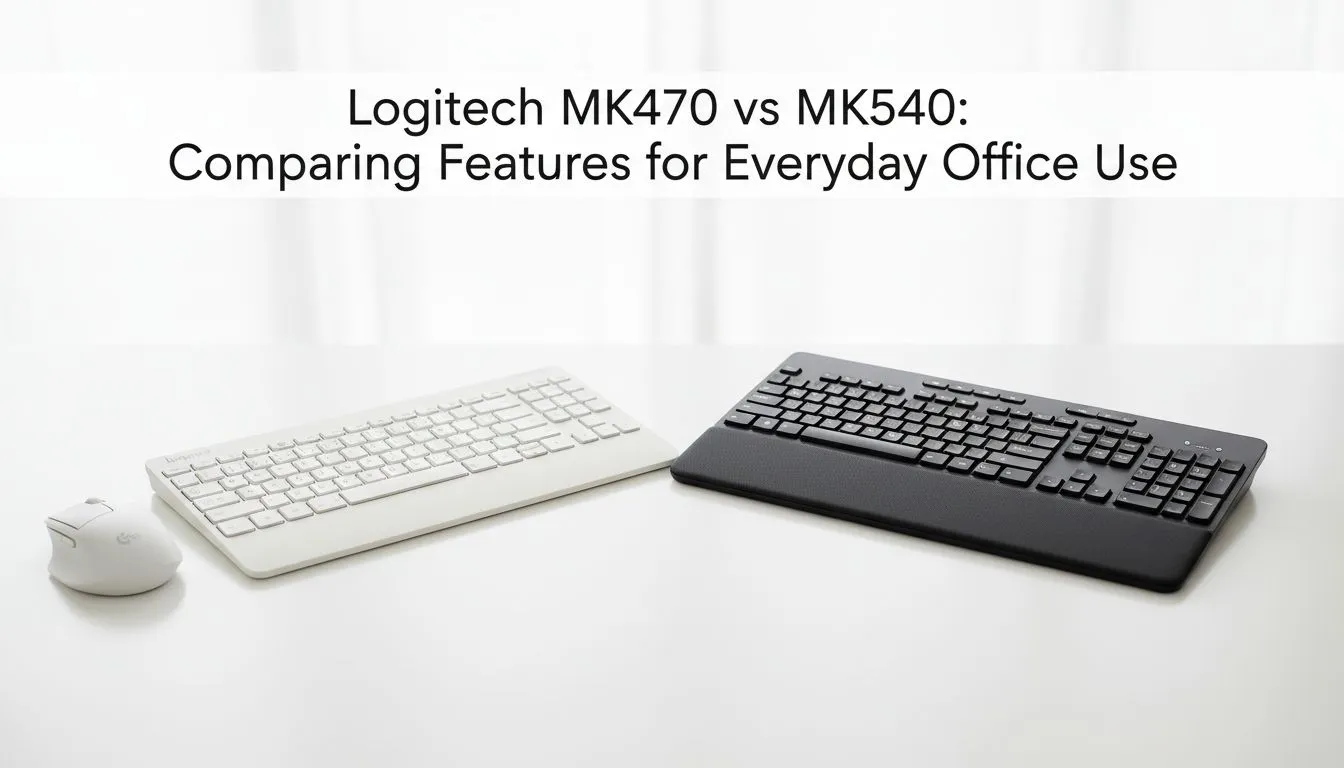
MK470 vs MK540: Quick hook for South African desks 🔧✨
Looking for a quiet, comfortable combo for home office or hybrid work? "Logitech MK470 vs MK540: Which Office Combo Fits You?" is the question many SA buyers ask when balancing slim form, full-size keys and reliable wireless. In the next few minutes you'll get clear differences, honest tips and links to Evetech pages where you can compare deals and buy with confidence.
MK470 vs MK540: Design, layout and feel
Both combos aim at office comfort, but they take different routes. The MK470 leans compact and low‑profile; it's ideal if your desk space is tight or you travel between office and home. The MK540 goes full-size with a numpad and sculpted keys for longer typing sessions. If you prefer a flatter, minimalist keyboard that tucks into a laptop bag, the MK470 is likely your match. Want a more traditional feel for spreadsheets and longer documents? The MK540 gives that tactile reassurance.
For browsing current offers and to compare form factors, check Evetech’s roundup of the best keyboard deals in South Africa: https://www.evetech.co.za/best-gaming-keyboard-deals/x/055.aspx
MK470 vs MK540: Battery life, connectivity and dongle tech
Both models are wireless and use Logitech’s reliable USB receiver tech, but battery strategy differs by model. The MK470 focuses on ultra-low power for long service intervals, while the MK540 prioritises bigger keys with stable wireless performance for desktop setups.
If you're shopping by connection type—wired vs wireless—Evetech lists options so you can match your preference: wired alternatives here and wireless options here. Wired keyboard options: https://www.evetech.co.za/components/buy-cheapest-gaming-keyboard-in-south-africa-52.aspx?attributes-connectivity=Wired. Wireless choices: https://www.evetech.co.za/components/buy-cheapest-gaming-keyboard-in-south-africa-52.aspx?attributes-connectivity=Wireless
MK470 vs MK540: Who should buy which?
- Choose MK470 if you want compact layout, low-profile keys and a slim mouse that’s easy to tote.
- Choose MK540 if you do heavy typing, need a numpad and prefer sculpted keys for longer sessions.
- Both suit office workflows; neither is billed as a gaming-first combo, but they’re reliable for everyday tasks.
For quick browsing of keyboard + mouse bundles, see Evetech’s dedicated combo page to compare SKUs and availability: https://www.evetech.co.za/buy-keyboard-mouse-combo/x/1583.aspx
Productivity Pro Tip ⚡
On Windows, disable “Show notifications for” apps you don’t use in Settings > Notifications. Then use the Logitech Options (or Logi Bolt) settings to set a slower key repeat rate for the MK540 when editing. It reduces typos and feels calmer during long documents.
Real‑world micro‑story and buying nudge 🚀
A Cape Town startup admin swapped from a cramped laptop keyboard to the MK470 for hot‑desking. The compact footprint freed desk space and she noticed fewer wrist scrapes. Another Pretoria graphic designer kept the MK540 at her main desk for invoices and long copy days; the numpad became essential. Practical choices beat specs when you’re deciding between these two.
Before you finalise, scan Evetech’s cheapest keyboard listings to see current stock and small seasonal discounts: https://www.evetech.co.za/components/buy-cheapest-gaming-keyboard-in-south-africa-52.aspx
Quick checklist before you buy
- Think about desk real estate and travel habits.
- Decide if a numpad matters.
- Consider whether a slim, low-profile key feel or sculpted full-size keys suit your hands.
For bundle options that sometimes include small savings vs buying separately, check Evetech’s combo specials: https://www.evetech.co.za/buy-keyboard-mouse-combo/x/1583.aspx
Ready to Find Your Perfect Match? The Mac vs Windows debate is complex, but for maximum power, choice, and value in South Africa, Windows is hard to beat. Explore our massive range of laptop specials and find the perfect machine to conquer your world.











