

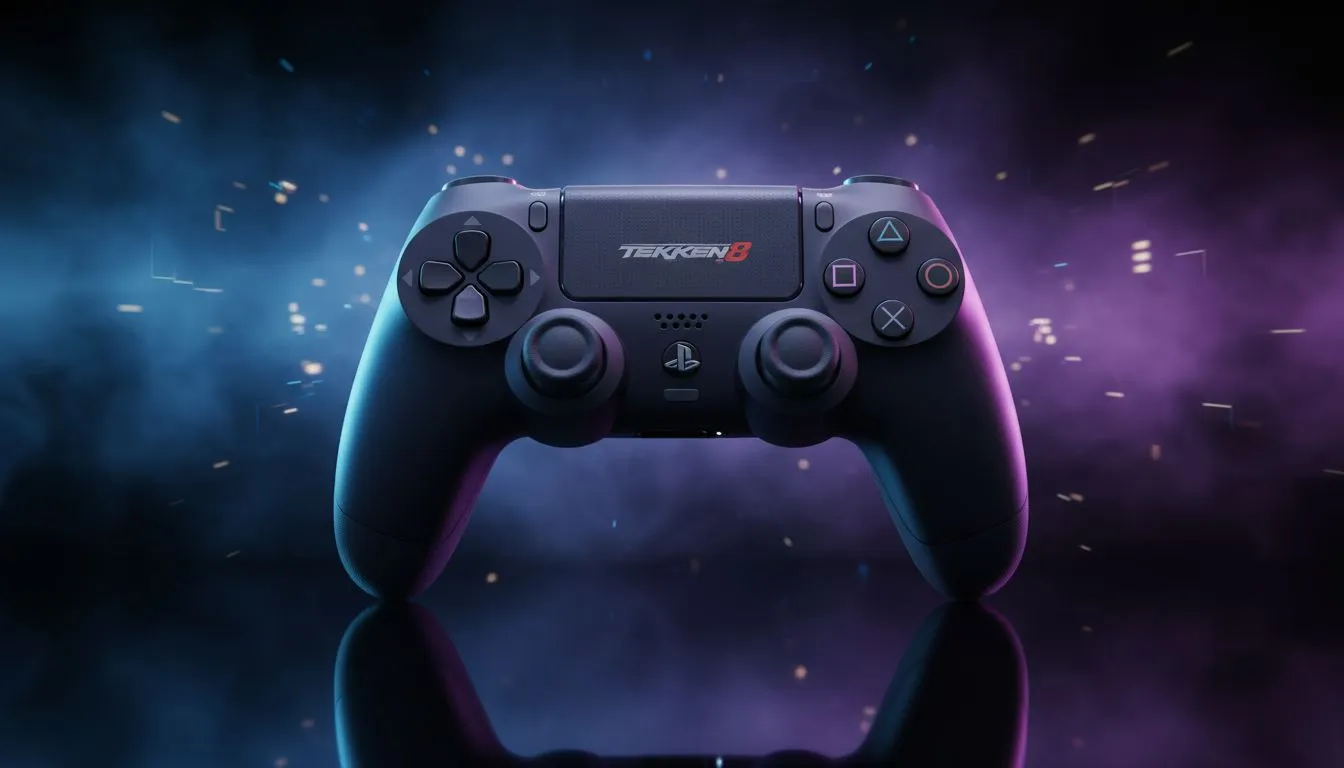
Why Input Lag is Your Biggest Enemy in Tekken 8
In Tekken 8, a single frame determines victory. If your hardware is slow, you are fighting a losing battle. Low-latency wireless controllers for Tekken 8 on PS5 & PC are essential gear. They are a requirement for anyone entering the King of Iron Fist Tournament. Don't let a slow connection ruin your rank. ⚡
The Science of Frame Data and Controller Response
Tekken 8 operates at a locked 60 frames per second. This means each frame lasts roughly 16.7 milliseconds. When you execute a frame-perfect block, your controller must transmit data instantly. Many wireless options introduce "jitter" or delay. This can ruin your timing during a heated match... especially when playing online from South Africa.
If you want to eliminate these issues, the Razer Wolverine V3 Tournament Edition is a top-tier choice. It offers an incredible polling rate that ensures your inputs are registered more frequently. This reduces the chance of a missed input during a high-stakes combo. It is a premium investment in ZAR that pays off in consistent performance.
Choosing the Right Gear for Your Playstyle
Every fighter has different needs. A Grappler might prefer a traditional D-pad. A Mishima main might want the precision of mechanical buttons. When you buy gaming controllers from a specialist like Evetech, you get hardware tested for competitive environments. Whether you are playing in Cape Town or Jo'burg, your connection must stay rock solid. 🔧
FGC Performance Tip ⚡
Always check for firmware updates on your wireless controllers. Manufacturers often release patches that specifically reduce input latency for new titles like Tekken 8. A simple five-minute update can save you from a frustrating disconnect mid-match. It is the easiest way to optimise your setup for free.
Why Razer Dominates the Fighting Game Scene
Razer has spent years refining their tech for professional esports. Their focus on tactile feedback and low-latency wireless technology makes them a top choice. Exploring the range of Razer gaming controllers reveals features like hair-trigger modes. These tools allow you to customise your control scheme. This is vital for the complex inputs required in Tekken 8. 🚀
The mechanical switches provide clicky feedback. This is necessary for precise inputs like the Electric Wind God Fist. In the competitive South African scene, having this edge is vital for climbing the leaderboards.
Ready to Dominate the Arena? Don't let lag hold back your potential in Tekken 8. Whether you need the fastest polling rates or the most ergonomic grip, Evetech has the gear to level up your game. Explore our full range of gaming controllers and secure your victory today.











