

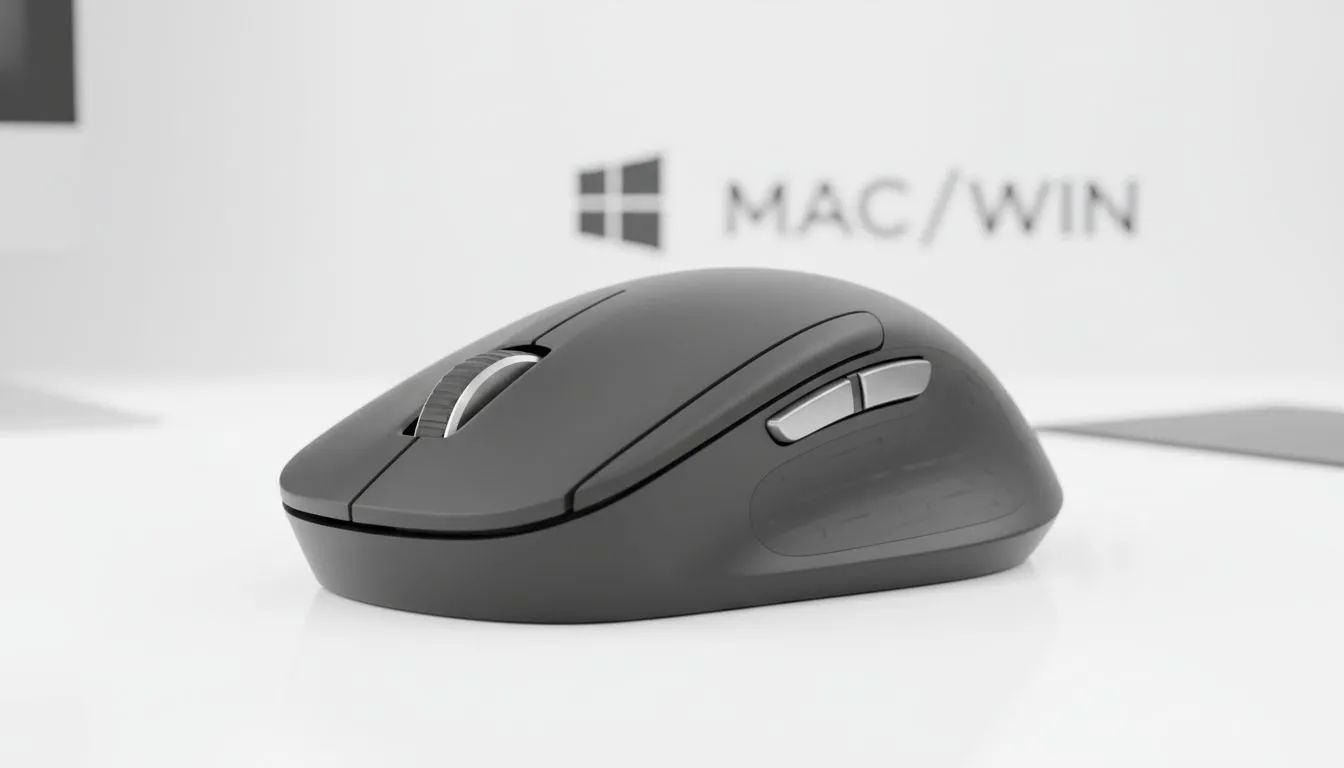
Bridging the Gap Between macOS and Windows
Switching between a sleek MacBook and a high-performance Windows gaming rig is a common reality for many South African creatives and gamers. However, getting your mac windows mouse setup to feel consistent across both platforms can be a mission. Whether you are dealing with jerky scrolling or buttons that refuse to map correctly, mastering these settings is essential for a seamless workflow and a competitive edge in-game. 🔧
The primary challenge lies in how each operating system interprets input. Windows is designed for precision and tactile feedback... while macOS prioritises fluid, momentum-based movement. To get the best of both worlds, you might need to enhance your desk setup with quality mouse accessories to ensure your surface and cable management do not hinder your cross-platform experience.
Mastering Button Mapping for Productivity
Most generic mice work fine for basic clicking, but choosing a dedicated gaming mouse allows for deep customisation through software like Logitech G Hub or Razer Synapse. On Windows, mapping your side buttons to macros or "Alt+Tab" is straightforward. On Mac, however, those same buttons often do nothing by default.
To fix this, use the manufacturer’s software to create profiles that automatically switch based on the application you are using. This ensures your "Copy" and "Paste" shortcuts remain consistent even when the "Command" and "Control" keys swap places in your brain. ⚡
Productivity Pro Tip ⚡
On macOS, download a utility like 'Mac Mouse Fix' or 'SteerMouse'. These tools allow you to map your side buttons to Mission Control or App Exposé, mimicking the native trackpad gestures that make macOS so efficient, all while using your favourite high-performance pointer.
Solving the Smooth Scrolling Dilemma
Have you noticed that your scroll wheel feels "inverted" when moving between systems? macOS uses "Natural Scrolling" (moving the content like a touch screen), while Windows follows the traditional wheel movement. If you prefer the freedom of a high-performance wireless mouse on your Mac, you might find the notched scrolling feels clunky compared to a Magic Mouse.
For a smoother experience, look for mice with "Infinite Scroll" wheels or use software to enable smooth scrolling on Windows. This eliminates the "stepped" feel and makes navigating long spreadsheets or code repositories much more comfortable.
Choosing the Right Hardware in South Africa
If you demand the absolute lowest latency for competitive play in Counter-Strike 2 or Valorant, the reliability of a wired mouse for zero-latency input is still the gold standard. Fortunately, modern sensors are so advanced that they track perfectly on almost any surface, whether you are on a PC or a Mac.
Before you commit, check out the latest gaming mouse deals to save a few hundred ZAR on premium brands. Investing in a mouse with onboard memory is the ultimate pro move... it allows you to save your button mappings directly to the hardware so they work perfectly on any device without needing software installed. 🚀
Ready to Find Your Perfect Match? The Mac vs Windows debate is complex, but for maximum power, choice, and value in South Africa, Windows is hard to beat. Explore our massive range of gaming mice and find the perfect tool to conquer your world.











