

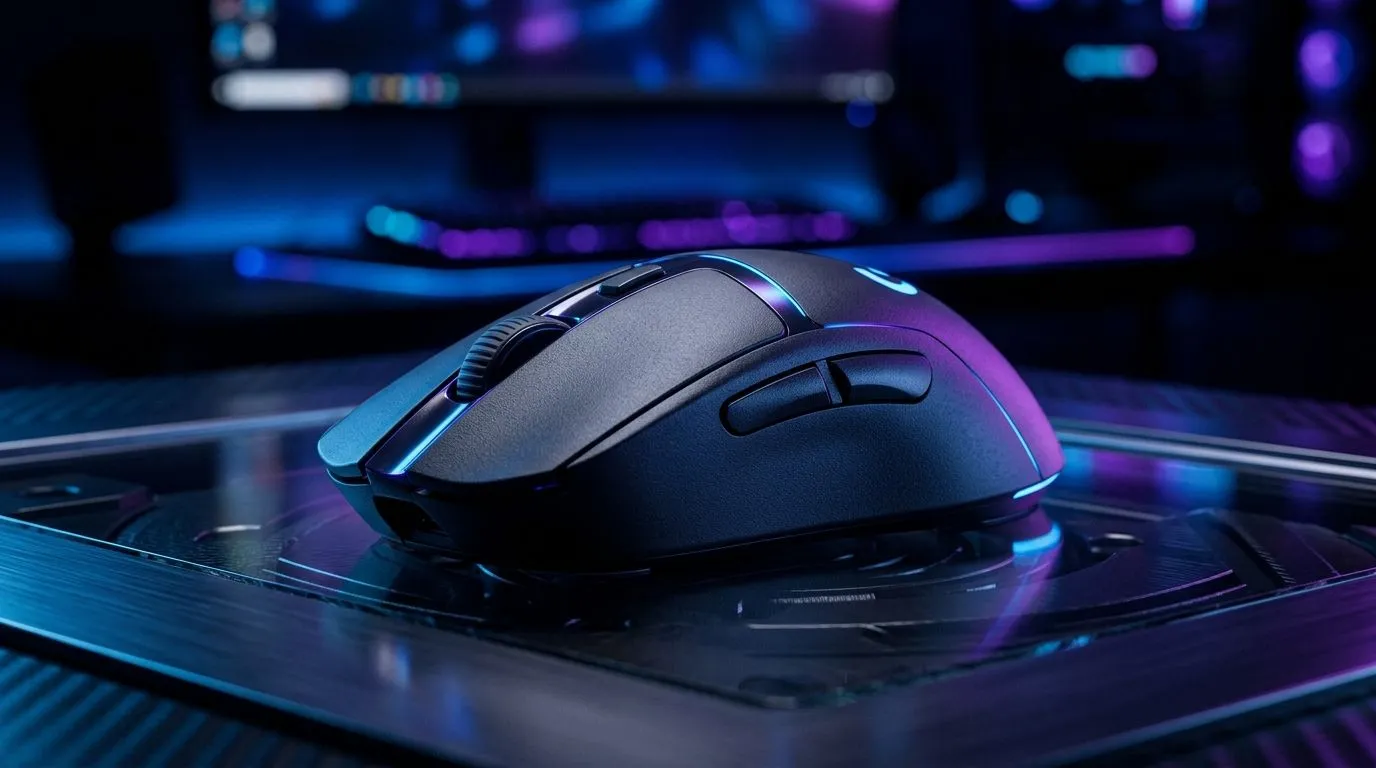
Prolong Wireless Gaming Mouse Battery Life with Smart Habits ⚡
South African gamers know the pain of a wireless mouse cutting out mid-match. What if you could get up to 80 hours of worry-free play? Mastering maximising wireless gaming mouse battery life means fewer interruptions and more focus on your top-tier gameplay. Whether you’re grinding solo queue or streaming live, this guide sharpens your energy-saving setup for longer sessions without compromise.
How to Maximise Wireless Gaming Mouse Battery Life
Gaming mice consume power differently based on sensor type, lighting, and connection. First, adjust your mouse’s polling rate—the frequency it reports position to your PC. A moderate setting (500 Hz vs 1000 Hz) often extends battery life noticeably while keeping accuracy solid.
Next, toggle off RGB lighting when not essential. Many wireless gaming mice come dazzling with LEDs, but these drain batteries fast. Disabling them can add crucial hours to your mouse’s runtime. South African gamers opting for minimalist style still get high performance without flashy lights.
Lastly, use power-saving modes available in your mouse’s software. They reduce power draw during idle moments without sacrificing responsiveness in gameplay.
Explore Evetech’s full range of wireless mice designed for strong battery life and top performance.
Balancing Power and Performance: Wired vs Wireless Mouse Choices
While wireless gaming mice offer freedom of movement, wired mice eliminate any battery worries entirely. Considering your playstyle helps. For marathon gaming sessions with zero interruptions, a wired mouse is an excellent backup or primary choice.
For those wanting the best of both worlds, Evetech stocks a variety of both wired and wireless options with detailed specs to compare. An informed choice means no surprises during critical moments in your favourite titles.
Expert Battery-Saving Tips Every Gamer Should Know 🔧
Extend Battery Life Further
Set your screen brightness lower during gaming sessions and close unnecessary background apps to conserve overall system power. Your mouse’s battery will thank you.
Regularly cleaning your mouse’s sensor and mousepad optimises tracking efficiency. A sensor struggling with dirt can work harder, subtly draining more power. That clean glide you get from a precise mousepad also helps keep power usage minimal.
Did you know using a quality charging cable can also impact charging speed and battery health? Choose cables from trusted vendors like those featured in Evetech’s mouse accessories section for efficient recharge cycles.
Make Informed Choices with Evetech’s Gaming Mouse Deals 🚀
Upgrading your gear? Don’t miss out on fantastic prices and bundles through Evetech's best gaming mouse deals. South African gamers can now enjoy quality peripherals without breaking the rand budget.
Browse our full selection of gaming mice and find a balance between battery life, performance, and comfort — all tailored for your game style.
Upgrade and Outlast the Competition Need a mouse that stays powered through your longest sessions? Shop now at Evetech for performance that leaves lag in the dust.











