


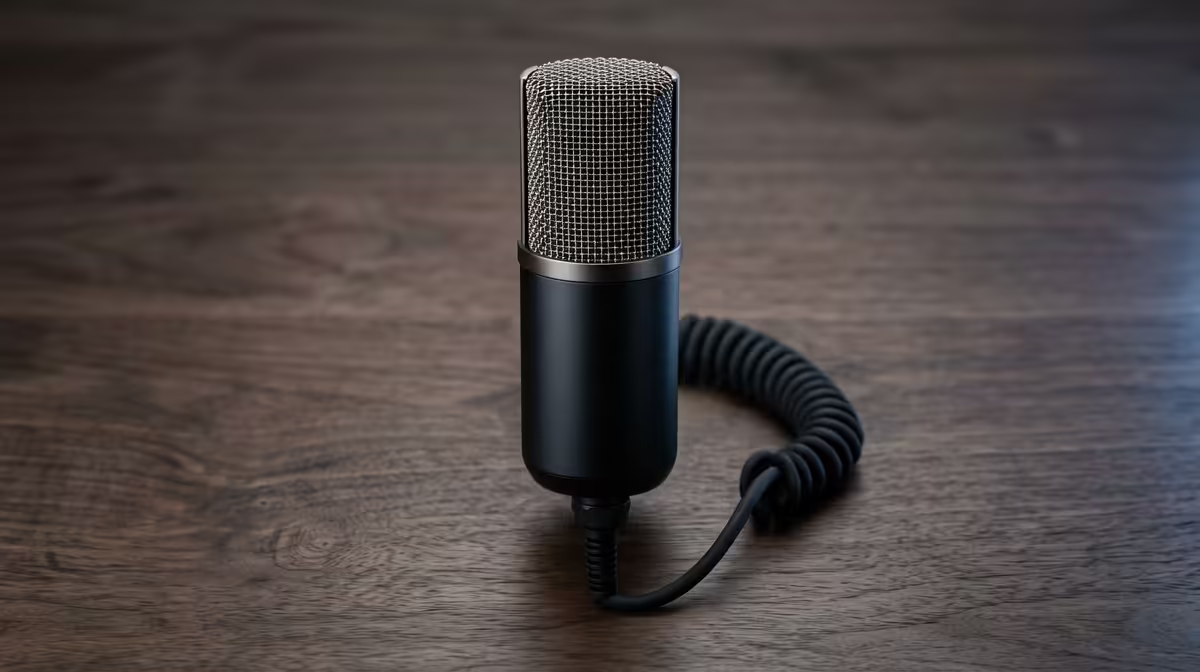
Is your stream picking up every keyboard clack, the hum of your PC, and the distant wail of a hadeda? Bad audio can kill a vibe faster than an unexpected outage hits your Wi-Fi. The culprit is often misunderstood: microphone sensitivity for streaming. Getting this setting right is the single biggest step you can take to sound less like you’re broadcasting from a warehouse and more like a pro. Let’s get it sorted.
What Exactly is Microphone Sensitivity?
Think of microphone sensitivity like the volume knob for what your mic hears. It’s not about how loud you are to your audience… that’s gain or digital volume. Instead, sensitivity determines how much detail the microphone captures from its environment.
A highly sensitive mic will pick up quiet, distant sounds (like your cat knocking something over in the next room). A less sensitive mic will focus only on loud, close sound sources (like your voice). It’s a balancing act. Too much sensitivity, and you get a noisy, distracting stream. Too little, and you might sound muffled or far away.
Why Mic Sensitivity is Crucial for Your Stream
We’ve all watched a stream where the gamer’s audio is a mess. You hear their epic Apex Legends clutch, but it’s drowned out by frantic mouse clicks and keyboard-mashing. That’s a classic case of poorly optimised microphone sensitivity for streaming.
The goal is perfect isolation. You want your voice to be the star of the show… crisp, clear, and front-and-centre. Everything else should fade into the background. Nailing your mic sensitivity means viewers focus on your commentary, not the whir of your case fans. This is where investing in quality gear from brands like Corsair really pays off, giving you finer control over your sound.
Finding Your Perfect Microphone Sensitivity Setting 🔧
There’s no single "best" setting; your perfect microphone sensitivity for streaming depends on your mic, your voice, and your room. But you can find your sweet spot by following a simple process.
Step 1: Physical Placement First
Before you touch any software, get your mic position right. The ideal spot for most cardioid mics (the most common type for streaming) is about 15-20 cm from your mouth, slightly off to the side to avoid plosives (those harsh 'p' and 'b' sounds). A pop filter is a non-negotiable here.
Step 2: Set Your Gain Level
Gain is the input level on your physical hardware, like the dial on your USB mic or audio interface.
- Open your streaming software (like OBS) or a recording app.
- Watch the audio meter as you speak in a normal, conversational tone.
- Adjust the gain knob so your voice consistently peaks in the upper-green or lower-yellow range. It should never hit the red.
OBS Pro Tip ⚡
Once your levels are set, add a "Noise Gate" filter in OBS Studio. Start with the default settings. A noise gate automatically mutes your mic when you aren't speaking, instantly cutting out low-level background noise like breathing or fan hum. It’s a powerful tool for achieving clean audio.
Step 3: Test, Tweak, Repeat
Do a test recording. Listen back with good headphones. Do you hear too much room echo or keyboard noise? Lower the sensitivity or gain slightly. Do you sound too quiet? Nudge it up. This process of testing and tweaking is what separates the amateurs from the pros. And remember, once your audio is pristine, make sure your video keeps up. A great stream pairs clear sound with a high-definition webcam for the complete professional package.
Your Environment & The Bigger Picture ✨
Even the best mic settings can be undermined by a bad environment. Hard, flat surfaces like walls and desks reflect sound, creating echo. Soft furnishings like rugs, curtains, or even a few pillows on your couch can absorb sound and dramatically improve your audio quality.
Ultimately, a polished stream is a full sensory experience. Audio is king, but visuals create the mood. Creating a cool, immersive backdrop with customisable lighting from Cololight can make your setup look as good as it sounds. It’s all part of building the ultimate broadcast with the right essential streaming gear.
Ready to Sound Like a Pro? Mastering microphone sensitivity is easier when you have the right tools. From crystal-clear mics to pop filters and boom arms, the right gear gives you the control you need. Explore our massive range of streaming essentials and find the perfect hardware to level up your sound.










