

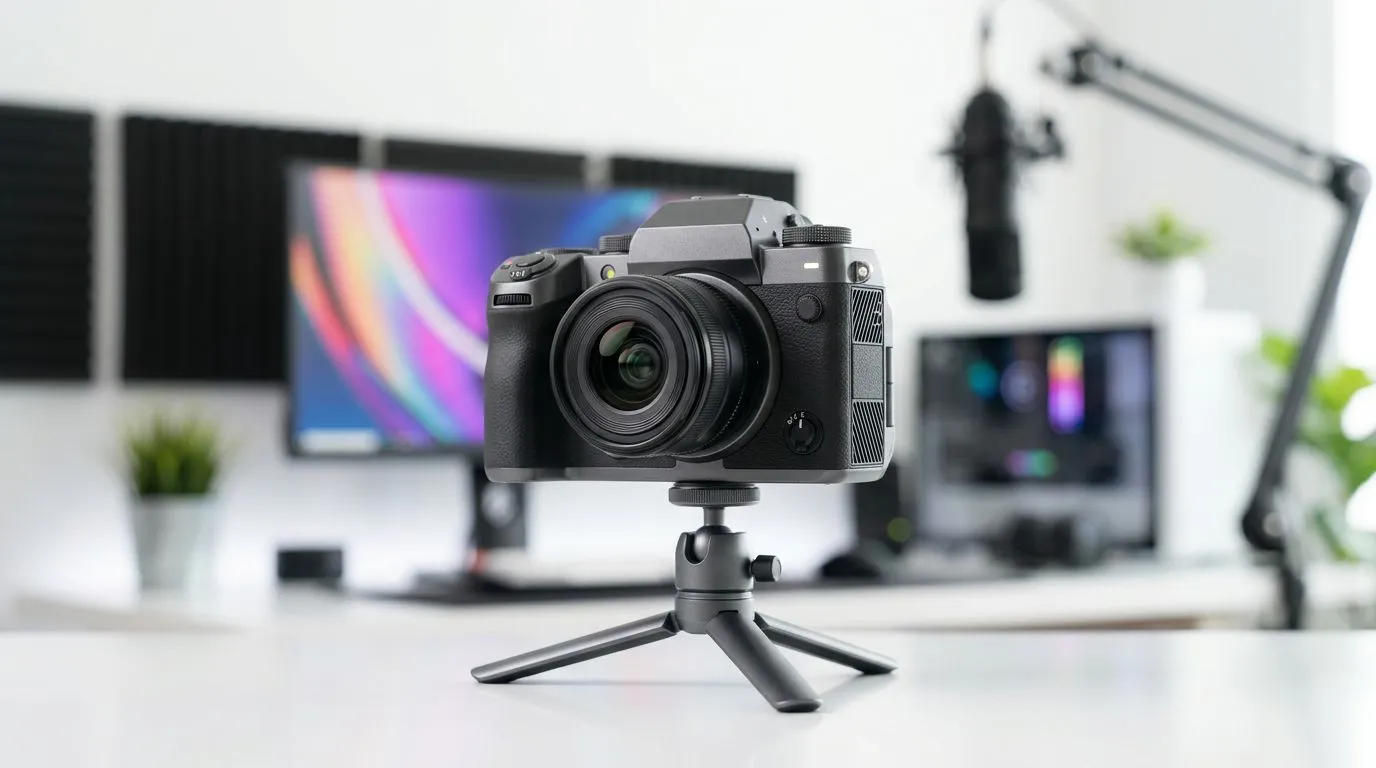
Mid-range streaming camera buying hook
Want a crisp webcam without spending R5k? South African streamers and hybrid workers are switching to mid-range streaming camera setups that hit great image quality and sensible prices. Is an expensive webcam necessary, though? This guide cuts through specs, ZAR realities, and practical tips so you can pick a camera that actually improves your stream or meeting, not just your tech flex 🎥.
Mid-range streaming camera: what to expect
A true mid-range streaming camera typically delivers 1080p at 30–60fps, decent low-light handling, and a reliable microphone or mic input. You don’t need top-tier glass and AI noise removal unless you’re building a studio. Evetech’s general webcam range is a good place to compare models and prices when you want straight facts and current stock. Check their full selection here: https://www.evetech.co.za/PC-Components/buy-webcams-145.aspx.
Most South African shoppers find excellent 1080p options under R1,000. If you’re hunting value, look at models curated under the R1,000 mark to balance quality and cost. See what’s available for under a grand on Evetech here: https://www.evetech.co.za/PC-Components/buy-webcams-145.aspx?max-price=1000.
Mid-range streaming camera performance vs price
Spend a bit more and you’ll notice better sensors, wider FOV, and smoother autofocus. Around R2,000 you can land webcams that handle indoor lighting and motion more gracefully. For examples and current models in that sweet spot, Evetech lists mid-tier picks around R2,000 here: https://www.evetech.co.za/PC-Components/buy-webcams-145.aspx?max-price=2000.
If you plan to stream at higher resolutions or need background replacement and studio-level colour, consider stepping up to the R3,000 band. Evetech’s selection up to R3,000 shows which features scale with price: https://www.evetech.co.za/PC-Components/buy-webcams-145.aspx?max-price=3000. Use those product pages to verify specs before you click buy.
Mid-range streaming camera setup tips 🔧
Place your camera at eye level and use soft, front-facing light. Small changes often help more than an expensive upgrade. Want a quick pro tip?
Lighting and Framing Tip ⚡
Position your webcam at or slightly above eye level. Use a cheap LED panel or desk lamp with a diffuser (even a white cloth) to soften shadows. Crop to remove empty space; viewers focus on your face, not the ceiling.
Also, test your internet upload speed. A great webcam won’t help if your stream buffers. If you stream, aim for at least 5 Mbps upload for stable 1080p.
Verdict: Is an expensive webcam necessary?
For most South African gamers and creators, an expensive webcam is not necessary. A mid-range streaming camera often delivers the clarity and reliability you need. Invest money intelligently: better lighting, microphone, and positioning usually yield bigger visual and audio improvements than an ultra-expensive webcam 🚀.
Quick next steps
Decide your budget, match features you actually need, and cross-check Evetech’s product pages for up-to-date specs and stock. That’s the shortest route to a better-looking stream without wasting Rands.
Ready to Find Your Perfect Match? Looking for the right webcam at the right price in South Africa? Compare models, prices and specs now. Explore our massive range of webcams and find the perfect match for your stream or home office.











