

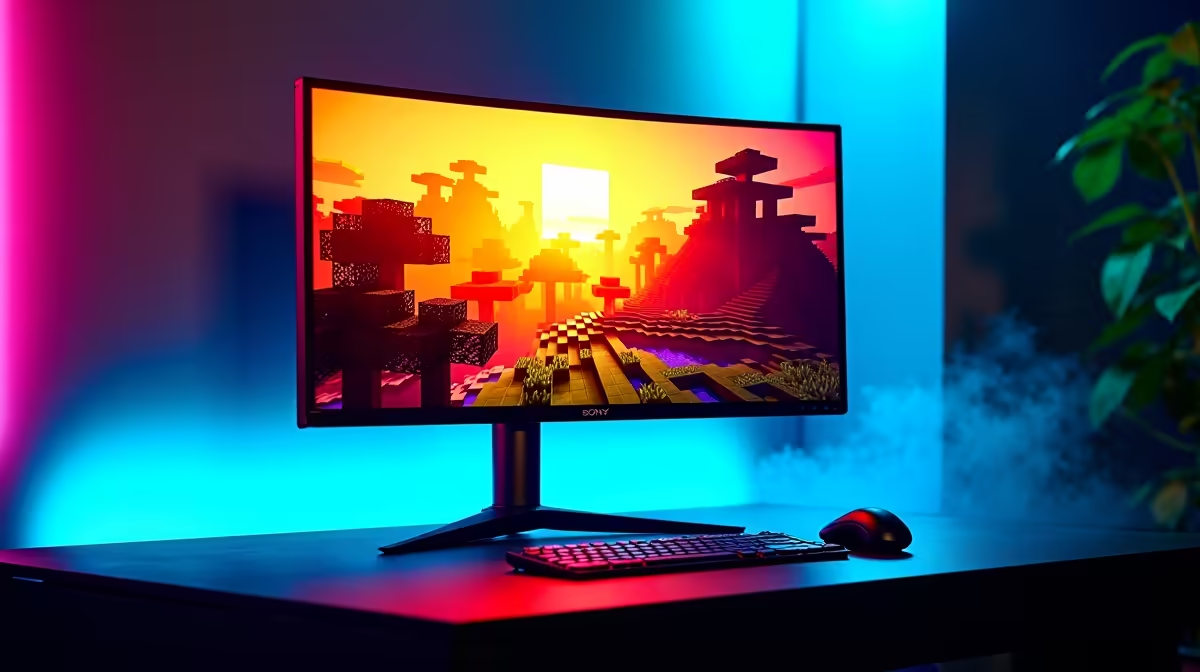
Quick Answer
To get the best HDR experience in Minecraft, enable HDR in Windows 11 first, then in-game switch to the Render Dragon engine, set Brightness to 50%, enable Ray Tracing if your GPU supports it, and use shader packs designed for HDR output. Java edition needs a mod like Iris or Sodium with HDR-aware shader support.
Setting Up HDR Properly in Windows 11 First
Before you touch Minecraft, get Windows HDR right. Open Settings, Display, then enable Use HDR. Run the Windows HDR Calibration app from the Microsoft Store, this is the single biggest improvement most players miss. Set peak brightness to your monitor's actual nits rating (typically 400 or 600 for SA-stocked HDR panels). Without proper calibration, Minecraft HDR looks washed out or crushed regardless of in-game settings.
Best In-Game HDR Settings for Bedrock Edition
Bedrock with Render Dragon and an RTX-capable GPU offers true RTX path tracing plus HDR. Settings to use: Render Distance 24-32 chunks, Ray Tracing On, Render Dragon On, Brightness slider at 50%, Smooth Lighting On, Vsync Off (use Reflex instead). Atmospherics setting to High. With these the world looks volumetric, sunbeams cast realistic shadows, and water has proper specular highlights on an HDR display.
Java Edition HDR Through Shaders
Java doesn't have native HDR, so you need Iris with a shader pack like Complementary Reimagined or BSL HDR. Combined with a high-fidelity resource pack at 64x or 128x, the visual upgrade is dramatic. An RTX 4060 or better drives this combo at 80+ FPS at 1440p. Loadshedding tip: shader packs increase GPU load to 200W+, so size your UPS accordingly if you don't want to lose a session mid-build.
Frequently Asked Questions
Does Minecraft on Xbox Game Pass for PC support HDR?
Yes, the Bedrock version delivered through Game Pass supports full HDR and ray tracing on capable hardware.
Which GPU is the minimum for HDR ray tracing in Minecraft?
RTX 2060 or RX 6600 is the practical floor at 1080p. For 1440p HDR with shaders, RTX 4060 or higher is recommended.
Can my HDR400 monitor display Minecraft HDR properly?
HDR400 is the floor of HDR support. Image will look better than SDR but won't show the full range. HDR600 or higher panels deliver noticeably better contrast.
Does the type of display panel affect Minecraft HDR quality?
Yes. OLED and Mini-LED panels deliver dramatically better HDR than basic IPS, especially in dark cave scenes where local dimming makes torches truly glow against deep blacks.
Ready to Find Your Perfect Match? Upgrade to an HDR-ready Minecraft rig with quick SA delivery. See gaming PC deals











