

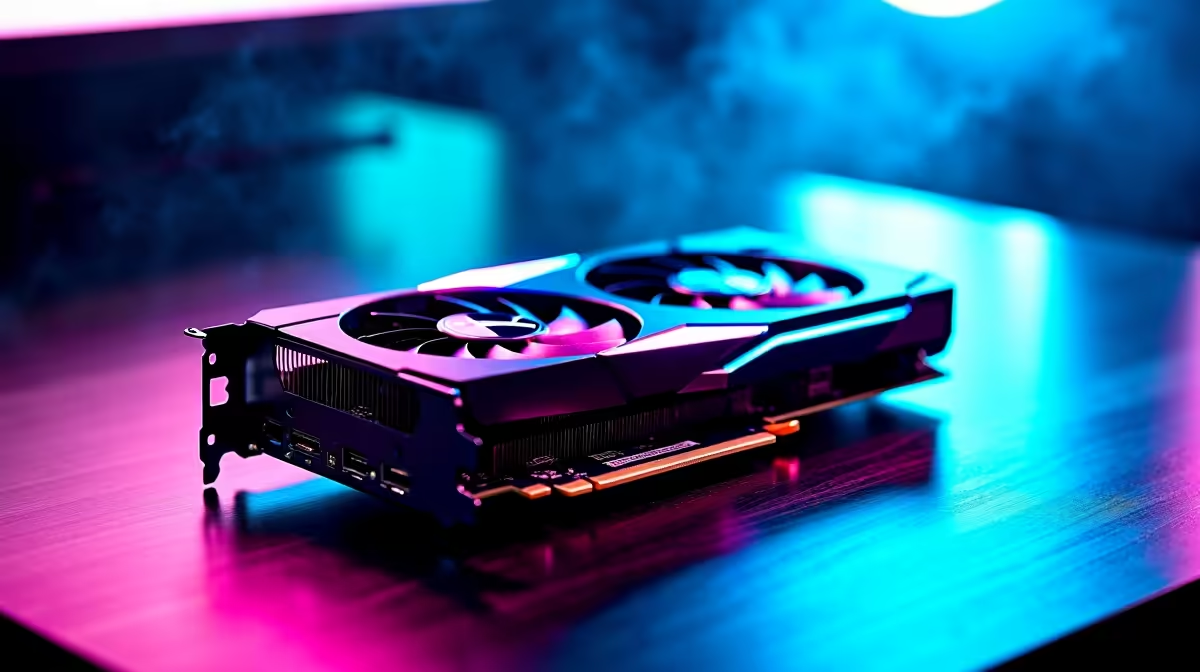
Picture this... it is a Friday night in South Africa. The power is actually on, and you are ready to build. But vanilla blocks just do not cut it anymore. You want those jaw-dropping ray-traced visuals without your frame rate tanking. Looking for the ultimate Minecraft Settings on RTX 4060 Ti: Best Performance? You are in the right place. Let us unlock those glossy, hyper-realistic worlds together. 🚀
Finding the Sweet Spot for Visuals
NVIDIA's 40-series architecture packs a massive punch. With the right tweaks, this GPU handles path tracing beautifully. But pushing every slider to the maximum will still test your system. The trick is balancing render distance with smart upscaling tech.
Is your current rig struggling to keep up? Browsing the latest graphics cards is a smart first step to visual glory.
Optimising Your Frame Rates ✨
Let us dive into the actual in-game menus. For the Windows Edition, turning on Ray Tracing is an absolute must. However, you should leave your render distance at around 16 to 20 chunks. This keeps the video memory usage in check while maintaining beautiful horizons.
Are you looking to upgrade your entire setup to handle this? You can explore some amazing gaming PC deals that feature the mighty 40-series cards.
Performance Pro Tip ⚡
Always enable DLSS Upscaling when playing Minecraft with RTX. Set it to the Balanced or Performance mode. This renders the game at a lower resolution and uses AI to upscale it. You get a massive frame rate boost without losing any visual quality.
Desktop or Mobile for Your Blocky Adventures
You do not need a massive tower to enjoy these visuals. Modern technology means you can get desktop-level performance on the go. If you travel often or need a machine for varsity, checking out notebooks for sale in South Africa is a great idea. Many modern laptops feature the mobile version of this excellent GPU.
Alternatively, you might prefer a plug-and-play desktop experience. Grabbing one of our pre-built PC deals saves you the hassle of building it yourself.
Maximising Your Rands on Hardware 🔧
Upgrading your hardware is a serious investment. We know every Rand counts when building your dream setup. That is why hunting for discounts is crucial for local gamers.
Keeping a close eye on weekly hardware specials ensures you get maximum performance for your budget. Once your hardware is sorted, dialling in those Minecraft Settings on RTX 4060 Ti: Best Performance will feel incredibly rewarding.
Ready to Build Your Ultimate Blocky World? Experiencing true ray tracing requires the right hardware. For maximum power, choice, and value in South Africa, Evetech is hard to beat. Explore our massive range of gaming PC specials and find the perfect machine to conquer your next adventure.











