

MMO Gaming Mouse Video Editing: Speed Up Your Workflow — why it matters 🔧⚡
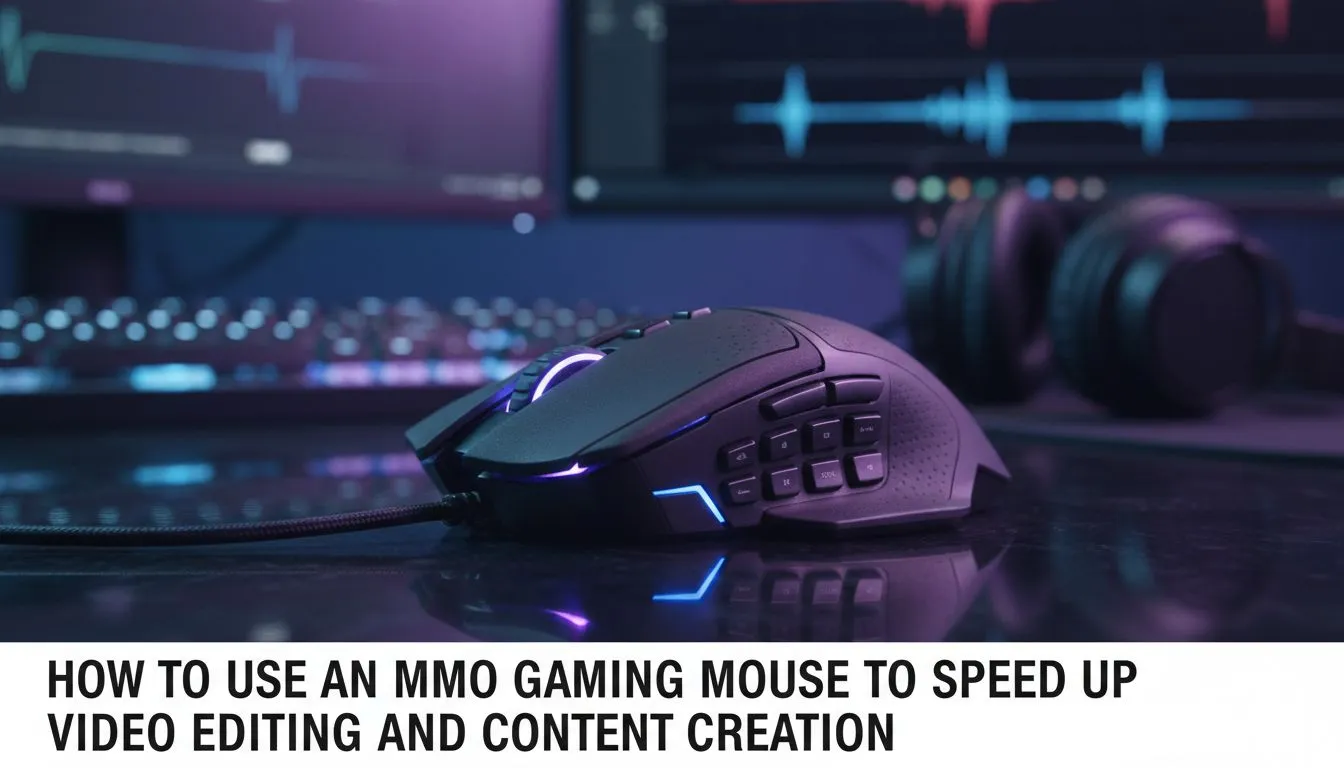
If you're editing footage between raids or cutting montages for your YouTube channel, every click and scroll can steal minutes. An MMO gaming mouse tuned for video editing reduces repetitive movements, maps macros to complex actions and keeps your hands out of fatigue. This article shows how an MMO gaming mouse can speed up your workflow, with practical tips and SA-focused buying options.
How an MMO gaming mouse speeds up editing
An MMO gaming mouse gives more than extra buttons; it's about mapping, precision and ergonomics. Use extra buttons for cut, ripple delete, timeline jump or export presets. High‑DPI sensors help when you switch from timeline scrubbing to fine colour grading. Explore Evetech’s MMO and gaming mouse range for models built with multiple programmable buttons and robust sensors: https://www.evetech.co.za/components/gaming-mouse-117.aspx.
Practical setup: map the right macros
Start small: assign four macros you use every session. Example setup:
- Thumb button 1: razor tool
- Thumb button 2: ripple delete
- Top side: timeline jump +/-
- Tilt wheel: timeline scrubbing
Pair macros with application hotkeys; mapping avoids keyboard reach and speeds editing cycles. Want deals to experiment without overspending? Check the current mouse deals to find budget-friendly options from Evetech: https://www.evetech.co.za/best-gaming-mouse-deals/x/054.aspx. Prices are shown in ZAR on that page.
Productivity Pro Tip ⚡
On Windows, use the PowerToys FancyZones utility to create custom snap layouts for your windows. It's a lifesaver for managing multiple apps on an ultrawide monitor, letting you organise your timeline, preview window, and asset folders perfectly for video editing.
Wireless vs wired for editors and gamers
Wireless mice today match wired latency for most creators and remove cable drag when sweeping across large mousepads. If you value zero-lag and consistent power, consider wired options; for clean desks and mobility, wireless mice are excellent. See Evetech’s wireless mice selection and compare: https://www.evetech.co.za/buy-wireless-mouse/x/1597.aspx. If you prefer the tethered feel, browse wired options here: https://www.evetech.co.za/buy-wired-mouse/x/1596.aspx.
Accessories, pads and grips that matter 🚀
A good mouse pad, extra skates and a comfortable wrist rest turn a fast mouse into a reliable workflow tool. Small upgrades reduce micro-pauses and wrist strain during long editing sessions. Evetech’s mouse accessories page lists pads and skates that match popular MMO mice: https://www.evetech.co.za/buy-mouse-accessories/x/1595.aspx.
Quick pro checklist before you buy
- Try grip comfort for 10 minutes if you can.
- Prioritise programmable buttons and reliable driver software.
- Match sensor DPI range to your monitor/pixel density.
- Factor in warranty and local support in South Africa.
Final thoughts — make your money back in saved time
MMO gaming mouse features that feel niche for gaming often map perfectly to editing shortcuts. Once set up, those mapped buttons and custom DPI steps shave minutes off routine tasks... which adds up to hours over a month. Small ergonomic improvements also reduce fatigue and errors.
Ready to Find Your Perfect Match? The Mac vs Windows debate is complex, but for maximum power, choice, and value in South Africa, Windows is hard to beat. Explore our massive range of laptop specials and find the perfect machine to conquer your world.











