

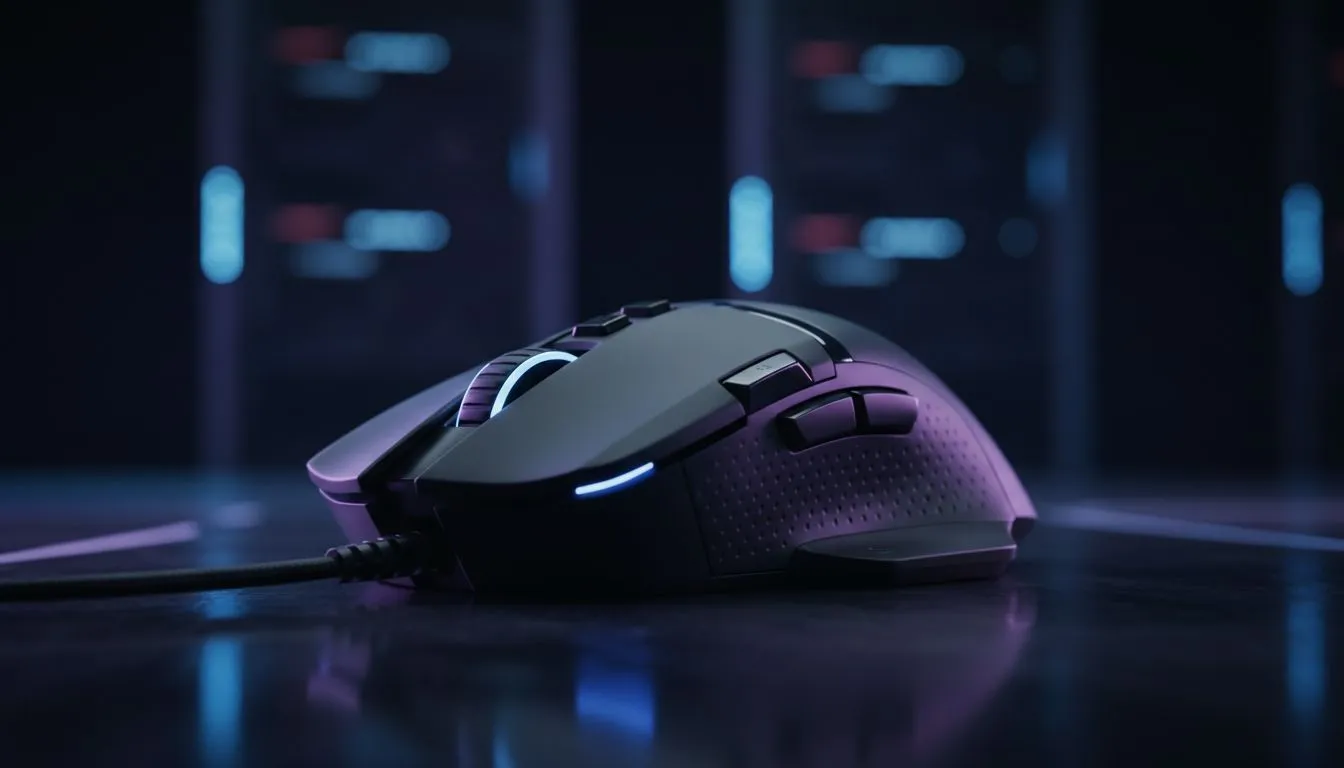
Multi-button gaming mice for video editing — speed meets precision 🎮
Looking to shave hours off your edit timeline? A multi-button gaming mouse for video editing can be the simplest upgrade with the biggest ROI. Tap macros, swap tools and scrub timelines without lifting a hand from your mouse... it’s precision and productivity in one device, especially useful for South African creators juggling tight deadlines.
Why extra buttons speed up editing ⚡
When you map cut, ripple delete and toggle playback to physical buttons, your workflow becomes tactile and repeatable. Most gaming mice offer programmable buttons, high DPI ranges and adjustable polling rates — features that translate directly to editorial control and smoother scrubbing (see this gaming mouse range for specs). https://www.evetech.co.za/components/gaming-mouse-117.aspx
Micro-story: A Cape Town VFX artist I spoke with swapped to a 12-button mouse and cut a 20% chunk off his turnaround on short-form ads. That’s not magic; it’s fewer menu dives and more muscle memory.
Choosing the right multi-button gaming mouse
Pick a mouse that matches your dominant hand, grip style and the apps you use. Wired models drop latency and avoid battery juggling, while wireless gives clean desks and freedom on large editing tables. Evetech lists solid picks whether you prefer a cable or a dongle-based setup — check wireless and wired options to compare.
- Compare wireless choices here: https://www.evetech.co.za/buy-wireless-mouse/x/1597.aspx
- Prefer a wired setup? See wired options here: https://www.evetech.co.za/buy-wired-mouse/x/1596.aspx
For maximum programming flexibility, look for on-board profiles and at least six programmable buttons. If you need macro layers for Adobe Premiere Pro or DaVinci Resolve, ensure the software supports per-app mapping (Evetech’s product pages usually note software features).
Setup tips and workflows 🔧
Start by mapping the highest-use actions to the easiest-to-reach buttons: trim, ripple, trim to playhead, and toggle snapping. Use profiles for different apps; one for Premiere, another for After Effects. Calibrate DPI lower for timeline accuracy and raise it for fast pointer moves on large monitors.
Productivity Pro Tip ⚡
On Windows, use the PowerToys FancyZones utility to create custom snap layouts for your windows. It's a lifesaver for managing multiple apps on an ultrawide monitor, letting you organise your timeline, preview window, and asset folders perfectly for video editing.
Also consider mouse accessories — like paracord cables or extra grips — to fine-tune comfort and longevity. Evetech’s accessories section has what you need to customise your setup. https://www.evetech.co.za/buy-mouse-accessories/x/1595.aspx
Finding deals and making the buy decision ✨
Deals change fast. If you want to compare current specials and get the best value in ZAR, check Evetech’s best gaming mouse deals to spot seasonal discounts and bundles. https://www.evetech.co.za/best-gaming-mouse-deals/x/054.aspx
Before you buy, read product pages for exact button counts, sensor type and software compatibility. Evetech’s gaming mouse category is a reliable place to confirm those tech details and user reviews. https://www.evetech.co.za/components/gaming-mouse-117.aspx
If you already know wired or wireless is right for you, make your choice with these curated lists: wired options again for latency-sensitive edits, or wireless for a tidy desk and portable rigs. https://www.evetech.co.za/buy-wired-mouse/x/1596.aspx
Ready to Find Your Perfect Match? The Mac vs Windows debate is complex, but for maximum power, choice, and value in South Africa, Windows is hard to beat. Explore our massive range of laptop specials and find the perfect machine to conquer your world.











