

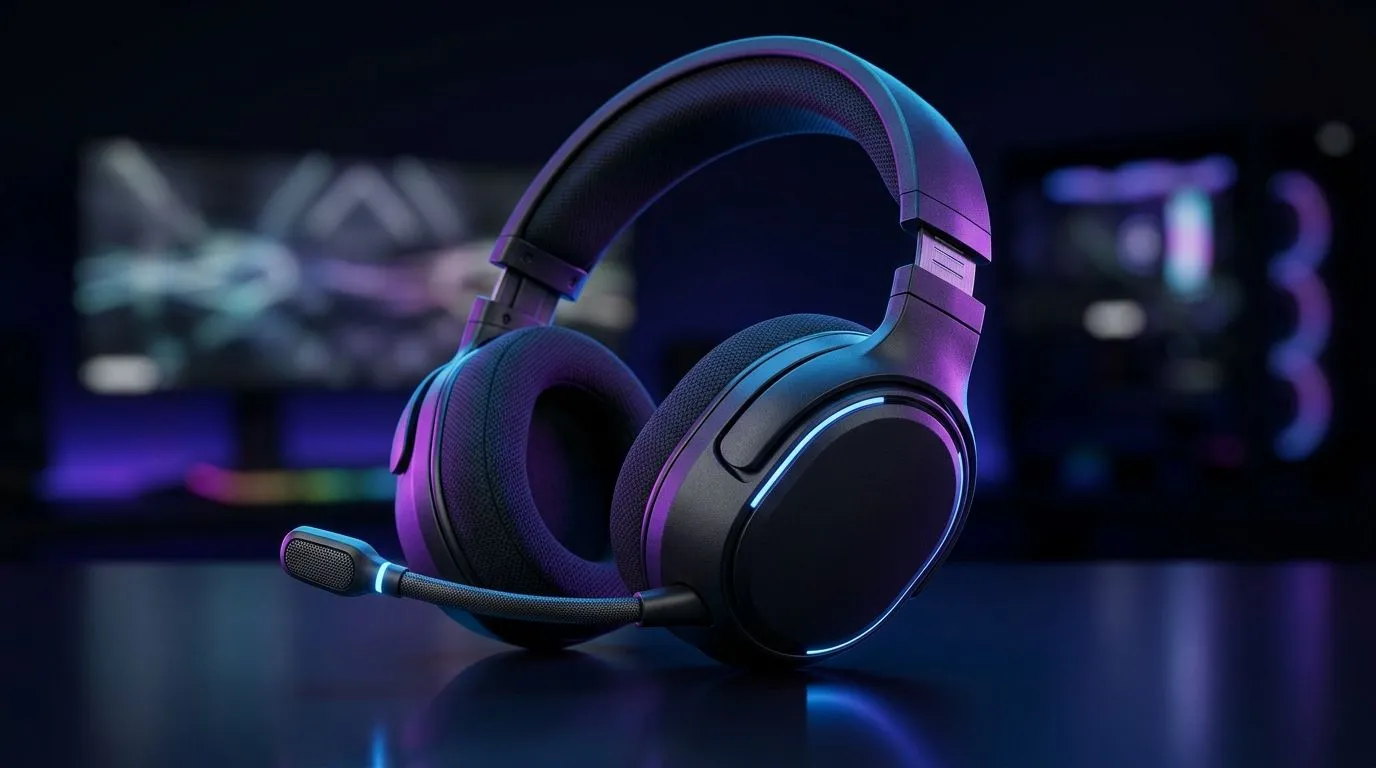
Multi-Platform Gaming Headset Guide for South African Gamers: What to Look For (Fast)
South Africa gamers don’t just “buy a headset”… you pick one that survives long sessions, changing platforms, and the realities of load shedding. 🔥 Whether you’re on PS5, Xbox, PC, or your phone for that quick Ranked grind, comfort and compatibility matter. If your mic sounds like you’re stuck in a tin can, teammates will notice. And if the drivers run hot, you’ll notice even faster. So let’s make your next headset choice smarter, not luck-based. ✨
Multi-Platform Gaming Headset Guide for South African Gamers: Compatibility That Actually Works
Before you fall in love with RGB or big promises, check the connection type first. A “gaming headset” is usually one of these:
- Wired (3.5mm or USB): simple, reliable, usually minimal setup.
- Wireless via USB dongle: great for low-latency on PC/console, depending on platform support.
- Bluetooth: convenient for mobile, but latency can be noticeable in competitive play. (Great for YouTube, not always for twitch aiming.)
For multi-platform use, prioritize headsets that clearly support PC + console, and ideally include a wired mode if you want zero-fuss during charging or downtime.
Multi-Platform comfort basics (your ears will thank you)
Look for:
- Light clamping force (long sessions)
- Memory-foam pads (less heat build-up)
- Adjustable headband (varied head sizes happen)
- Detachable mic if you share space
Even the best audio won’t help if the fit is wrong. A great headset should feel “set it and forget it” after 10 minutes.
Productivity Pro Tip 🔧
On Windows, use the PowerToys FancyZones utility to create custom snap layouts for your windows. It's a lifesaver for managing multiple apps on an ultrawide monitor, letting you organise your timeline, preview window, and asset folders perfectly for video editing.
Multi-Platform Gaming Headset Guide for South African Gamers: Sound, Mic, and Latency (No Guesswork)
Sound is more than “loud”. For FPS games, you want clean separation so footsteps and utility audio don’t blur together. Mic quality matters just as much, especially in squads where callouts decide rounds.
If you’re choosing a wireless headset, latency is the big question. USB wireless typically delivers better game audio timing than Bluetooth for real-time play. In practice, that means less “why am I late?” frustration when you’re tracking targets.
A solid wireless option to consider
If you want an easy, modern wireless experience, the Razer Barracuda X Chroma is a popular pick for gamers who want a balanced setup without going overboard. You can view the deal here: Razer Barracuda X Chroma Wireless Headset (Phantom White) at Evetech.
Multi-Platform Gaming Headset Guide for South African Gamers: Build a Setup for Real Life
Here’s a quick, realistic buying strategy:
- Decide your “main” platform (PC is often the best for tweakable audio).
- Pick a headset with the right connection for your second platform.
- Confirm your mic needs: Discord with friends, or in-game chat only?
- Budget in ZAR and compare totals, not just “discounted” stickers.
If you’re not sure where to start, browse Evetech’s organised headset range so you can compare options by category and price. Start with:
Want the fastest shortlist? Choose 2 headsets, compare comfort reviews and connection types, then pick the one that works on every platform you actually use. That’s the multi-platform win. 🚀
Ready to Find Your Perfect Match? The Mac vs Windows debate is complex, but for maximum power, choice, and value in South Africa, Windows is hard to beat. Explore our massive range of laptop specials and find the perfect machine to conquer your world.








