

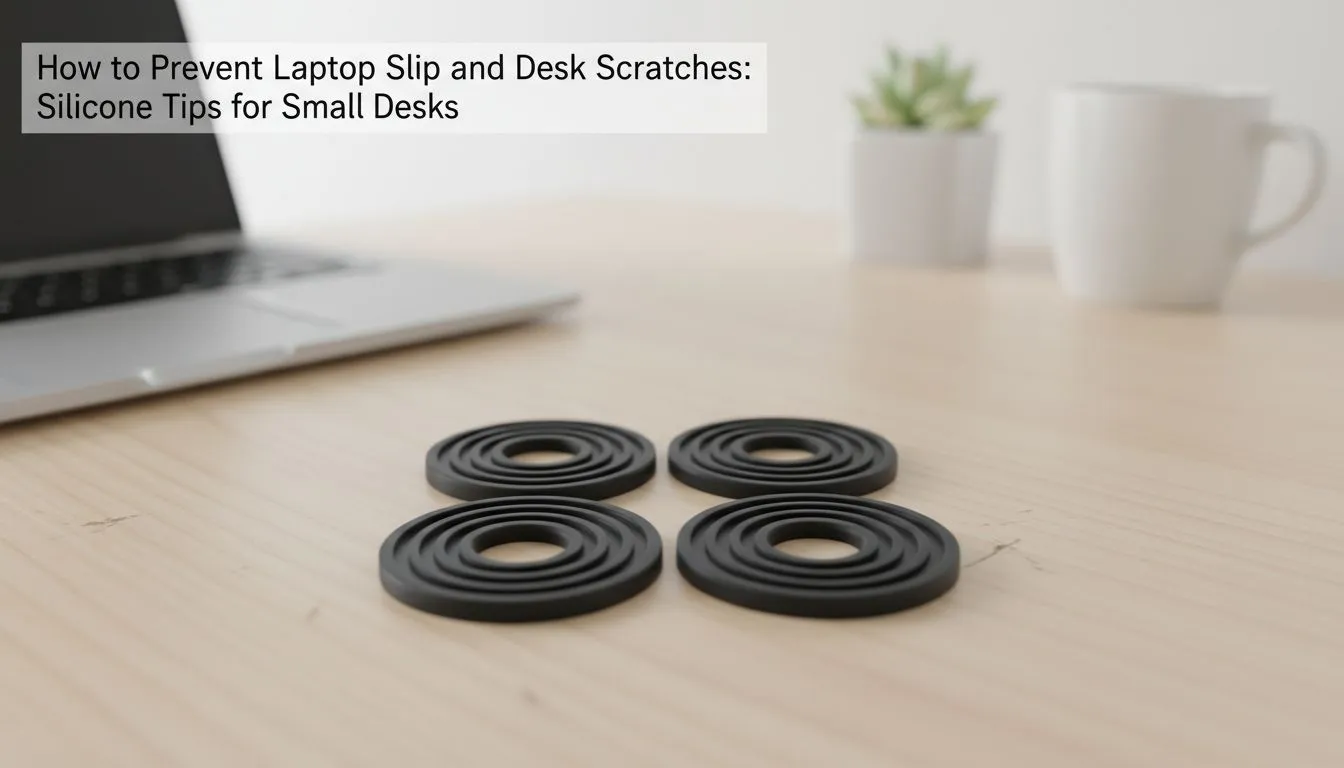
The Importance of Laptop Stability in Your Setup
Ever had that heart-stopping moment when your expensive gaming laptop slides across your desk? Whether you are grinding in Apex Legends or finishing a project, stability is everything. In South Africa, we invest heavily in our tech. Protecting that investment starts with the basics. Non-slip silicone pads for laptops help you prevent slips and desk scratches, ensuring your setup stays pristine and secure. 🛡️
Most modern laptops feature sleek, metallic finishes that look incredible but offer very little friction. On a smooth melamine or glass desk, your machine can migrate during intense typing sessions. By using high-quality silicone grips, you create a reliable anchor point. Evetech offers a wide variety of laptop cooling pads that often include these integrated non-slip features to keep your device exactly where you want it.
Protecting Your Workspace from Unwanted Scratches
It is not just about the laptop... your desk deserves some love too. Over time, the hard plastic or metal feet on a heavy gaming rig can leave unsightly gouges on your furniture. This is especially true if you frequently move your setup to find the best light or better Wi-Fi signal. Non-slip silicone pads for laptops: Prevent slips & desk scratches by acting as a soft buffer between two hard surfaces.
Maintenance Pro Tip ⚡
Over time, silicone pads can collect dust and lose their "stickiness". You do not need to buy new ones. Simply wipe them down with a damp, lint-free cloth and a tiny drop of dish soap. Once dry, the original grip returns, saving you a few Rands and keeping your setup secure.
If you prefer a more integrated approach, brands like Promate focus on ergonomic designs that prioritise both grip and user comfort. These accessories ensure that even if you are working on a slight incline, your laptop remains stationary.
Choosing the Right Grip for Your Machine
Not all silicone is created equal. Some cheaper alternatives can degrade or leave a sticky residue behind when they get warm. Since gaming laptops generate significant heat, you need materials that can handle the temperature. Reliable Orico accessories provide that extra layer of thermal resistance while maintaining a firm hold on your desk surface. 🚀
When you are looking for the best performance, investing in high-end cooling solutions ensures your hardware stays cool while the silicone feet provide the necessary elevation for airflow. This dual-purpose approach protects your internal components from throttling and your external surfaces from wear and tear. It is a small investment that prevents a very expensive accident down the line. ✨
Ready to Secure Your Setup? Don't let a simple slip ruin your hardware or your desk. For maximum stability and cooling performance in South Africa, our curated selection is hard to beat. Explore our massive range of laptop accessories and find the perfect match to protect your machine.








