

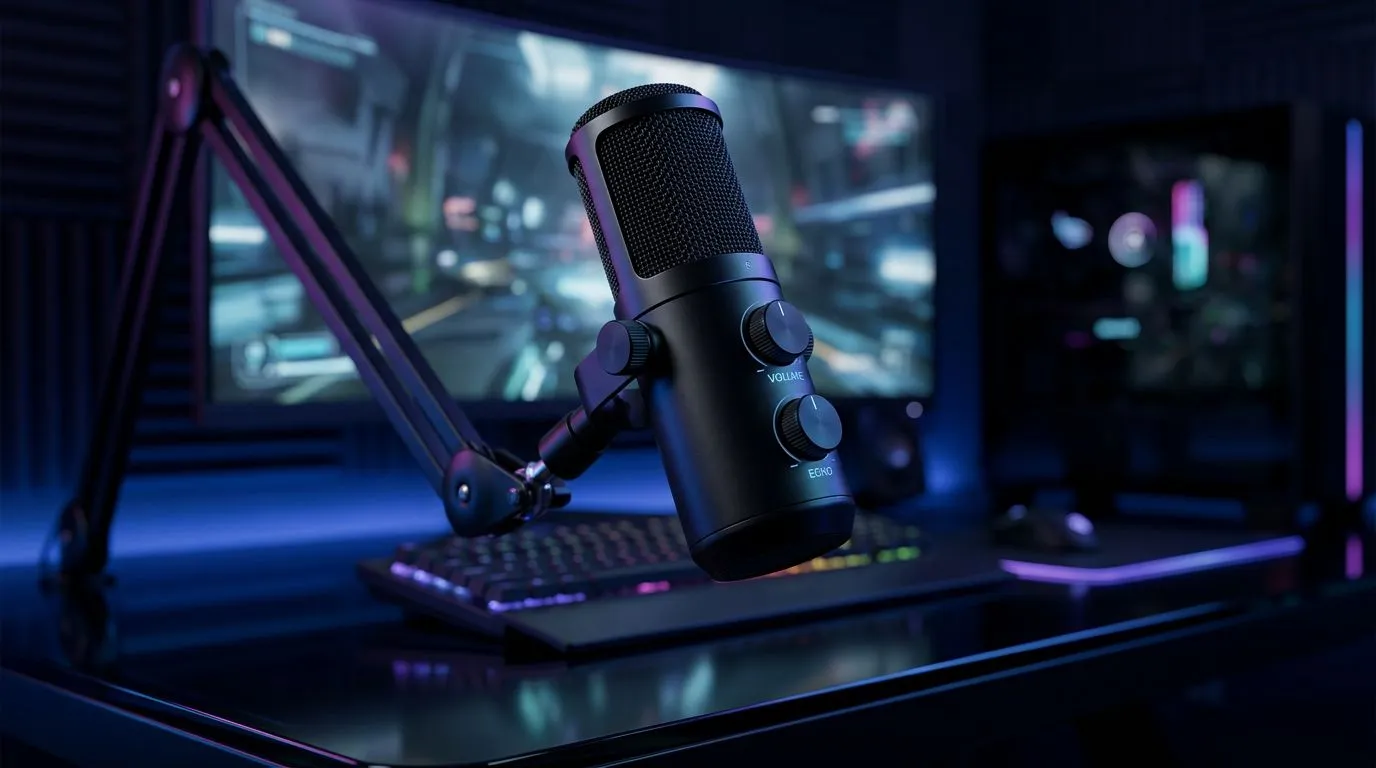
On-board volume and echo controls for live streaming
If you stream from a compact rig or a laptop in Cape Town or Jozi, built-in volume and echo controls can save your set-up. Within seconds you can kill feedback, match mic gain to game audio, and avoid embarrassing delays. This guide explains how on-board volume and echo controls for live streaming work, when to rely on them, and when to grab a dedicated device. 🔧✨
On-board volume and echo controls — when they help and when they don't
On-board controls are the knobs and software settings built into motherboards, headsets, and USB audio interfaces. They're great for quick fixes: lowering desktop audio, muting a loop, or enabling basic echo suppression before a stream. If you need pro-level noise gating, compression, or hardware mixing, you’ll outgrow them fast.
If you’re shopping Evetech’s streaming essentials, start with the basics: a stable webcam and an audio path you can tweak. Check their streaming essentials collection for kits and accessories that pair well with simple on-board solutions: https://www.evetech.co.za/PC-Components/buy-streaming-essentials-369.aspx
Practical tip: test your setup locally. Record a one-minute clip while toggling the on-board echo/suppression setting to hear the difference. If echo persists, the issue is often physical: speaker bleed or placement, not just software.
On-board volume and echo controls for live streaming — pairing with peripherals
On-board controls can work hand-in-hand with peripherals. For example, many Corsair headsets let you adjust sidetone and mic monitoring on the device while the motherboard handles system-level volume. Browse compatible Corsair streaming gear and accessories here: https://www.evetech.co.za/PC-Components/buy-streaming-essentials-369.aspx?brands=CORSAIR
If you love lighting or want visual feedback for mute status, RGB solutions like Cololight add clarity and flair. They don’t fix audio, but they help you spot mute states at a glance: https://www.evetech.co.za/PC-Components/buy-streaming-essentials-369.aspx?brands=Cololight 🚀
When your webcam is the source of both picture and onboard audio, test each device independently. Poor webcam mics often add room echo; a dedicated USB mic is usually better. Shop webcams and compare models before upgrading: https://www.evetech.co.za/PC-Components/buy-webcams-145.aspx
Audio Quick Tip ⚡
a small checklist before each stream: close noisy apps, set your headset as default, enable echo cancellation if available, and run a quick recording. Small habits fix most echo problems quickly.
On-board volume and echo controls — final advice for South African streamers
If you’re budget-conscious, start with on-board controls and a good mic placement. If gigs, collabs, or crisp voicework matter, invest in a USB interface or mixer. Prices on Evetech vary by model and brand; a basic USB mic can start from affordable ZAR ranges, while interfaces add flexibility. Test locally, keep cables tidy, and update drivers for your motherboard audio to avoid latency.
Want hands-on help? Try different combos: on-board plus modest peripherals is often the sweet spot. Small changes yield big sonic improvements… and fewer viewer complaints.
Ready to Find Your Perfect Match? The Mac vs Windows debate is complex, but for maximum power, choice, and value in South Africa, Windows is hard to beat. Explore our massive range of laptop specials and find the perfect machine to conquer your world.











