

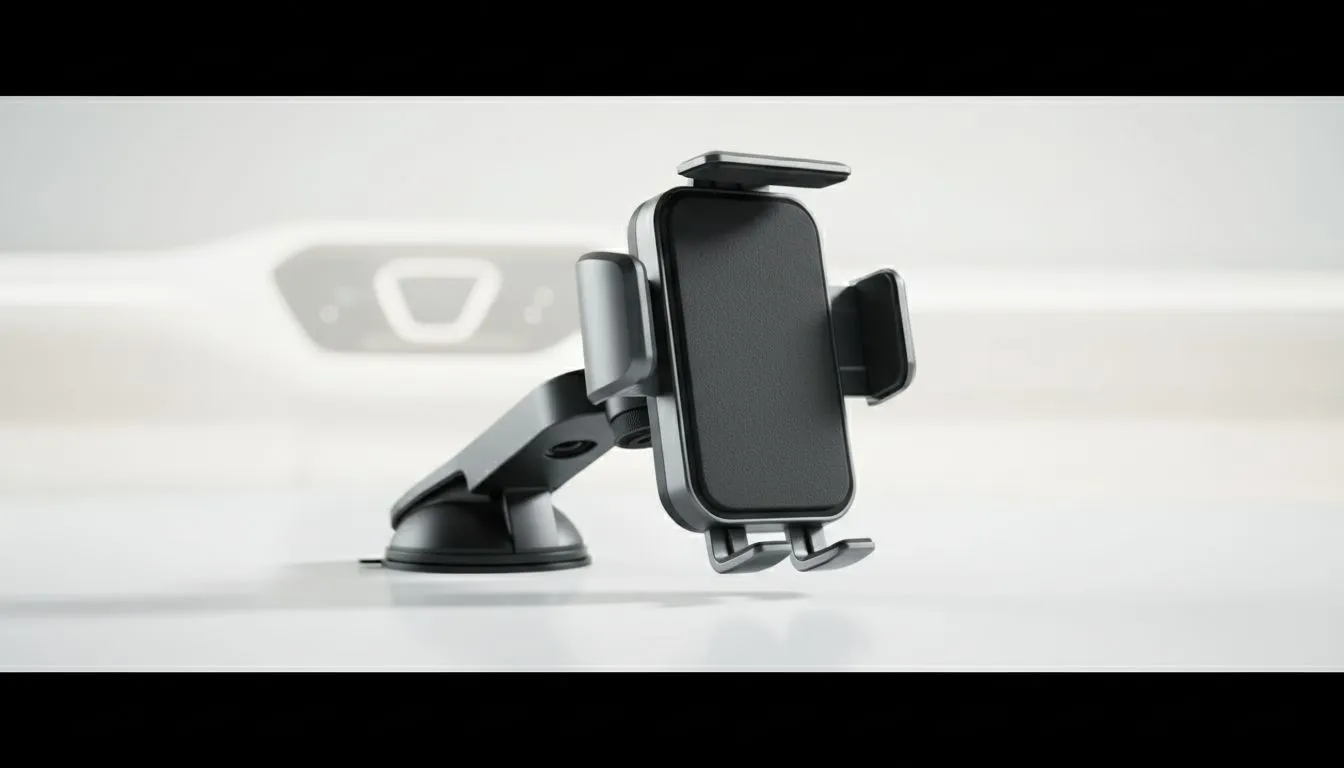
Navigating South African Roads Without the Hassle
Driving through South Africa means dealing with intense sun and unpredictable roads. Whether you are navigating Cape Town’s winding passes or Johannesburg’s busy highways, a reliable phone mount for navigation is essential. It is not just about convenience... it is about safety and protecting your expensive device from the elements. Nobody wants a phone flying off the dash when hitting a surprise pothole. 🚗
Defeating the African Sun and Glare
The biggest enemy of clear navigation is the harsh glare reflecting off your screen. Choosing a mount with adjustable tilt and 360-degree rotation helps you find the perfect angle. If you want to browse a wide variety of mounting solutions, check out the latest car tech arrivals at Evetech. Positioning your device slightly below the dashboard line can often reduce direct sunlight exposure.
Stability Against Road Vibration
Our roads are famous for their character... and their bumps. A flimsy mount will vibrate, making your GPS map look like a blurry mess. You need a grip that locks tight. For those looking for premium build quality, the Promate car accessory range offers excellent stability for larger smartphones. A secure clamp ensures your phone stays still even on gravel paths. ✨
Navigation Pro Tip ⚡
When using your phone for long trips, try to use a mount that clips onto your air conditioning vent. The cool air blowing directly onto the back of the phone helps prevent thermal throttling. This prevents your GPS from slowing down or your screen from dimming automatically due to heat.
Preventing Device Overheating
Smartphones generate significant heat when running GPS and charging simultaneously. When you add the South African summer to the mix, your phone might shut down to protect its battery. If you are on a budget, you can find affordable mounting options under R500 that still offer great airflow. Keeping the device out of the direct "greenhouse" zone behind the windscreen is vital for long-term battery health. 🔧
Choosing the Right Mount for Your Cabin
Every car interior is different. Some drivers prefer magnetic mounts for quick docking... others want heavy-duty suction cups. If you are looking for top-tier features like integrated wireless charging, there are high-end car tech kits under R2000 that provide everything you need for a professional setup. Ensure the mount does not obstruct your view of the road while keeping the screen within your peripheral vision. 🚀
Ready to Upgrade Your Drive? Don't let glare or overheating ruin your next road trip. For the best deals on mobile accessories and vehicle gadgets in South Africa, we have you covered. Explore our full range of Car Tech essentials and drive smarter today.











