


Dedicated Media Keys for Streamers: Improve Workflow Fast
Dedicated media keys give streamers one-touch control to mute, switch scenes, clip highlights, and adjust audio — cutting task time and boosting consistency 🎛️⚡
Read more• Explain plug and play wireless charging benefits • Show PowerPlay 2 setup steps • Compare wired vs wireless desk • Buying and performance tips ⚡️🎮 Plug and play wireless charging clears cable clutter and powers gaming gear fast.
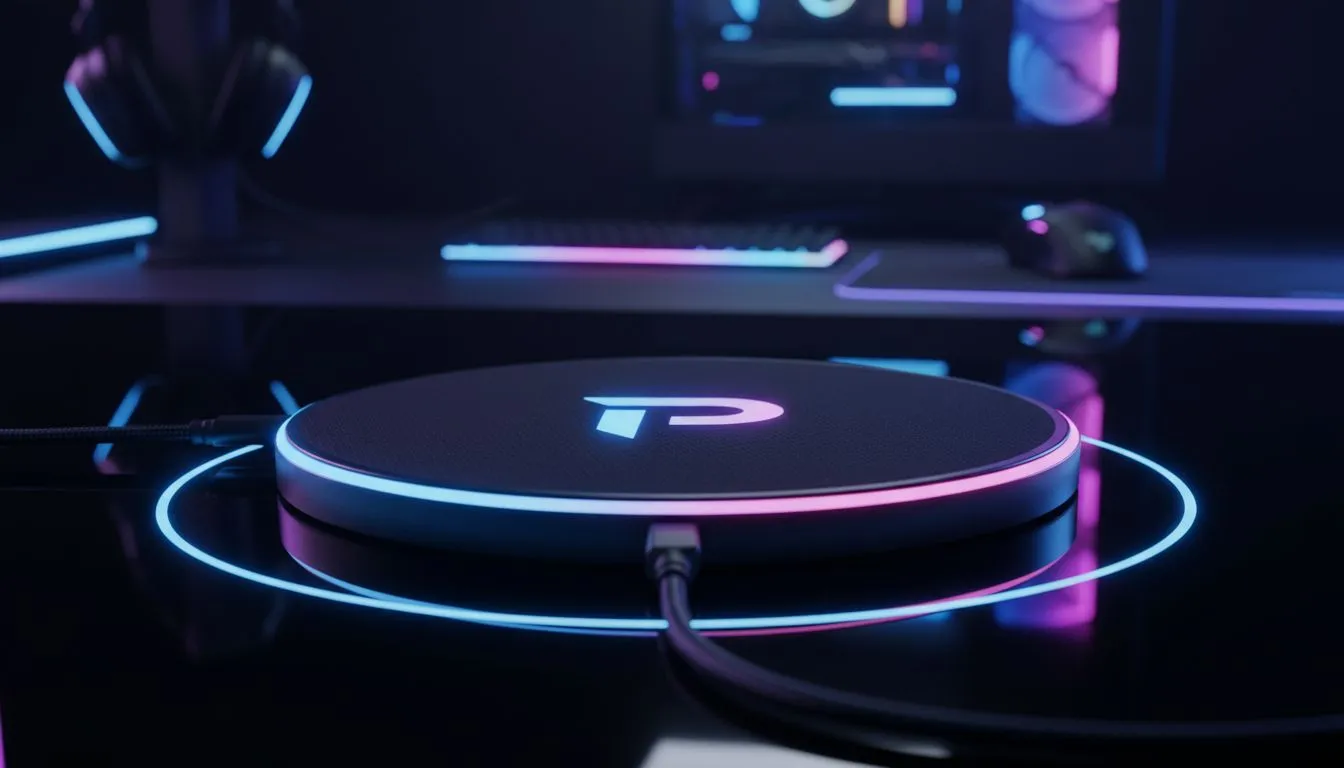
If you hate tripping over cables mid‑frag, this one’s for you. Plug and Play Wireless Charging with PowerPlay 2 turns charging into a background task — your mouse stays powered while you play, no docking, no pause. South African gamers get cleaner desks, fewer cable swaps, and more focus on the raid… or the next climb on ladder night. 🎮
The real win is consistency. A wireless charging surface removes the "battery anxiety" while keeping sensitivity and glide predictable. If you’re pairing the PowerPlay 2 with different pads, check our general guide to mouse pads for intel on surface types and how they affect sensor tracking: Evetech’s mouse pad 101 guide. (https://www.evetech.co.za/components/mouse-pads-101)
Not every desk needs RGB or XXL surfaces. Evetech splits its collections so you can choose by brand or size. Browse the Evetech Mousepad collection for pads that fit the PowerPlay ecosystem best. (https://www.evetech.co.za/components/mouse-pads-101?category\=Evetech+Mousepad)
Prefer a brand-specific feel? See SteelSeries pads for that silky control many pros favour. They often pair well with charging systems that rely on a steady contact surface. (https://www.evetech.co.za/components/mouse-pads-101?category\=Steelseries+Gaming+Mouse+Pads)
If you want a budget‑friendly option that still works fine under wireless charging mats, the Marvo line is worth a look. They balance cost and comfort for long sessions. (https://www.evetech.co.za/components/mouse-pads-101?category\=Marvo+Gaming+Mousepads)
Lighting or none? Your choice won’t affect charging performance, but it does set the room vibe. Find pads without lighting if you want a minimalist setup. (https://www.evetech.co.za/components/mouse-pads-101?attributes-lightingeffects\=No)
Love ambience? RGB mats can tie together your battlestation and still work under charging tech. Check out RGB options before committing. (https://www.evetech.co.za/components/mouse-pads-101?attributes-lightingeffects\=Yes+%28RGB%29)
Size matters for freedom of movement. An XXL pad gives you full sweep room — ideal if you game low‑sens or use big arm movements. See XXL sizing options here. (https://www.evetech.co.za/components/mouse-pads-101?attributes-size\=XXL)
If you use both keyboard and mouse on one mat, extended pads protect more desk space and keep charging contact consistent across surface types. (https://www.evetech.co.za/components/mouse-pads-101?attributes-size\=Extended)
Make sure the mat sits flat and the charging puck aligns with your mouse’s charging window. Small shifts cause big differences in throughput. For cable management, route the PowerPlay 2 cable along the desk edge to avoid tugging.
Install the pad centred on your main play area. Test glide with your mouse sensor on different zones before committing. If you swap mice or change sensitivity, re‑test to confirm the pad and PowerPlay 2 keep the same feel. Keep firmware updated and use the manufacturer app for calibration where available.
For South African gamers who value clean desks and uninterrupted sessions, Plug and Play Wireless Charging with PowerPlay 2 is a neat quality‑of‑life upgrade. It’s not just convenience — it’s an investment in how you play, stream, and create. When you’re ready to pair it with the right mat, our linked guides above will help you pick the best match.
Ready to Find Your Perfect Match? The Mac vs Windows debate is complex, but for maximum power, choice, and value in South Africa, Windows is hard to beat. Explore our massive range of laptop specials and find the perfect machine to conquer your world.
Plug and play wireless charging lets you place compatible gear on a pad to charge instantly with no drivers—ideal for decluttering gaming desks.
PowerPlay 2 uses a charging surface that powers compatible mice continuously while you play, keeping battery topped without interruptions.
Yes. Connect the PowerPlay 2 to USB, position the pad, and place a compatible mouse—no software required for plug and play wireless charging.
No. Properly engineered pads like PowerPlay 2 deliver power without input lag; wireless charging for gaming won’t impact sensor reporting.
Most major brands offer compatible models; check PowerPlay 2 compatibility with mice on the manufacturer list for guaranteed charging.
In many setups yes—PowerPlay 2 maintains charge during play so you rarely swap batteries or plug in cables again.
If you value cable-free convenience, consistent power, and a cleaner desk, PowerPlay 2 is a solid purchase for gamers seeking plug and play wireless charging.
Dedicated media keys give streamers one-touch control to mute, switch scenes, clip highlights, and adjust audio — cutting task time and boosting consistency 🎛️⚡
Read more
PBT vs ABS keycaps: Clear, local guide for South African gamers—compare feel, sound, durability and where to buy. Find the best material for your budget and playstyle 🎮🇿🇦
Read more
- Multi-Function Digital Dial: define benefits - Show gamer setups and macros - Offer buying and setup tips Multi-Function Digital Dial puts programmable control at your fingertips for faster actions and smoother streaming. 🎮⚙️
Read more
- Explain benefits; - Show the science; - Compare options; - Recommend picks. Magnetic wrist rest for gaming cuts wrist strain and boosts comfort during long sessions 🕹️✨
Read more
best gaming keyboard South Africa: Learn how to pick a low-latency mechanical keyboard, choose switches, layout and budget for competitive play 🎮⚡
Read more
Best wireless keyboard and mouse combo for small desks — curated, space-saving picks that boost comfort and productivity in tight setups. Find low-profile layouts, compact mice, and reliable range to fit your compact workstation. 🖱️⌨️
Read more
Discover webcams that automatically adjust light and color for crystal-clear video calls 🎥✨. Boost your streaming quality today!

Discover webcams that blend into your workflow 🎯 Capture moments while you work, stream, or create. Upgrade your setup with smart, multitasking tech!
Dedicated media keys give streamers one-touch control to mute, switch scenes, clip highlights, and adjust audio — cutting task time and boosting consistency 🎛️⚡
PBT vs ABS keycaps: Clear, local guide for South African gamers—compare feel, sound, durability and where to buy. Find the best material for your budget and playstyle 🎮🇿🇦
- Multi-Function Digital Dial: define benefits - Show gamer setups and macros - Offer buying and setup tips Multi-Function Digital Dial puts programmable control at your fingertips for faster actions and smoother streaming. 🎮⚙️
- Explain benefits; - Show the science; - Compare options; - Recommend picks. Magnetic wrist rest for gaming cuts wrist strain and boosts comfort during long sessions 🕹️✨