

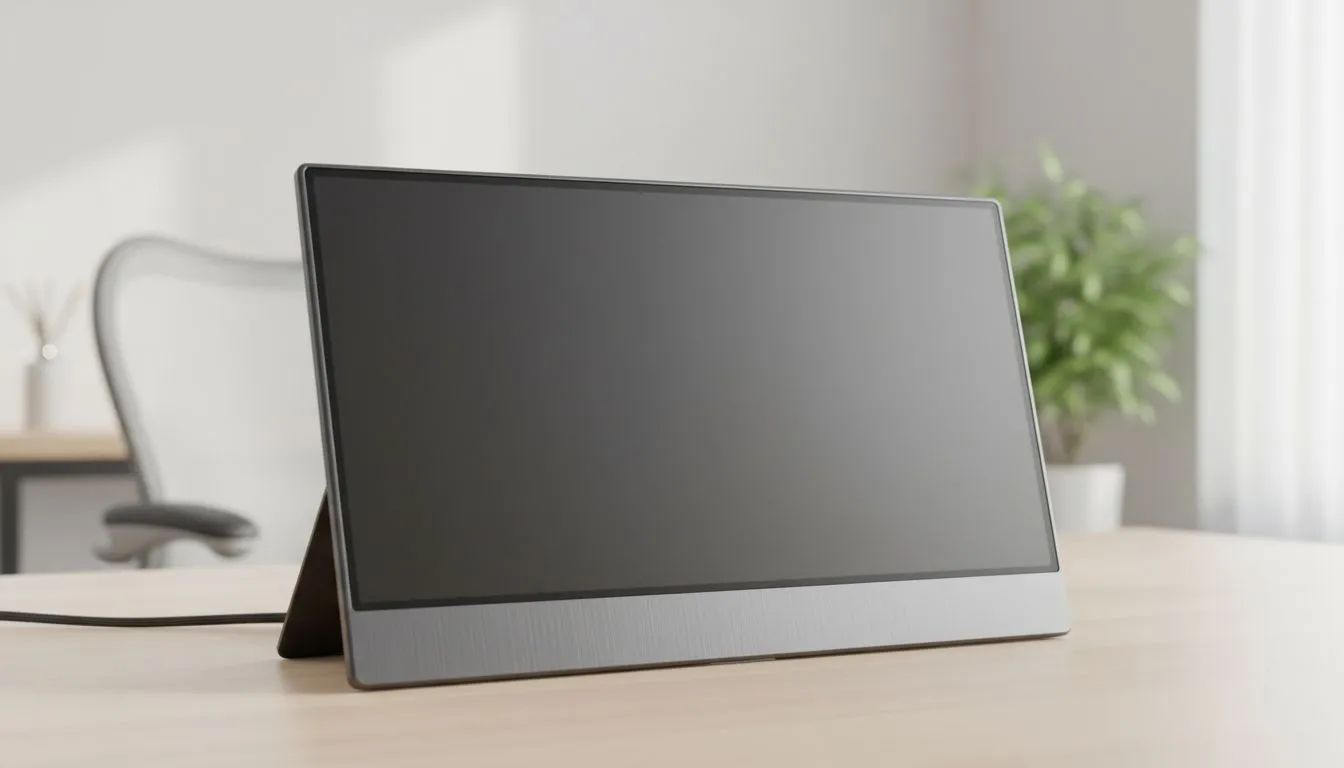
Portable Monitor vs Smart TV: Best Screen for Home or Office
Stuck between a sleek second screen for your laptop and a massive display for the lounge? Whether you are a digital nomad in Cape Town or setting up a dedicated home office in Joburg, choosing between a Portable Monitor vs Smart TV is a common dilemma. Both offer unique ways to expand your digital real estate, but the "best" screen depends entirely on your workflow and gaming habits. ⚡
The Case for Portable Monitors in South Africa
For the professional on the move, a portable monitor is often the superior choice. These devices are lightweight and usually powered via a single USB-C cable. In a country where load shedding remains a factor, the low power draw of a portable screen means you can keep working for hours using just your laptop battery or a small power bank.
If you value colour accuracy for design work, you should prioritise IPS panel technology which offers superior viewing angles compared to standard TV panels. Many users prefer the sleek look of Flat screen designs for their portable setups... they slide easily into a laptop bag and provide a seamless dual-screen experience at a local coffee shop or in a cramped home office.
Power Efficiency Pro Tip ⚡
When using a portable monitor during power outages, lower the brightness to 50%. Most portable screens draw significantly less power at mid-range brightness, extending your laptop's battery life by up to 30% while still remaining perfectly usable for spreadsheets or coding.
When a Smart TV Makes More Sense
Smart TVs excel when size and entertainment value are the priority. If your "office" doubles as a gaming den or a lounge, a 43-inch or 55-inch 4K TV offers massive screen real estate for multitasking. However, TVs often struggle with "input lag" compared to dedicated PC monitors which are engineered for rapid response times.
A Smart TV is excellent for casual console gaming or streaming Netflix in 4K... but for high-end PC gaming, you might miss the specialised features found in desktop displays. For instance, many modern gaming monitors feature Curved displays that wrap around your field of view... a feature rarely found on budget-friendly Smart TVs.
Gaming Performance and Latency
If you are a competitive gamer in South Africa, latency is your biggest enemy. While a Smart TV looks great, it rarely offers the sophisticated sync technologies required for tear-free gaming. To ensure smooth frames, most gamers look for FreeSync (AMD) support which synchronises the display's refresh rate with your GPU. 🎮
Similarly, NVIDIA users should look for G-Sync (NVIDIA) compatibility to eliminate stuttering. If you are shopping for a versatile screen that handles both work and play, ensure it features Adaptive Sync technology. This ensures that whether you choose a portable monitor or a stationary display, your visuals remain fluid and professional. 🚀
Final Verdict: Which Should You Buy?
Choose a portable monitor if you need a secondary screen for your laptop, travel frequently, or want to keep working during power cuts. They are affordable... often starting under R3,000... and offer the best pixel density for text-heavy work.
Choose a Smart TV if you want a massive canvas for media consumption and casual gaming, and you have a dedicated desk space that can accommodate a larger footprint. Just remember that for the sharpest text and best ergonomic support, a dedicated monitor usually wins for 8-hour workdays. ✨
Ready to Find Your Perfect Match? The Portable Monitor vs Smart TV debate depends on your lifestyle, but for the best visual performance and reliability in South Africa, a dedicated display is the way to go. Explore our massive range of monitor specials and find the perfect screen to elevate your home or office setup today.











