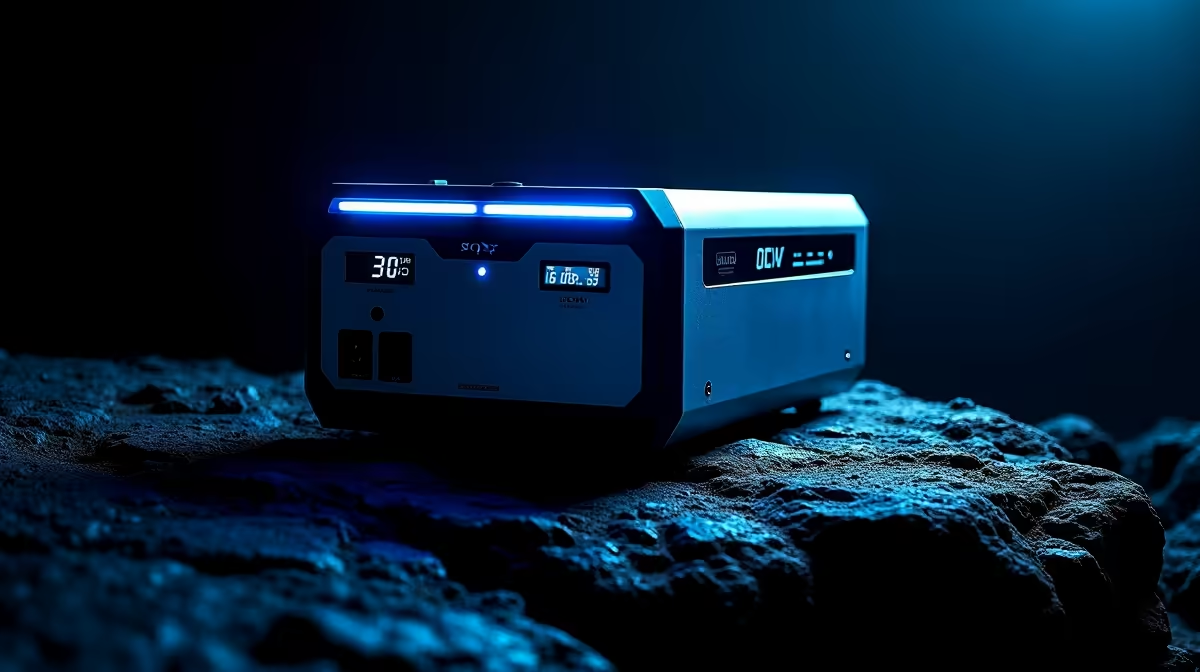
An unexpected outage remains a daily reality across South Africa, and staying powered up is no longer a luxury… it’s a necessity. For students, remote workers, and gamers, a dead battery can mean a missed deadline or a lost match. We sat down with our in-house tech experts to answer your most common questions about portable power banks and how to choose the right one to keep your essential devices running when the lights go out. Let's get you prepared. ⚡
Pro Tip ⚡
estimate how many times a power bank can charge your phone, use this formula: (Power Bank mAh * 0.8) Phone Battery mAh. The 0.8 accounts for a ~20% energy loss during power transfer.
Practical Reliability Considerations
Here’s a straightforward Q&A to help you navigate the world of portable power and find the perfect solution for your needs.
Q: What's the real difference between a simple power bank and a mini-UPS?
A: A power bank is designed to charge DC devices like your phone, tablet, or wireless headphones via USB. A mini-UPS, on the other hand, is specifically designed to keep low-power AC/DC devices like your internet router and fibre box running seamlessly the moment an unexpected outage hits. Think of a power bank for your pocket, and a mini-UPS for your internet connection.
Q: What does "mAh" actually mean, and how much capacity do I really need?
A: mAh stands for milliampere-hour, and it’s a measure of battery capacity. For context, a 10,000mAh unit can typically charge a modern smartphone 2-3 times. If you just need to keep your phone alive, you can find excellent power banks under R1000 that do the job perfectly. For charging multiple devices or a tablet, aim for 20,000mAh or more.
What improves connection reliability for this setup?
A: Not exactly. To power a router, you need a power bank or mini-UPS that can output the correct DC voltage (usually 9V or 12V) through a round DC connector, not just a standard USB port. Always check your router's power requirements before you buy.
Q: What’s the deal with all the different ports? USB-A vs. USB-C PD?
A: USB-A is the classic rectangular port we all know. USB-C is the newer, smaller oval port. The key difference is Power Delivery (PD), a fast-charging standard that mostly uses USB-C. A power bank with a USB-C PD port can charge modern laptops, phones, and other compatible devices significantly faster. Many quality options, like those from WINX, include a mix of both port types for maximum compatibility.
Q: Is a bigger, more expensive power bank always the better choice?
A: Not necessarily. It’s more important to match the features to your needs and to choose a reliable brand. It's often smarter to buy a mid-capacity unit from a trusted name like Promate, known for quality components, than a no-name brand with inflated capacity claims. Reliability is key.
Q: What safety features should I look out for?
A: Look for mentions of overcharge protection, short-circuit protection, and over-temperature control. These features protect both the power bank and your expensive devices from damage, giving you peace of mind.
Q: Where can I see all the different options available?
A: The best way to find what’s right for you is to compare models. You can browse a wide variety of trusted brands and capacities in our complete power banks collection to find the one that fits your exact backup-power kit.
Key Takeaways
- Check the Capacity: A 10,000mAh unit is great for phones; 20,000mAh+ is better for multiple devices or tablets.
- Know Your Ports: USB-C with Power Delivery (PD) is essential for fast-charging modern tech.
- Routers Need DC Output: To keep your Wi-Fi on, you need a power solution with the correct DC output, not just USB.
- Prioritise Safety: Always choose power banks with built-in protection against overcharging and short-circuits.
Don't Get Caught in the Dark
Grab a reliable portable power solution from our extensive power bank range and stay charged through any outage.