

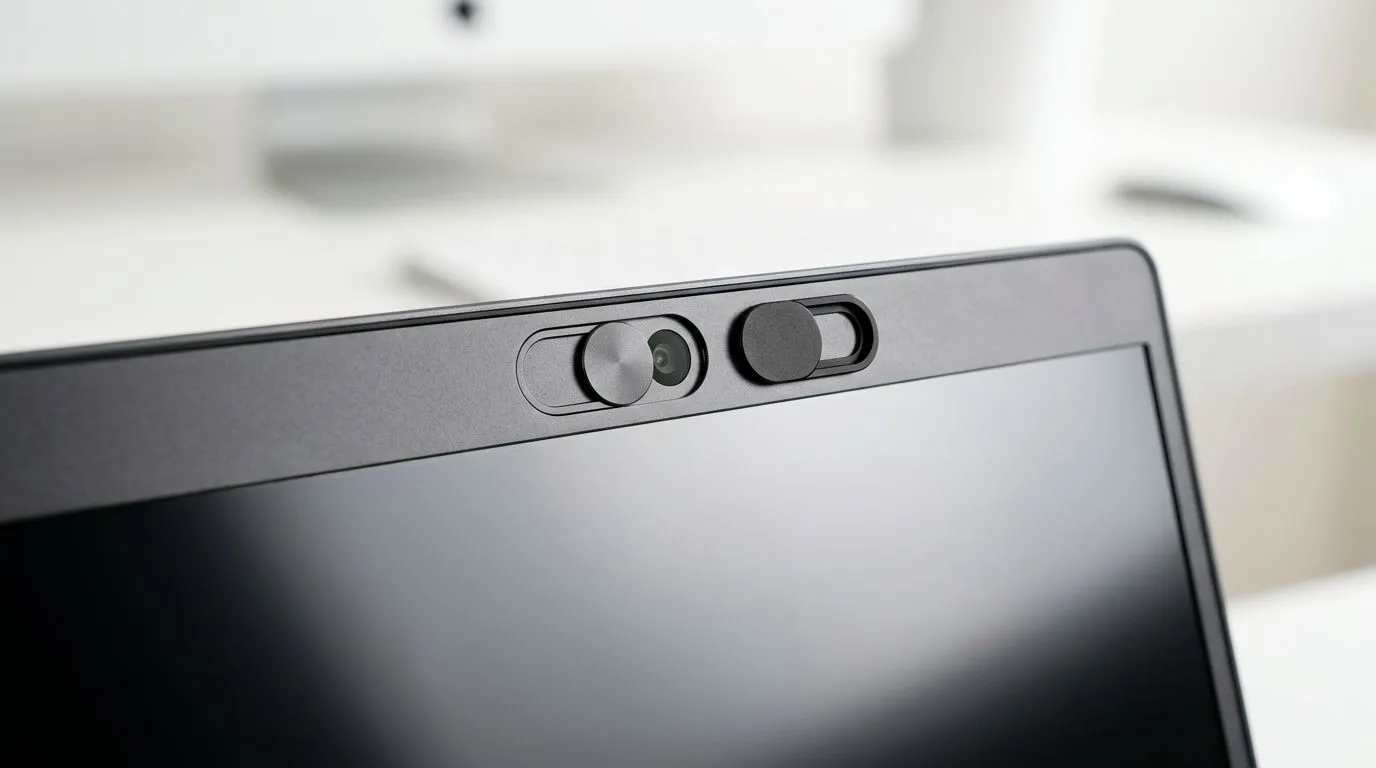
Privacy shutters or webcam covers — quick camera protection for gamers 🔒
Privacy Shutter vs Webcam Cover: Smarter Camera Protection is the question every South African gamer and streamer asks before they set up a new rig. Are you protecting your privacy without ruining your webcam angle? This short guide cuts through marketing jargon, gives clear pros and cons, and points you to local buys in ZAR so you can lock down your setup today.
Why a privacy shutter or webcam cover matters for SA gamers
A physical block beats software alone. Shutters and covers stop accidental livestreams, lens snooping from malware, and the awkward surprise of a camera that turns on without your say-so. Want an easy start? Browse Evetech’s full webcam range to see accessories and cameras together — handy when you’re planning a desk upgrade. https://www.evetech.co.za/PC-Components/buy-webcams-145.aspx
Installation, performance and ergonomics: choosing smart protection
Privacy shutters tend to be integrated into higher-end webcams or laptop builds. They slide across the lens and usually don’t affect image quality. Stick-on webcam covers are cheap and flexible, but some can shift or scratch lenses. If you stream at competitive settings, pick a solution that doesn’t interfere with autofocus or microphone placement.
Shopping for value? Evetech lists budget webcams and accessories under R1000 — a great starting point for casual streamers and students. https://www.evetech.co.za/PC-Components/buy-webcams-145.aspx?max-price=1000
Quick Fit Tip ⚡
When using a stick-on cover, clean the lens rim with isopropyl alcohol first. Place the cover centered on the housing, not the glass. That reduces smudges and keeps the camera aligned when you open or close it.
Durability and cost: what to expect in ZAR
Covers can be found for a few Rands, but shutters usually appear on mid-range webcams. For reliable shutters and better sensors, consider webcams in the R1000–R2000 bracket. They balance low-latency capture with built-in privacy features. See mid-range options to compare specs and prices in ZAR. https://www.evetech.co.za/PC-Components/buy-webcams-145.aspx?max-price=2000
If you want pro-level optics and robust mechanical shutters, the R2000–R3000 tier has models with better glass and secure housings. These are useful for content creators who stream nightly or record gameplay. Check models in the higher bracket before you commit. https://www.evetech.co.za/PC-Components/buy-webcams-145.aspx?max-price=3000 🚀
Practical recommendations — what I use and why
For most players in South Africa, a simple slide cover on a mid-range webcam is the smart choice. It gives instant physical assurance and avoids relying on system settings. If you’re on a tight budget, a high-quality stick-on cover will do the job; just replace it if the adhesive degrades.
Want a quick checklist: choose a cover or shutter that sits flush; doesn’t touch the glass; and can be opened with one thumb. Think about your setup: laptop lid users may prefer integrated shutters to keep things tidy.
Closing thoughts for South African buyers ✨
Physical camera protection is cheap insurance for privacy and peace of mind. Whether you pick a privacy shutter or a webcam cover, test it with a quick recording before going live. Want hands-on options and a price comparison in ZAR? We’ve linked local ranges above so you can shop with confidence.
Ready to Find Your Perfect Match? Choosing between a privacy shutter and a webcam cover depends on your priorities. Browse our wide webcam range and pick the camera or accessory that fits your setup and budget. Explore laptop specials and accessories at Evetech











