

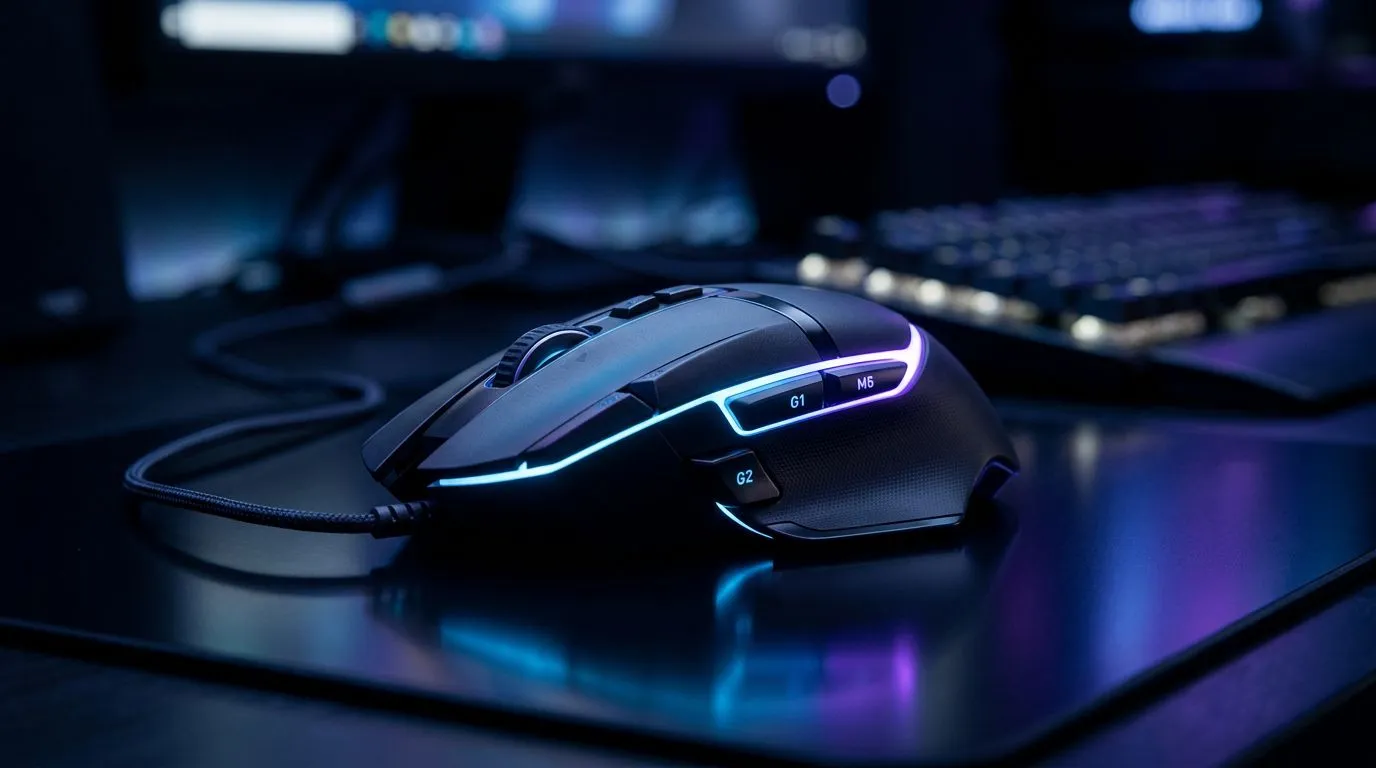
Ever been in that clutch 1v3 situation in Apex Legends, only to fumble for your ultimate key? Or maybe you’ve missed a crucial headshot in Valorant because your push-to-talk button is an awkward keyboard stretch away. We’ve all been there. What if you could map those essential actions directly to your thumb? That’s the power of programmable mouse buttons, and mastering them is key to levelling up your gameplay here in South Africa. 🚀
So, What Are Programmable Mouse Buttons?
At its core, a gaming mouse with programmable mouse buttons allows you to change what each button does. Instead of the standard left-click, right-click, and scroll wheel, you get extra buttons—often near your thumb or index finger—that you can assign to any keyboard command, macro, or system function you can imagine.
Think of it as creating custom shortcuts for your most-used actions. Instead of moving your hand across the keyboard to heal, you can simply press a thumb button. This customisation is the main reason so many players invest in a quality gaming mouse designed for performance.
How Programmable Buttons Boost Your Gaming Performance
It’s not just about convenience; it’s about a tangible competitive edge. Using programmable mouse buttons offers several clear advantages that can directly improve your in-game performance.
Faster Reaction Times ���
Every millisecond counts. By mapping critical functions like melee, grenade throws, or special abilities to your mouse, you eliminate the travel time your other hand would take to find the right key. Your reaction to in-game events becomes almost instantaneous, as your fingers are already resting on the controls. This speed is often what separates a good player from a great one.
Simplified Complex Actions with Macros
A macro is a sequence of commands executed with a single button press. For MMO or strategy gamers, this is huge. Imagine casting a complex spell rotation in World of Warcraft or executing a rapid-build sequence in Fortnite with just one click. You can programme your mouse to do the heavy lifting, ensuring perfect execution every time and freeing you up to focus on strategy. Finding a mouse with great macro support doesn't have to break the bank, either; check out the best gaming mouse deals to find some lekker prices.
Macro Pro Tip ⚡
When setting up macros for competitive games, always check the game's terms of service. Most games allow macros that automate a sequence of key presses you could perform manually (e.g., swapping weapons and crouching). However, using macros that exploit game mechanics or automate gameplay can be a bannable offence. Keep it fair!
Getting Started with Your Programmable Mouse 🔧
Setting up your mouse is easier than you think. Most major brands like Logitech, Razer, and Corsair provide powerful, user-friendly software.
- Install the Software: Download the official software for your mouse (e.g., Logitech G HUB, Razer Synapse).
- Create a Profile: You can create different profiles for different games. Your CS:GO profile can have buttons for smokes and flashbangs, while your Dota 2 profile can have buttons for specific items.
- Drag and Drop: Most software uses a simple drag-and-drop interface. Just select the button you want to customise and assign a keyboard function, macro, or media control to it.
Whether you prefer the reliability of a classic wired mouse or the freedom of a high-performance wireless mouse, the setup process is virtually identical.
Beyond the Game: Productivity Power
Your gaming mouse isn't just for play. Programmable mouse buttons are incredibly useful for everyday tasks and productivity. You can set up a "Desktop" profile with buttons assigned to:
- Copy (Ctrl+C) & Paste (Ctrl+V)
- Muting your mic in Discord or Teams
- Opening your most-used applications
- Controlling media playback (play/pause, next track)
Pairing your customised mouse with other quality gear, like a smooth mousepad from our range of mouse accessories, creates a seamless and efficient setup for both work and play.
Ready to Upgrade Your Aim? Stop letting clumsy keyboard commands hold you back. A mouse with programmable buttons is a powerful tool for any serious gamer. Explore our massive range of gaming mice and find the perfect weapon to conquer your game.











