

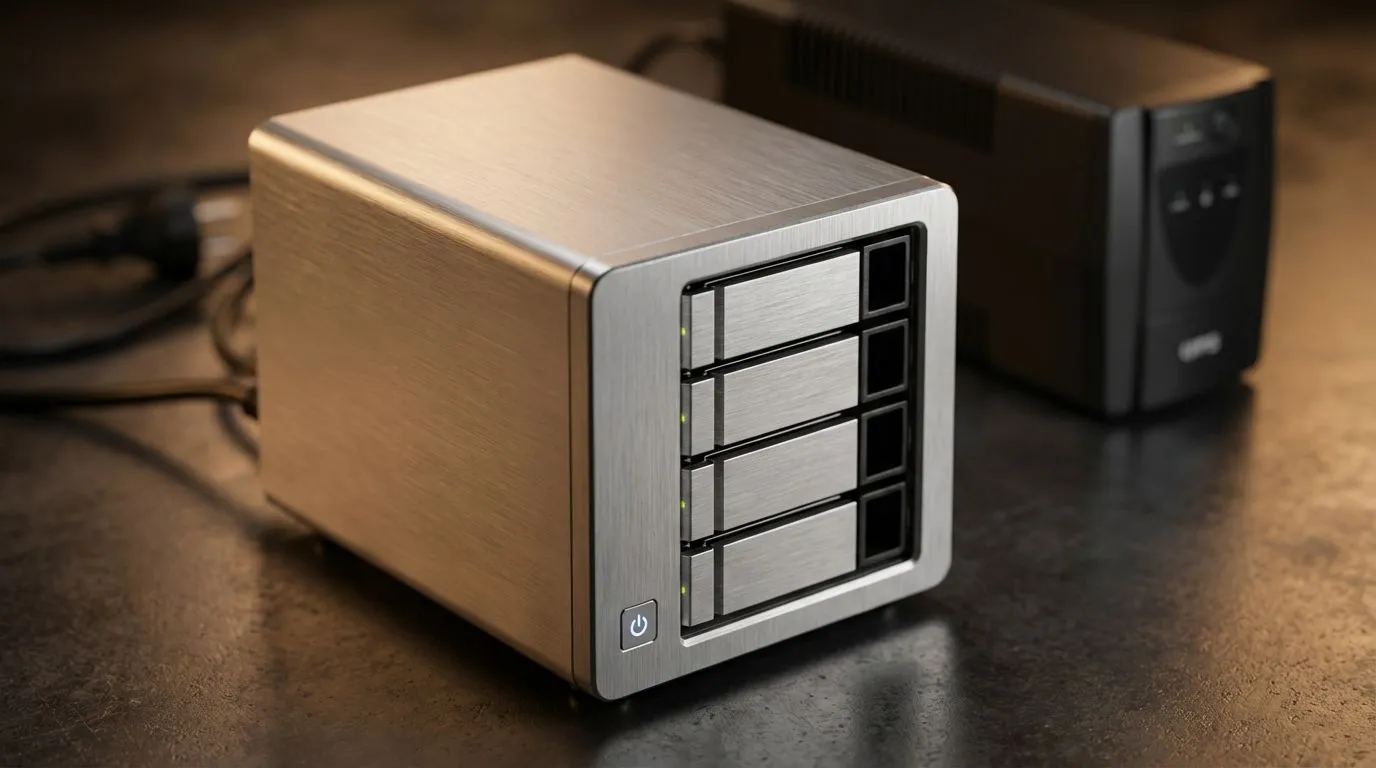
Why Loadshedding is Lethal for Your NAS
Imagine the dreaded "click" of a hard drive when the lights go out. In South Africa, loadshedding isn't just an inconvenience... it is a direct threat to your digital life. Your NAS stores your memories, work, and media. Protecting it requires more than just luck. You need a strategy involving a UPS and smart power management to ensure a safe shutdown every time. Sudden power loss causes "head crashes" or file system corruption. Even if you use reliable Western Digital drives, the hardware needs time to park its heads. You should consider high-quality solid state drives to reduce mechanical failure risks entirely. 🔧
The Essential UPS and Safe Shutdown Setup
A Line-Interactive UPS is your first line of defence. It buys your NAS the five minutes it needs to close active processes. Many modern units from ADATA or other top brands offer USB communication. This allows the NAS to trigger a shutdown automatically when the battery runs low. A basic UPS starts around R1,500... a small price to pay for data integrity. ⚡
Power Management Pro Tip ⚡
Always connect your NAS to the UPS via a USB data cable. In your NAS settings, enable 'Network UPS Tools' or 'UPS Support'. This ensures the NAS enters 'Standby Mode' or shuts down safely before the battery hits 10%, preventing volume crashes.
Speed and Redundancy in a Power-Unstable Environment
Speed matters when you are trying to sync data before the battery dies. Upgrading your internal cache to PCI Express (NVME) storage ensures your system stays responsive during high-load tasks. For those pushing the limits of modern networking, Gen 5 (NVME) drives provide the ultimate throughput. Brands like Kingston offer the reliability needed for these high-stress South African scenarios. 🚀
Backing Up the Backup with External Solutions
Never rely solely on one device. Use a buy external SSD for a secondary "cold" backup that stays unplugged. Having an External drive means you can grab your data and go if the power stays off too long. Modern external SSD options are rugged and fast enough to mirror your NAS data in minutes... keeping your files safe from surges when the grid flickers back to life. ✨
Ready to Protect Your Data? Loadshedding doesn't have to mean data loss. For maximum reliability, choice, and value in South Africa, our storage solutions are hard to beat. Explore our massive range of SSD specials and find the perfect drive to protect your digital world.








