

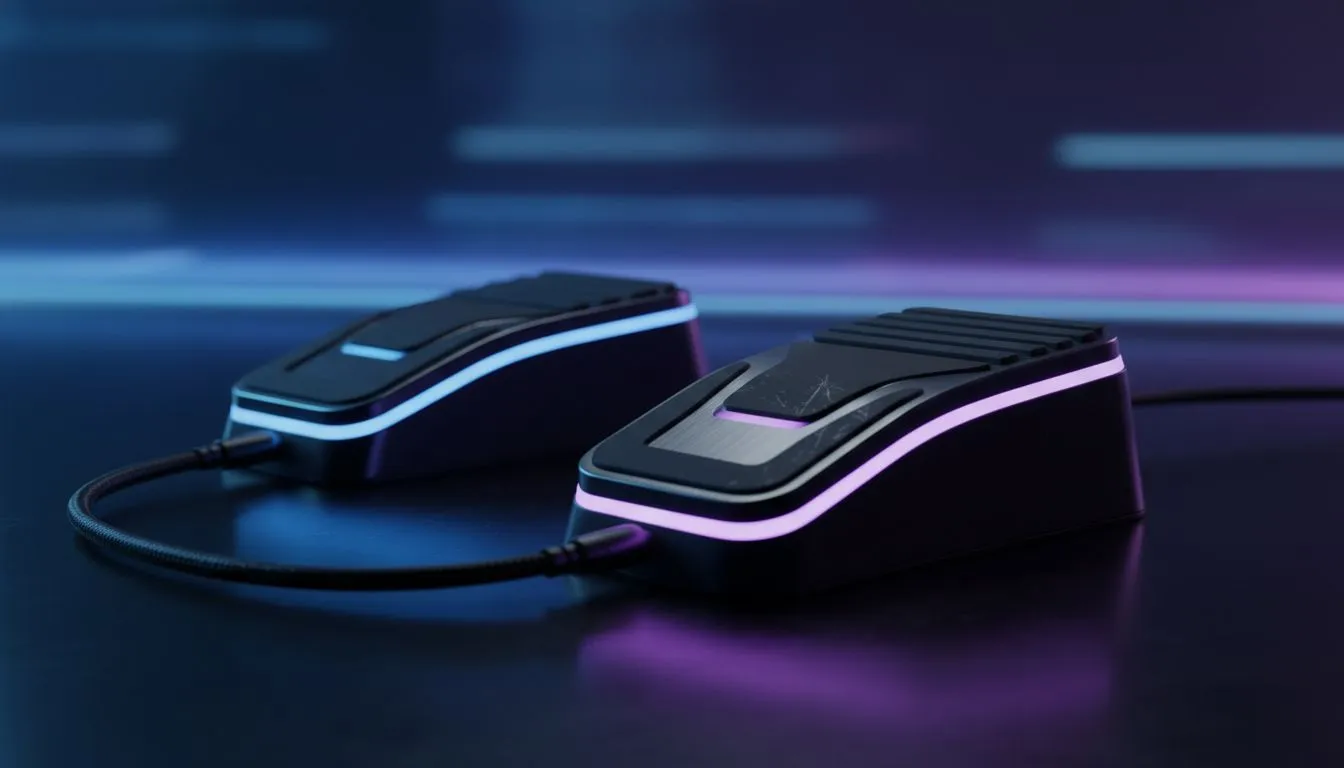
Tired of fumbling for the 'V' key while your squad screams for backup? In the high-stakes world of South African competitive gaming, every millisecond matters. Offloading your communication to your feet is a strategy used by pros to keep their hands on the triggers. This Push-to-Talk Foot Pedal: Ultimate Co-op Setup Guide explains how to optimise your desk for total victory.
Why Your Hands Need a Break 🔧
In fast-paced shooters or complex MMOs, your fingers are already overworked. They manage movement, abilities, and weapon swaps. Adding a communication toggle to that mix can lead to misclicks... or worse... a trip back to the respawn screen. By using a foot pedal, you separate your "action" inputs from your "social" inputs.
This setup is especially popular in the local sim racing community. Many drivers already have high-quality sim racing gear sitting under their desks. Repurposing a spare pedal for Discord or in-game chat is a brilliant way to maximise your investment.
Choosing the Right Hardware for Your Feet
You do not need a specialized "USB button" to get started. In fact, using hardware from established brands like Thrustmaster often provides better durability. These pedals are built to handle heavy braking forces... so they can easily withstand thousands of clicks during a long Helldivers 2 session.
When choosing a pedal, look for:
- Weighted bases: You do not want the pedal sliding away mid-clutch.
- Adjustable tension: This prevents accidental "hot-micing" if you rest your foot too heavily.
- USB Plug-and-Play: Ensure the device is recognised as a standard HID controller.
Software Mapping Tip ⚡
Use a free utility like 'JoyToKey' or 'AutoHotKey' to map your pedal to a keyboard stroke. Map it to an unused key like 'F13' or 'Scroll Lock'. This prevents the pedal from interfering with your standard typing or browser shortcuts.
Ergonomics and Stability in the Heat of Battle 🚀
A common mistake is placing the pedal on a slippery tile floor. This leads to awkward leg stretching that ruins your posture. To keep your setup professional, consider how your seat interacts with your peripherals.
Mounting your gear to dedicated Playseat chairs provides the most stable platform. When your seat and pedals are bolted into a single frame, your muscle memory becomes much more consistent. You will never have to hunt for the talk button again... it will always be exactly where you expect it.
Setting Up Your Software
Once the hardware is in place, head into your Discord settings. Navigate to 'Voice & Video' and select 'Push to Talk'. When the app asks for a keybind, simply press your foot pedal. Most modern titles will recognise the input immediately.
If you play multiple games, create different profiles. You might want the pedal for 'Push-to-Talk' in tactical shooters... but use it for 'Map Toggle' in open-world RPGs. The versatility is incredible once you get used to the movement. ✨
Ready to Find Your Perfect Match? Mastering your comms is just the first step to dominating the lobby. For the best deals on peripherals and racing gear in South Africa, we have you covered. Explore our massive range of sim racing hardware and find the perfect gear to conquer your world.











