


Dedicated Media Keys for Streamers: Improve Workflow Fast
Dedicated media keys give streamers one-touch control to mute, switch scenes, clip highlights, and adjust audio — cutting task time and boosting consistency 🎛️⚡
Read moreQuiet keyboard essentials: learn how to pick switches, layouts and features that cut noise and boost focus in shared offices and study spaces. Get practical buying tips and maintenance advice 🔇💻
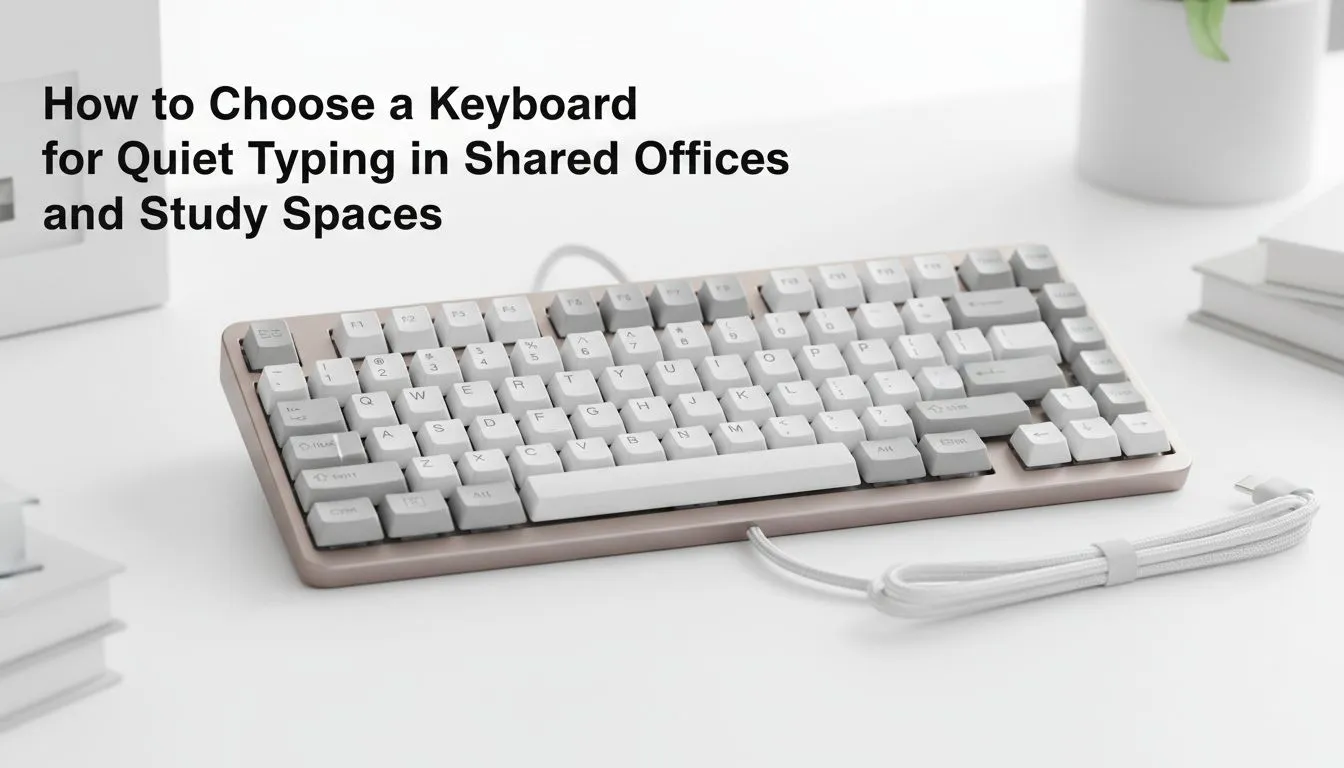
Working in a busy shared office in Sandton or a quiet university library in Stellenbosch presents a unique challenge. You need gear that keeps up with your workflow, but that loud "clack" of a mechanical deck can quickly make you the least popular person in the room. Finding a quiet keyboard that balances tactile feel with stealthy acoustics is essential for modern productivity 🔧.
When searching for a quiet keyboard: how to choose for shared offices & study spaces, the first thing to look at is the switch technology. Traditional mechanical keyboards often use "Blue" switches which are designed to be loud. For a shared environment, you should look for membrane switches or "Linear Red" or "Silent Black" mechanical alternatives. These provide a smooth travel without the piercing click that disrupts your colleagues.
If you are hunting for value, browsing the latest gaming keyboard deals is the best way to find premium silent switches at a significant discount. Many modern gaming decks now include dampening pads specifically to reduce noise for streamers... which works perfectly for office workers too.
Your workspace layout often dictates your connectivity needs. A cluttered desk in a small study cubicle might benefit from a cable-free setup. If you want a clean, professional aesthetic for your shared office, choosing a wireless gaming keyboard helps reduce the mess while providing the freedom to reposition your gear for comfort 🚀.
On the other hand, if you never move your setup and want zero latency without worrying about charging, a wired gaming keyboard remains the gold standard for reliability. These units are often more affordable, leaving you with more ZAR in your pocket for other upgrades.
If your mechanical keyboard is still a bit too loud, consider adding small silicone O-rings to the stems of your keycaps. These inexpensive dampeners limit the 'bottoming out' sound when you type aggressively, significantly lowering the decibel level during intense typing sessions.
You don't need to spend thousands to get a decent typing experience. If you are on a strict budget but still need to stay hushed, you can buy the cheapest gaming keyboard in South Africa that features membrane technology. Membrane keys are inherently quieter than mechanical ones because they use a rubber dome to register presses rather than plastic-on-plastic parts.
For students setting up a completely new workstation from scratch, a keyboard and mouse combo often provides the best overall value ✨. These bundles are curated to ensure your peripherals match in both style and performance, ensuring your study sessions remain productive and quiet.
When making your final choice, look for these specific features:
Selecting the right gear ensures you can work late into the night without waking up the whole house or irritating your desk neighbours.
Ready to Find Your Perfect Match? Finding the right balance between silence and performance is easy with the right gear. Whether you need a stealthy mechanical deck or a budget-friendly membrane setup, we have you covered. Explore our massive range of keyboard specials and find the perfect machine to conquer your world.
Quiet keyboards combine low-noise switches, dampened stabilizers, thicker keycaps or foam chambers and sometimes membrane designs to reduce click and thock.
Yes—linear mechanical switches lubed or paired with o-rings can be very quiet. Silent mechanical keyboards with o-rings cut bottom-out noise effectively.
Linear or dedicated silent switches (eg. silent Reds, Topre or tactile-dampened variants) are top picks among quiet mechanical keyboard switches.
Choose based on desk layout: quiet wireless keyboard for office offers tidy setups and portability, wired models avoid battery interruptions and lag.
Use keyboard sound dampening tips: add o-rings, lube switches and stabilizers, install case foam, or swap to softer keycaps to cut noise.
Budget picks include membrane or low-profile mechanical models and affordable compact boards—look for best membrane quiet keyboard reviews and sound tests.
Watch independent sound tests and comparisons, test in-store typing samples, and check reviews that include quiet switch audio or silent keyboard switches compared.
Dedicated media keys give streamers one-touch control to mute, switch scenes, clip highlights, and adjust audio — cutting task time and boosting consistency 🎛️⚡
Read more
PBT vs ABS keycaps: Clear, local guide for South African gamers—compare feel, sound, durability and where to buy. Find the best material for your budget and playstyle 🎮🇿🇦
Read more
- Multi-Function Digital Dial: define benefits - Show gamer setups and macros - Offer buying and setup tips Multi-Function Digital Dial puts programmable control at your fingertips for faster actions and smoother streaming. 🎮⚙️
Read more
- Explain benefits; - Show the science; - Compare options; - Recommend picks. Magnetic wrist rest for gaming cuts wrist strain and boosts comfort during long sessions 🕹️✨
Read more
best gaming keyboard South Africa: Learn how to pick a low-latency mechanical keyboard, choose switches, layout and budget for competitive play 🎮⚡
Read more
Best wireless keyboard and mouse combo for small desks — curated, space-saving picks that boost comfort and productivity in tight setups. Find low-profile layouts, compact mice, and reliable range to fit your compact workstation. 🖱️⌨️
Read more
Discover webcams that automatically adjust light and color for crystal-clear video calls 🎥✨. Boost your streaming quality today!
Read more
Discover webcams that blend into your workflow 🎯 Capture moments while you work, stream, or create. Upgrade your setup with smart, multitasking tech!
Read more Dedicated media keys give streamers one-touch control to mute, switch scenes, clip highlights, and adjust audio — cutting task time and boosting consistency 🎛️⚡
Read more PBT vs ABS keycaps: Clear, local guide for South African gamers—compare feel, sound, durability and where to buy. Find the best material for your budget and playstyle 🎮🇿🇦
Read more - Multi-Function Digital Dial: define benefits - Show gamer setups and macros - Offer buying and setup tips Multi-Function Digital Dial puts programmable control at your fingertips for faster actions and smoother streaming. 🎮⚙️
Read more - Explain benefits; - Show the science; - Compare options; - Recommend picks. Magnetic wrist rest for gaming cuts wrist strain and boosts comfort during long sessions 🕹️✨
Read more