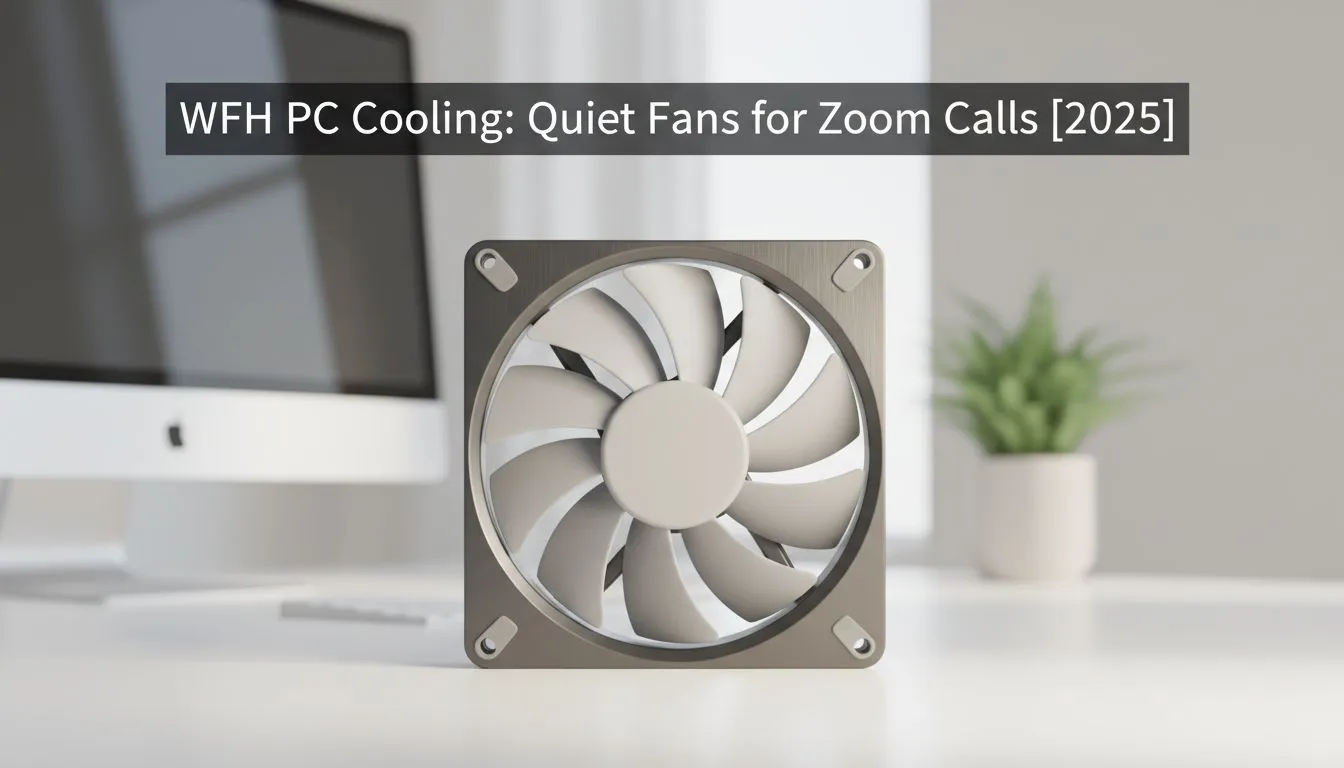
"You're on mute!"... We've all heard it. But what about the opposite problem? You unmute to speak on a crucial Zoom call, and your powerful gaming PC decides it's the perfect time to sound like a Boeing 747 taking off from OR Tambo. That background hum isn't just distracting for your colleagues; it's unprofessional. The solution is simpler than you think: investing in quiet PC fans for WFH can transform your workspace. 🤫
Why Your PC Sounds Like a Jet Engine
Your PC's fans have one job: move hot air away from critical components like your CPU and GPU. When you're just typing an email, this is easy. But fire up a demanding application—whether it's Warzone or a complex Excel spreadsheet—and your components heat up fast. The fans spin faster to compensate, creating that tell-tale roar. Poor case airflow can make this even worse, trapping heat and forcing your fans to work overtime.
The key to a silent setup is efficiency. Better cooling means fans can spin slower and quieter while still keeping temperatures in check. This is where upgrading your stock coolers makes a world of difference. Investing in high-quality CPU coolers is the single biggest step you can take towards achieving a peaceful WFH environment.
Finding the Right Quiet PC Fans for Your WFH Rig
When it comes to silencing your PC, your main focus should be the CPU cooler. You generally have two choices, each with its own benefits for noise reduction. Making the right choice is crucial for keeping those work calls silent.
The Air Cooling Option: Simple & Silent
Modern Air Coolers are engineering marvels. They use a large heatsink with metal fins to draw heat away from the CPU, which is then dissipated by a large, slow-spinning fan. Because the fan can be much larger than a stock cooler's, it moves more air at lower RPMs (Revolutions Per Minute), resulting in significantly less noise. They are reliable, easy to install, and offer fantastic value for money.
The Liquid Cooling Option: Peak Performance & Whisper-Quiet Operation
For the ultimate in low-noise performance, an All-In-One (AIO) Liquid Cooler is the way to go. These systems use a pump to circulate liquid through a block on your CPU to a radiator, where fans then cool the liquid. Because liquid is much more efficient at transferring heat than air, the fans on the radiator don't have to work as hard.
Top-tier brands like Corsair are masters of quiet efficiency. Furthermore, opting for a larger radiator, such as a 360mm Radiator, increases the surface area for cooling. This means the fans can spin even slower, often becoming virtually inaudible during typical WFH tasks. ✨
Pro Tip: Master Your Fan Curves 🔧
Your PC's BIOS UEFI allows you to set custom "fan curves." This tells your fans how fast to spin at certain temperatures. You can create a custom profile that keeps fans at their lowest, quietest speed until the CPU hits a higher temperature (e.g., 60°C). This ensures your PC stays silent during calls and light work, only ramping up when you're actually pushing it hard.
Don't let a noisy PC undermine your professionalism. A simple upgrade can make your work-from-home experience more focused and your Zoom calls crystal clear.
Ready to Silence Your Setup?
A quiet PC makes all the difference for focus and professionalism. A simple cooler upgrade is the best investment for a peaceful WFH office. Explore our massive range of CPU coolers and find the perfect silent solution for your rig.